
Every screen inside the Desk is rendered inside a frappe.ui.Page object.
frappe.ui.makeapppage
Creates a new Page and attaches it to parent.
let page = frappe.ui.make_app_page({
    title: 'My Page',
    parent: wrapper // HTML DOM Element or jQuery object
    single_column: true // create a page without sidebar
})
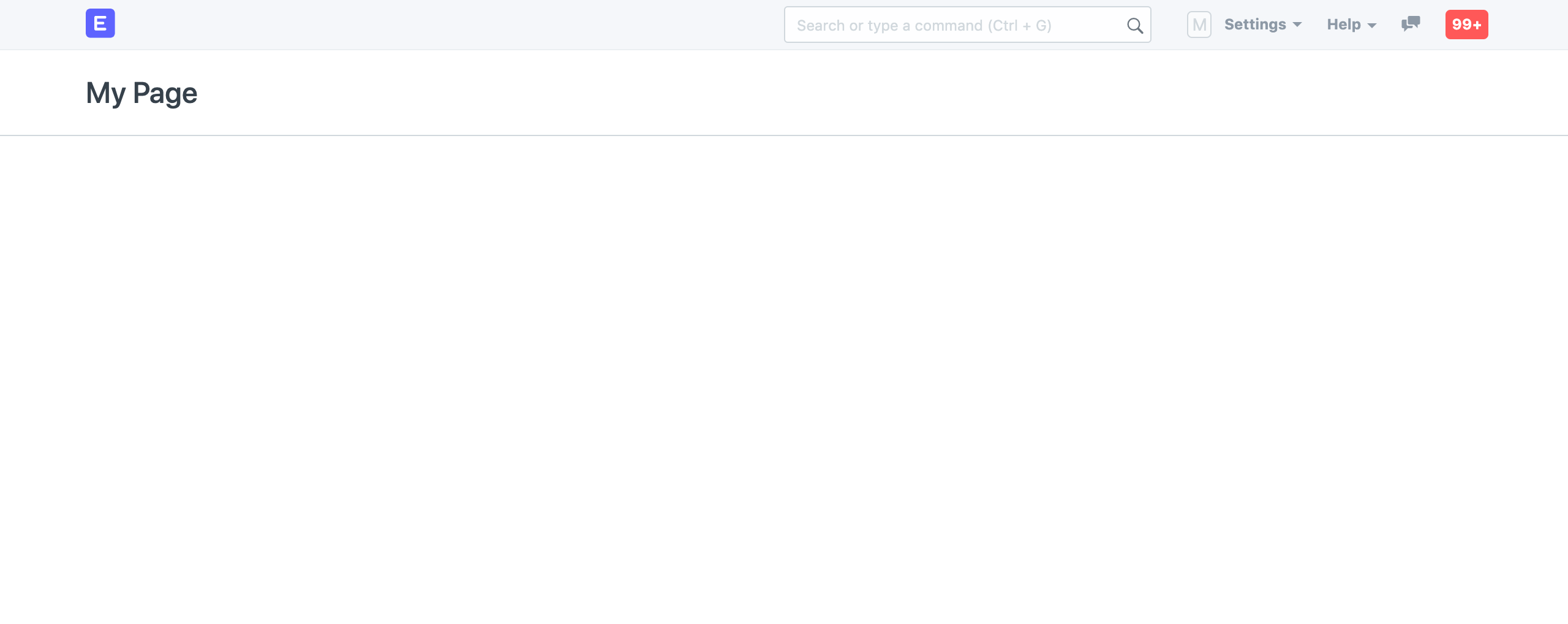
New Page
Page methods
This section lists out the common methods available on the page instance object.
page.settitle
Set the page title along with the document title. The document title is shown in browser tab.
page.set_title('My Page')
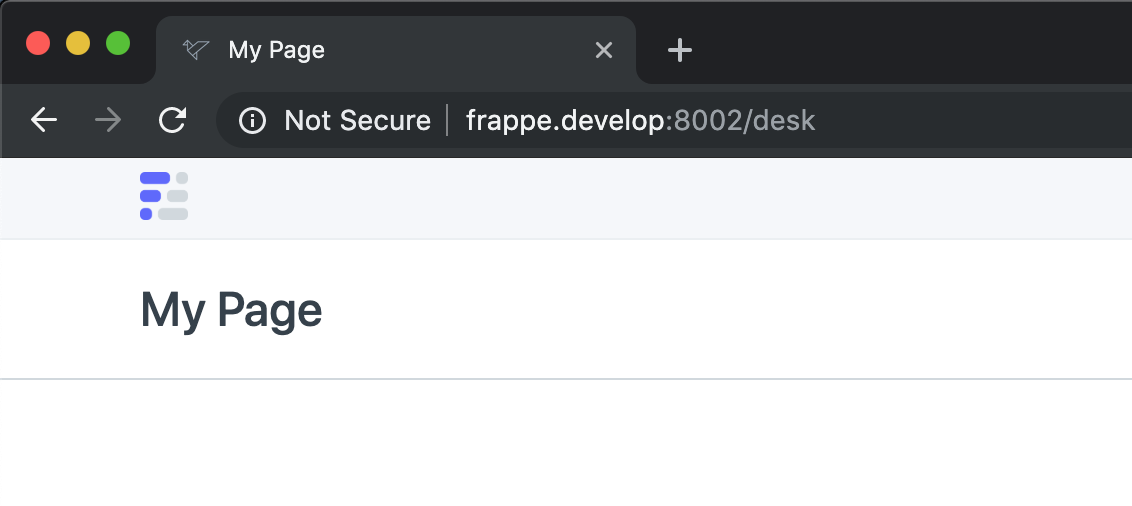
Page Title
page.settitlesub
Set the secondary title of the page. It is shown on the right side of the page header.
page.set_title_sub('Subtitle')

Page Subtitle
page.setindicator
Set the indicator label and color.
page.set_indicator('Pending', 'orange')
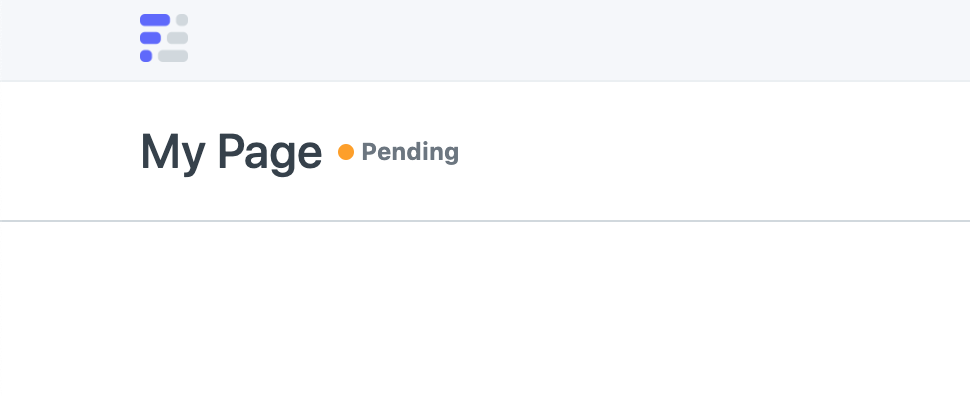
Page Indicator
page.clearindicator
Clear the indicator label and color.
page.clear_indicator()
page.setprimaryaction
Set the primary action button label and handler. The third argument is the icon class which will be shown in mobile view.
let $btn = page.set_primary_action('New', () => create_new(), 'octicon octicon-plus')
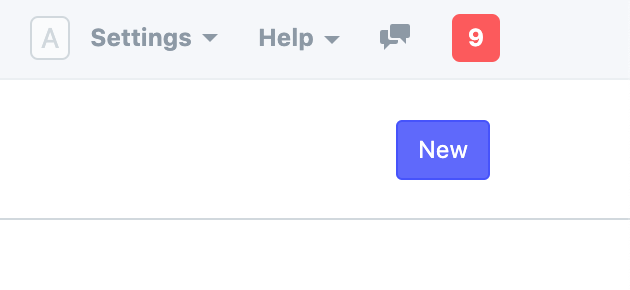
Page Primary Action
page.clearprimaryaction
Clear primary action button and handler.
page.clear_primary_action()
page.setsecondaryaction
Set the secondary action button label and handler. The third argument is the icon class which will be shown in mobile view.
let $btn = page.set_secondary_action('Refresh', () => refresh(), 'octicon octicon-sync')
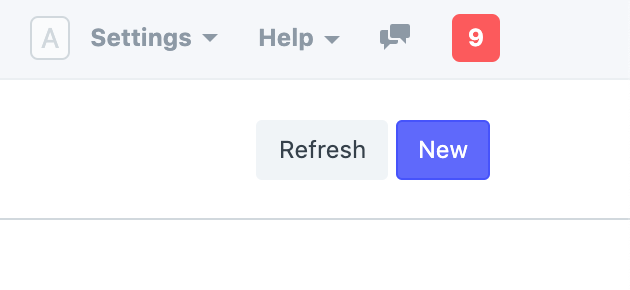
Page Secondary Action
page.clearsecondaryaction
Clear secondary action button and handler.
page.clear_secondary_action()
page.addmenuitem
Add menu items in the Menu dropdown.
// add a normal menu item
page.add_menu_item('Send Email', () => open_email_dialog())

// add a standard menu item
page.add_menu_item('Send Email', () => open_email_dialog(), true)
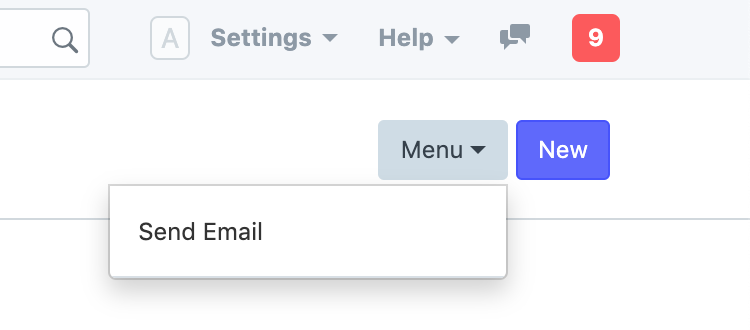
Page Menu Dropdown
page.clearmenu
Remove Menu dropdown with items.
page.clear_menu()
page.addactionitem
Add menu items in the Actions dropdown.
// add a normal menu item
page.add_action_item('Delete', () => delete_items())
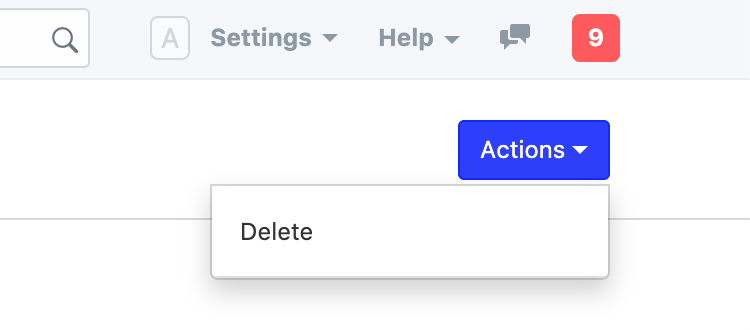
Page Actions Dropdown
page.clearactionsmenu
Remove Actions dropdown with items.
page.clear_actions_menu()
page.addinnerbutton
Add buttons in the inner toolbar.
// add a normal inner button
page.add_inner_button('Update Posts', () => update_posts())
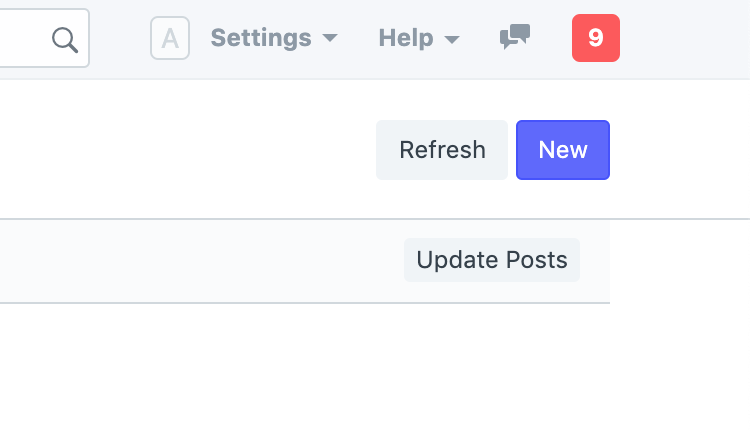
Page Inner Button
// add a dropdown button in a group
page.add_inner_button('New Post', () => new_post(), 'Make')
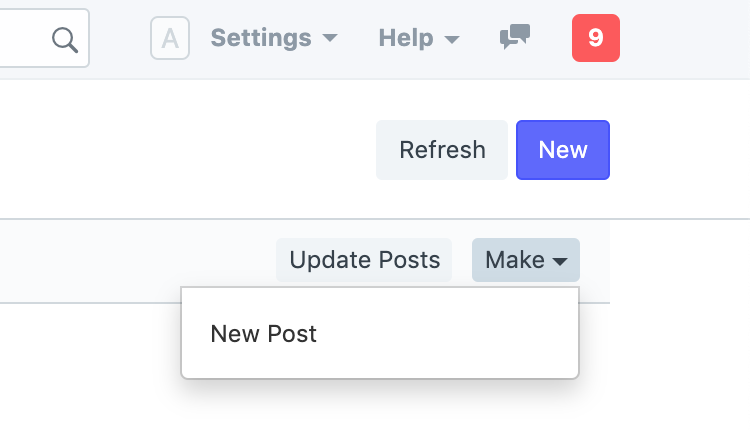
Page Inner Button Group
page.changecustombuttontype
Change a specific custom button type by label (and group).
// change type of ungrouped button
page.change_inner_button_type('Update Posts', null, 'primary');

// change type of a button in a group
page.change_inner_button_type('Delete Posts', 'Actions', 'danger');
page.removeinnerbutton
Remove buttons in the inner toolbar.
// remove inner button
page.remove_inner_button('Update Posts')

// remove dropdown button in a group
page.remove_inner_button('New Posts', 'Make')
page.clearinnertoolbar
Remove the inner toolbar.
page.clear_inner_toolbar()
page.addfield
Add a form control in the page form toolbar.
let field = page.add_field({
    label: 'Status',
    fieldtype: 'Select',
    fieldname: 'status',
    options: [
        'Open',
        'Closed',
        'Cancelled'
    ],
    change() {
        console.log(field.get_value());
    }
});
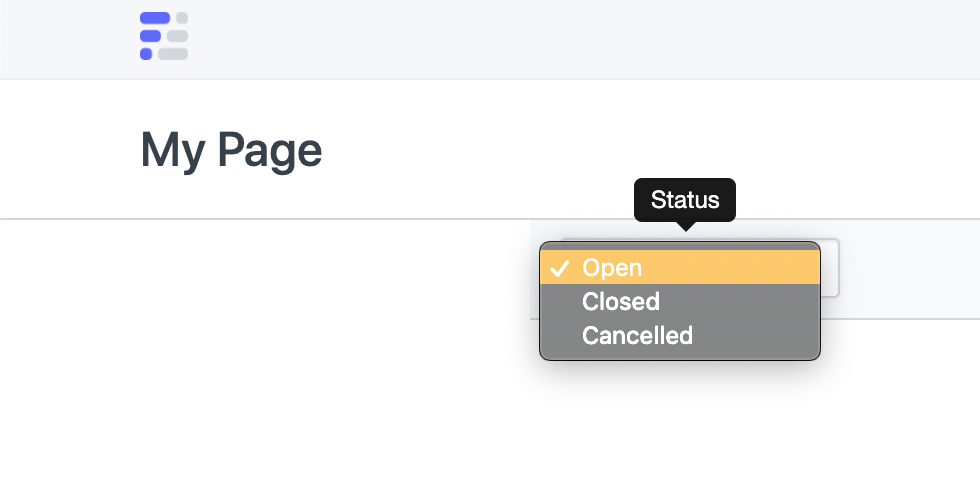
Page Form Toolbar
page.getformvalues
Get all form values from the page form toolbar in an object.
let values = page.get_form_values()
// { status: 'Open', priority: 'Low' }
page.clearfields
Clear all fields from the page form toolbar.
page.clear_fields()