


















Wiki Settings allow you to change generic configurations of the wiki app.
General
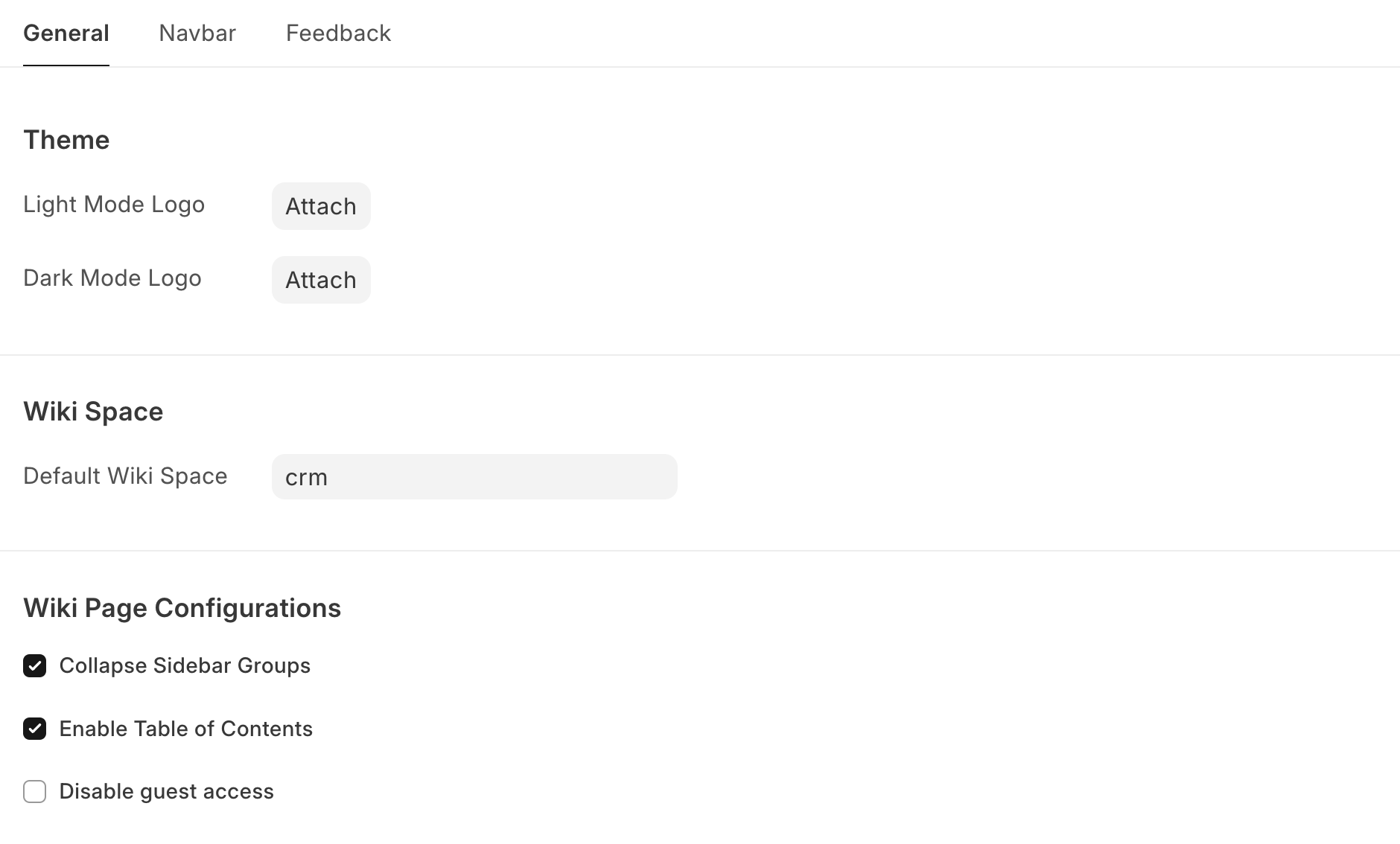
- Light Mode Logo: The default logo that is visible on the top left of each wiki page
- Add Dark Mode: Add dark mode theming to Wiki
- Dark Mode Logo: The logo that is displayed on dark mode instead of the default logo
- Default Wiki Space: The default Wiki Space you will be redirected
- Enable Table of Content: Show or hide the Table of Content displayed on right side
- Disable guest access: Make your wiki only accessible by logged in/authenticated users
Navbar
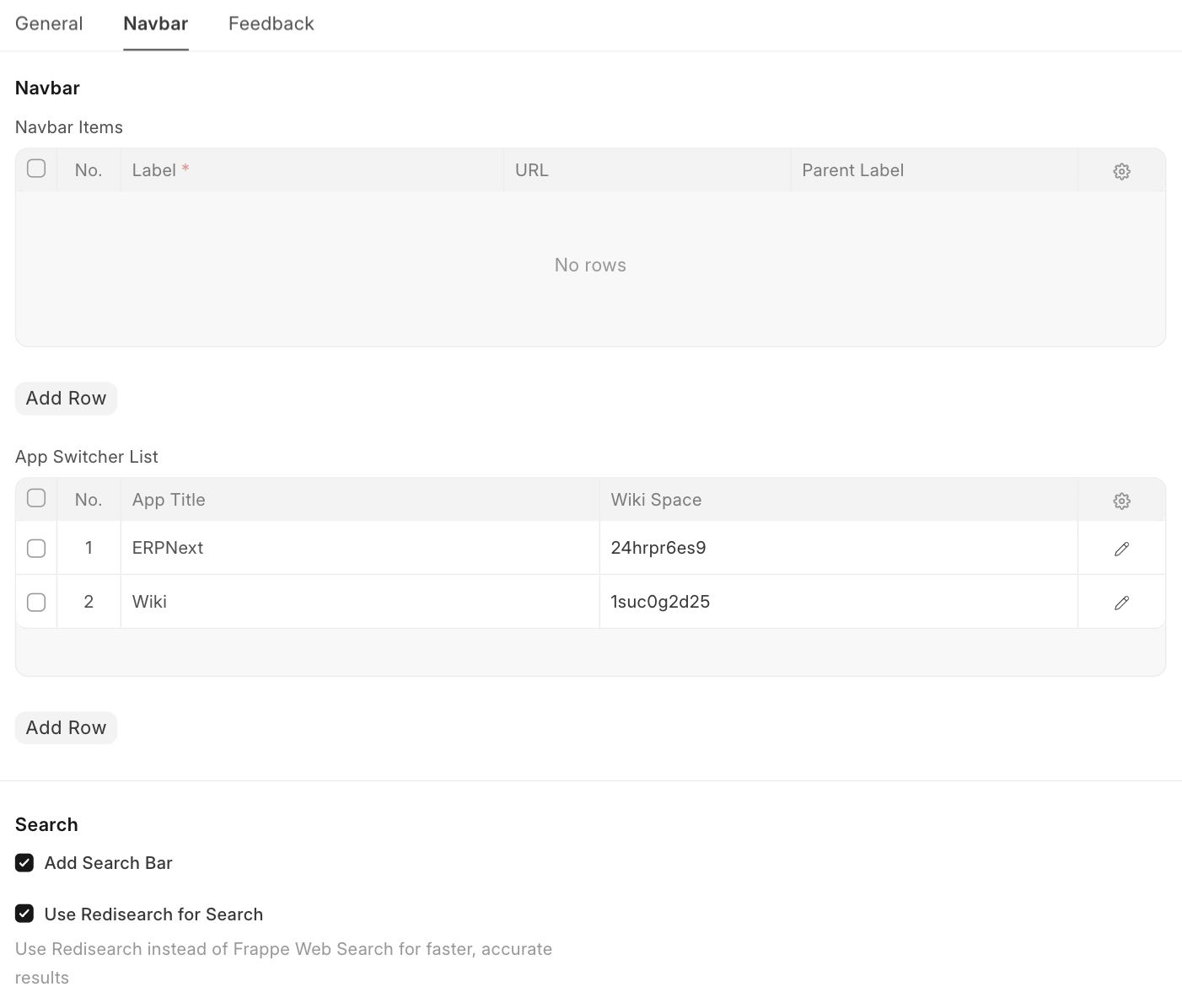
- Navbar Items: Add Navbar Items similar to how it is in Website module
- App switcher list: Add items in top left dropdown menu list
- Add Search Bar: Add a Redisearch powered search bar to the navbar
- Use Redisearch for Search: Use Redis Search for searching wiki pages
Feedback
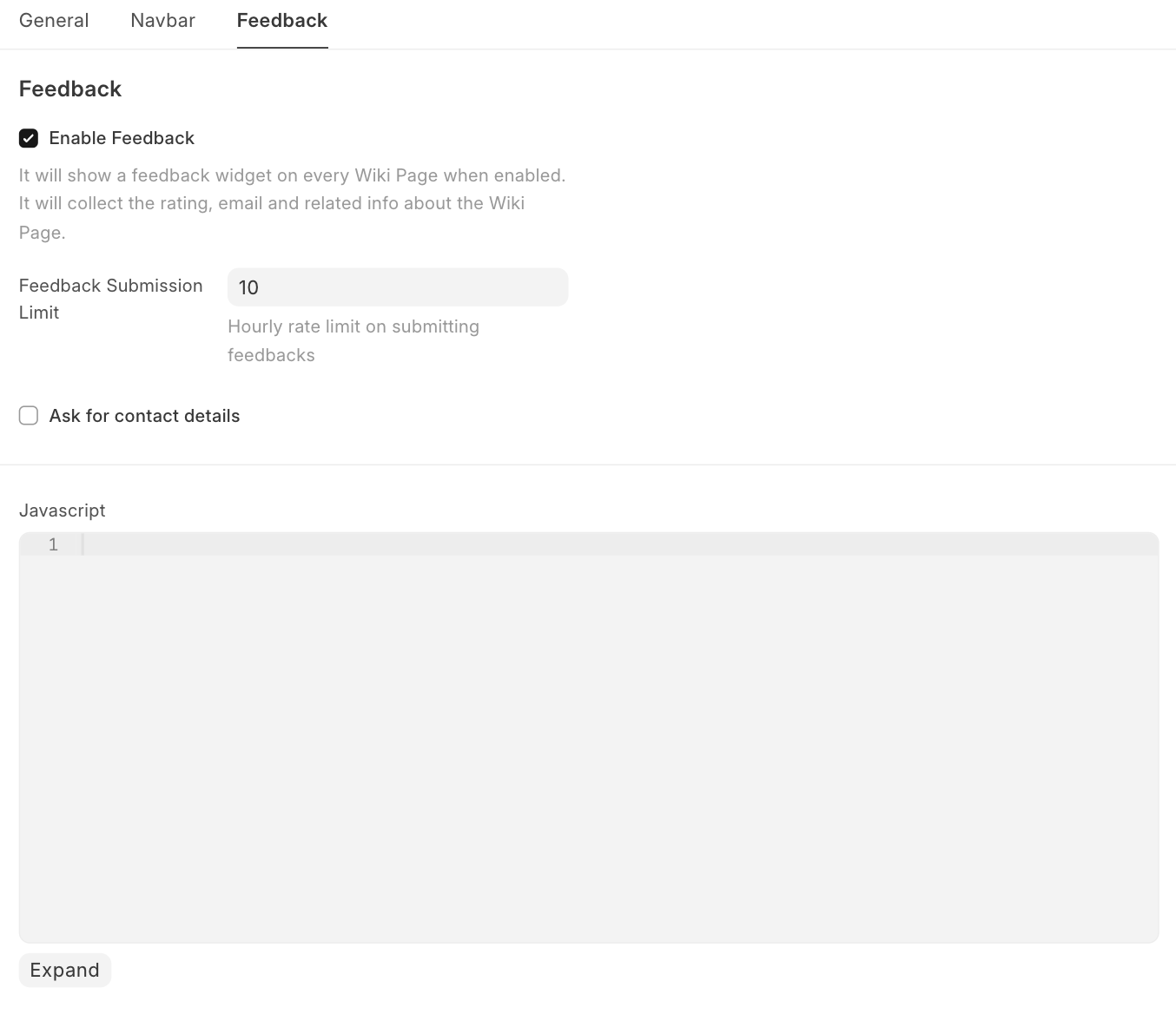
- Enable Feedback: Allow users to submit feedback
- JavaScript: Allows you to add Custom JS that would be run on each Wiki Page
Last updated 10 months ago
Was this helpful?