
Setting Company Sales Goal
Defining and achieving sales goals/targets can help your company reach new goals and increase revenue.
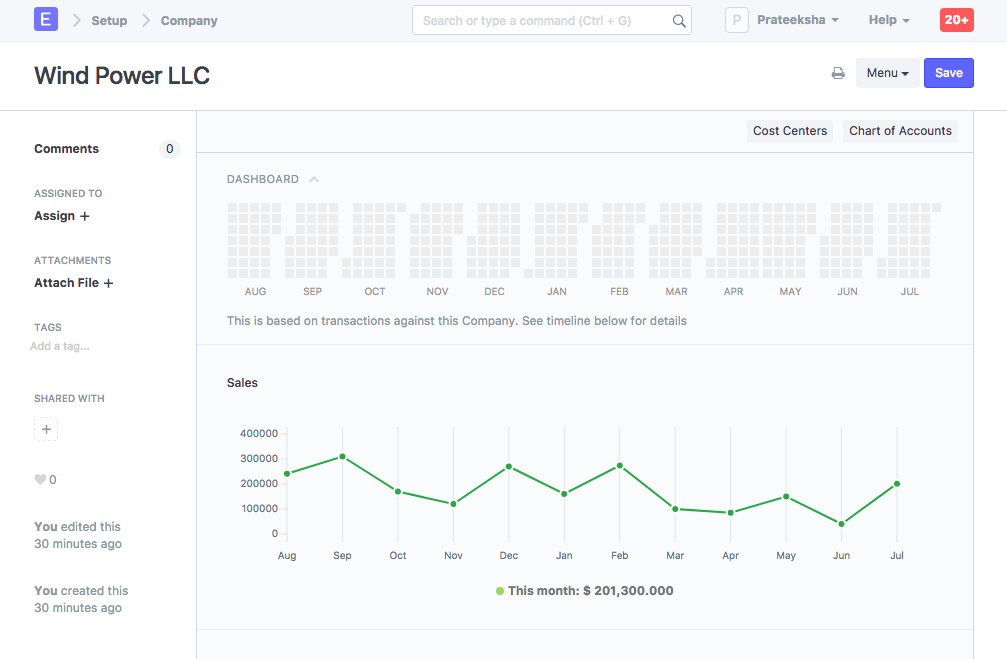
- Monthly sales targets can be set for a Company via the Company master under the Sales Settings section. By default, the Company master dashboard displays month-wise past sales stats.
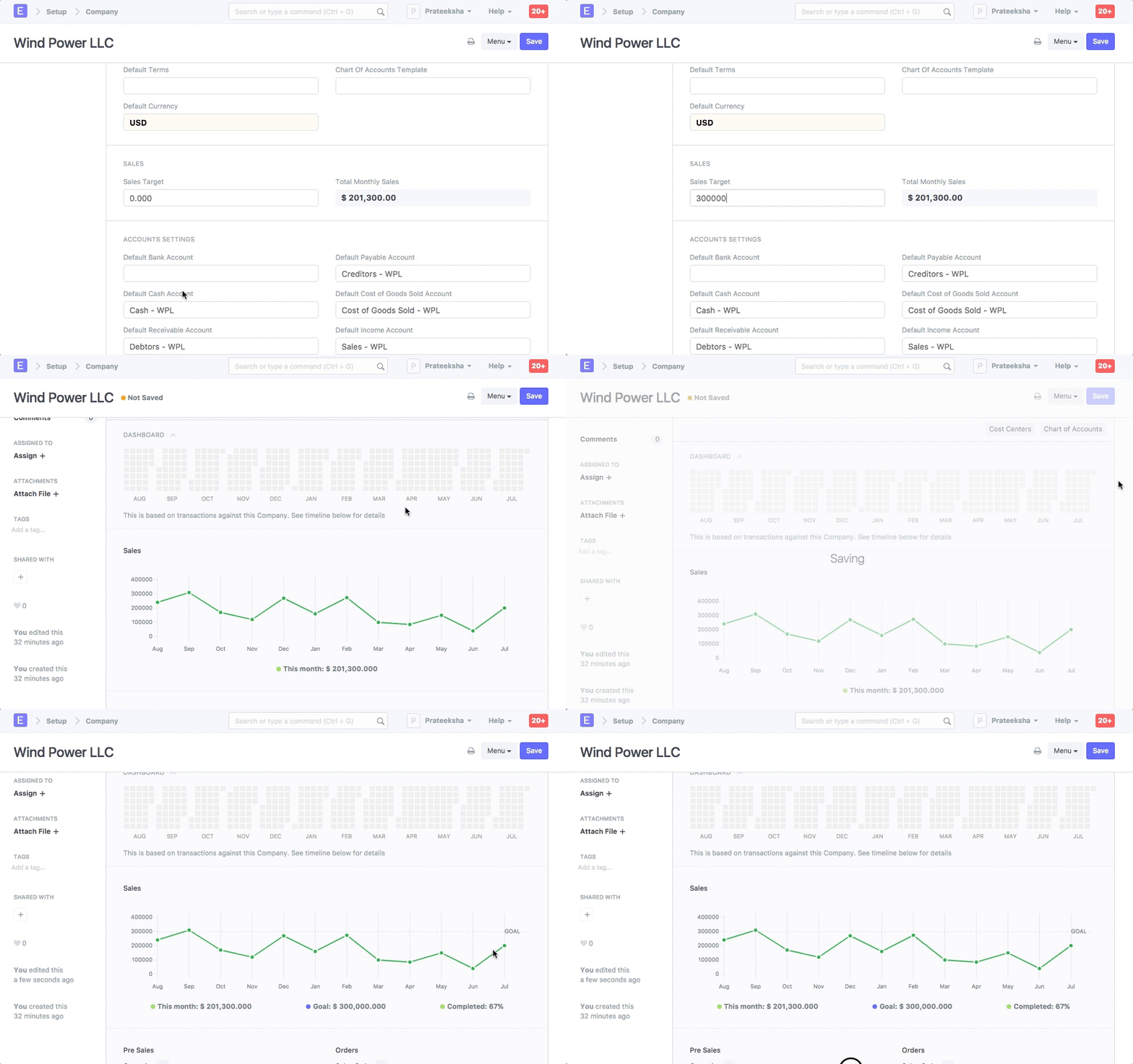
- You can set the Sales Target field to track progress against the graph:
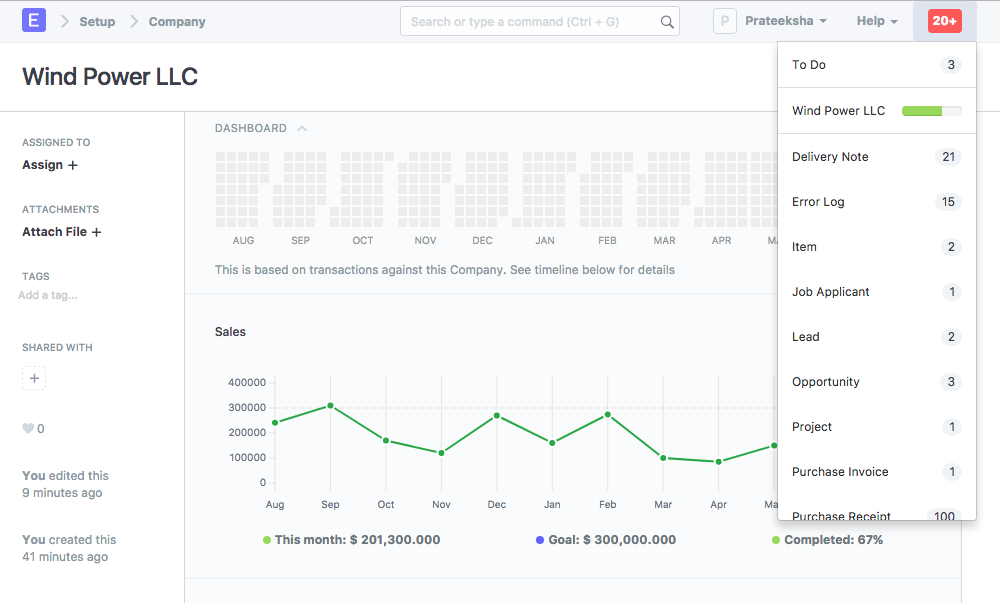
- The target progress is also shown in notifications:
Related Topics
Last updated 1 month ago
Was this helpful?