A Workstation stores information regarding the place where the workstation operations are carried out.
Data regarding the operation cost, rent, electricity can be stored here.
An Operation takes place at a Workstation. The Operation is the work performed and the Workstation is the place/machine where it is performed. For example, melting is an Operation that can be done at 10 different Workstations.
How to create a Workstation
- Go to the Workstation list, click on New.
- Enter a name for the Workstation.
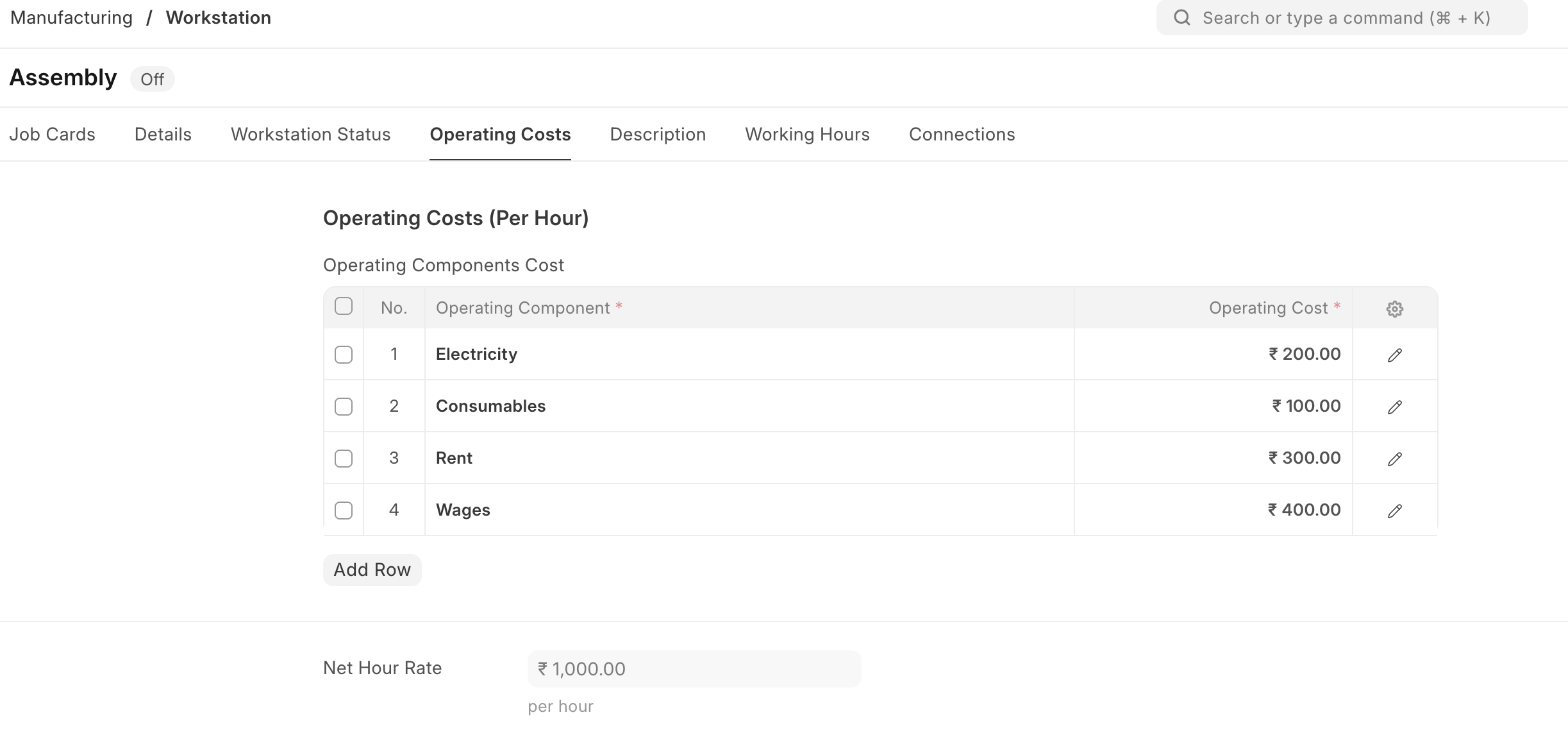
- Under Operating Costs, enter operating component with the cost:
- Electricity
- Rent
- Consumables
- Wages
- Save.
Optionally, you can enter a description for the Workstation.
Operating Components
Using this table you can divide the different cost components and set it to the Operation.
Workstation Operating Component
User can also define the expense account per component company wise in the Workstation Operating Component.

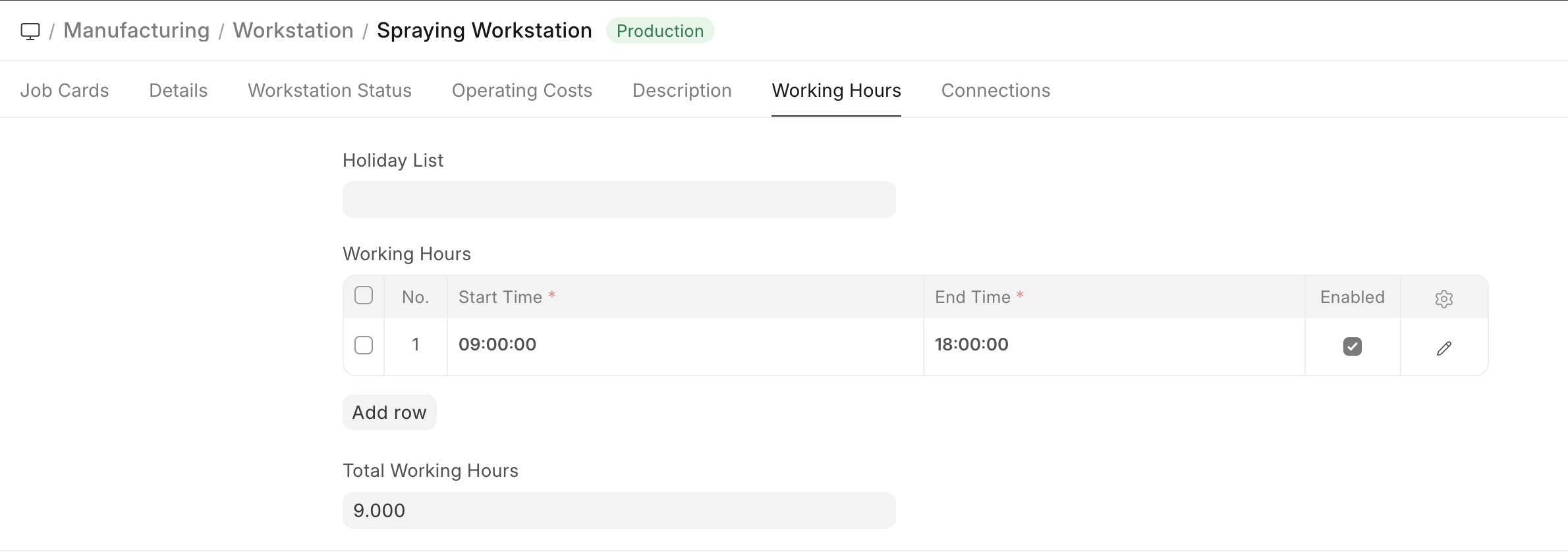
A Holiday List can be added to exclude counting these days for the Workstation.
The hours when the Workstation will be Operational can be added. On adding a Holiday list, the days listed as holidays won't be counted as working for the Workstation.
Under Working Hours table, you can add start and end times for a Workstation. For example, a Workstation may be active from 9 am to 1 pm, then 2 pm to 5 pm. You can also specify the working hours based on shifts. While scheduling a Work Order, the system will check for the availability of the Workstation based on the working hours specified.
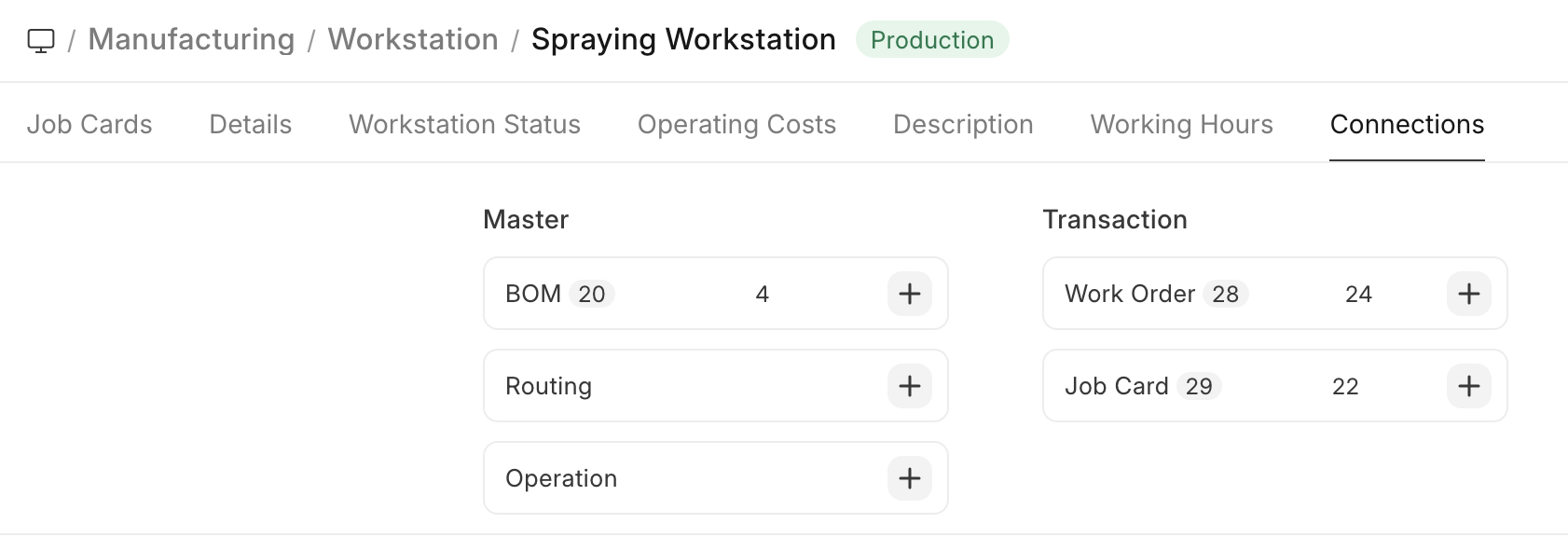
After saving the Workstation, the following actions can be performed against it:
Features
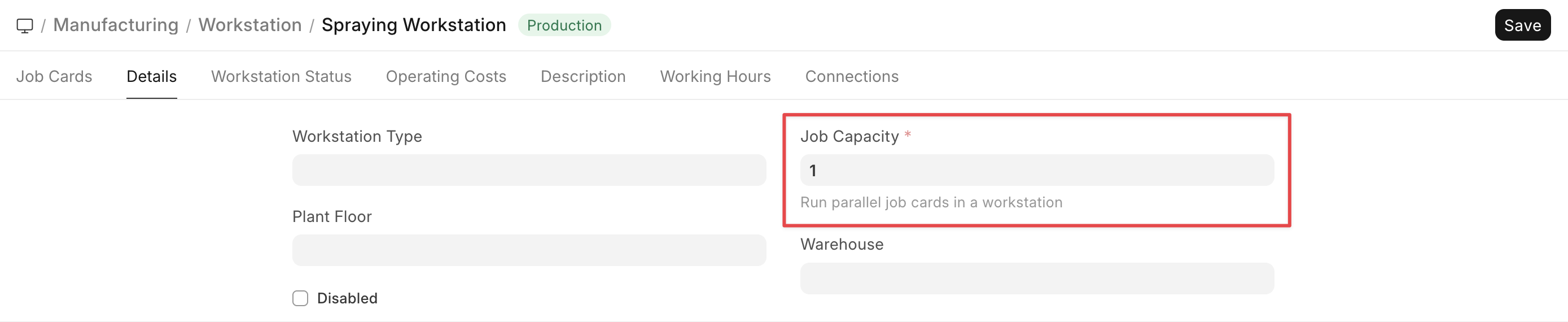
Production Capacity
Production Capacity is the total number of jobs can be executed at the same time in the respective workstation.