

















What are Teams?
Teams are groups of users who share access to the same resources. Every Insights installation has an Admin team with full access.
Creating Teams
- Go to Settings → Permissions
- Click "Create Team"
- Enter team name (e.g., "Sales Team West", "Finance Team")
- Click Create
Managing Team Members
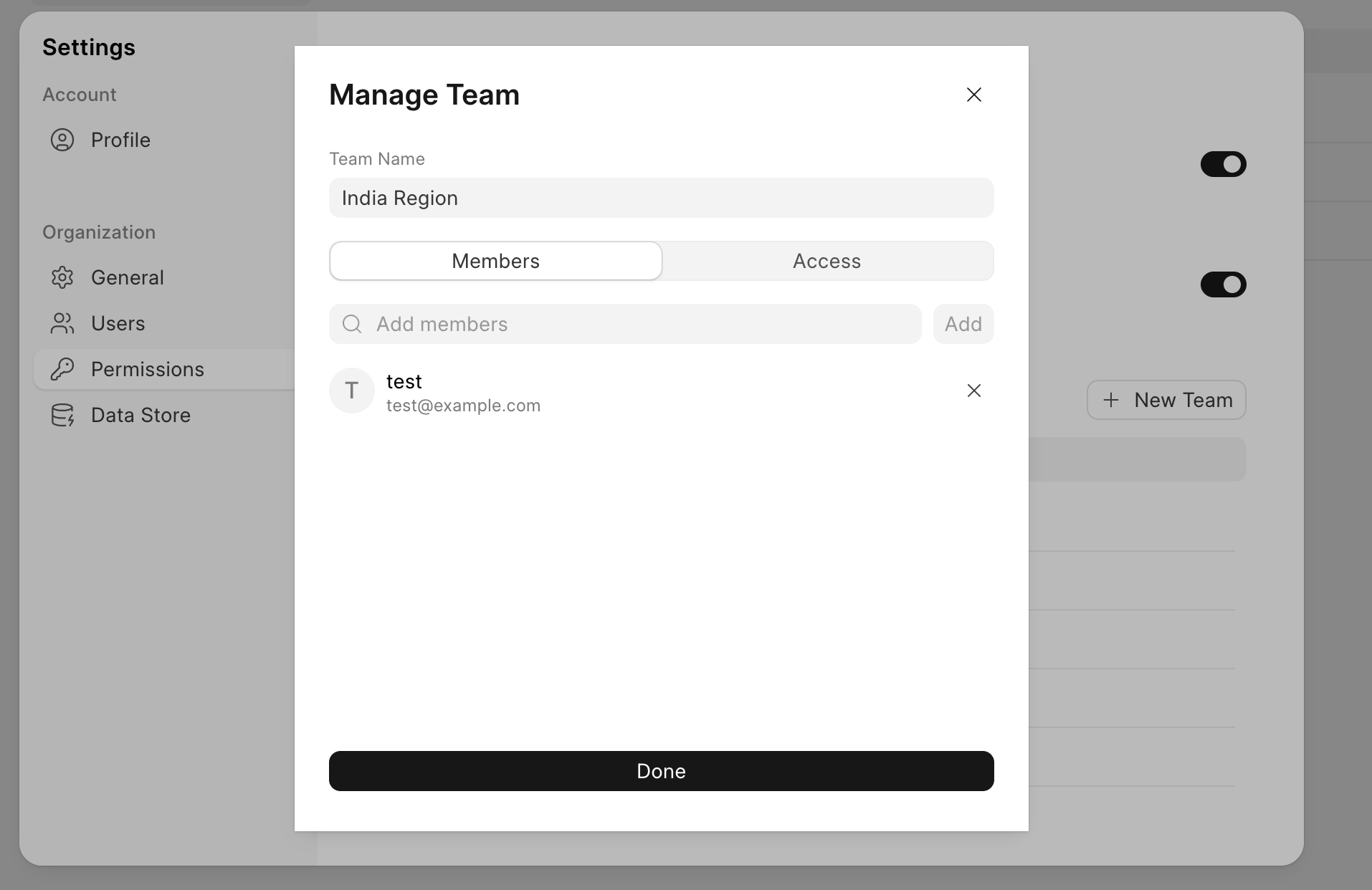
- Click on a team from the list
- Go to the Members tab
- Add/remove users using email addresses
Example:
Team: Sales Team West
Members:
  - john@company.com
  - jane@company.com
  - robert@company.com
Last updated 9 months ago
Was this helpful?