
Student Attendance allows you to track and manage the attendance of a student for a day. The Attendance module is designed to help teachers easily mark student attendance during class.
Attendance Records can be created against Students on a daily basis.
To access Student Attendance, go to:
Home > Education > Attendance > Student Attendance
- How to create Student Attendance
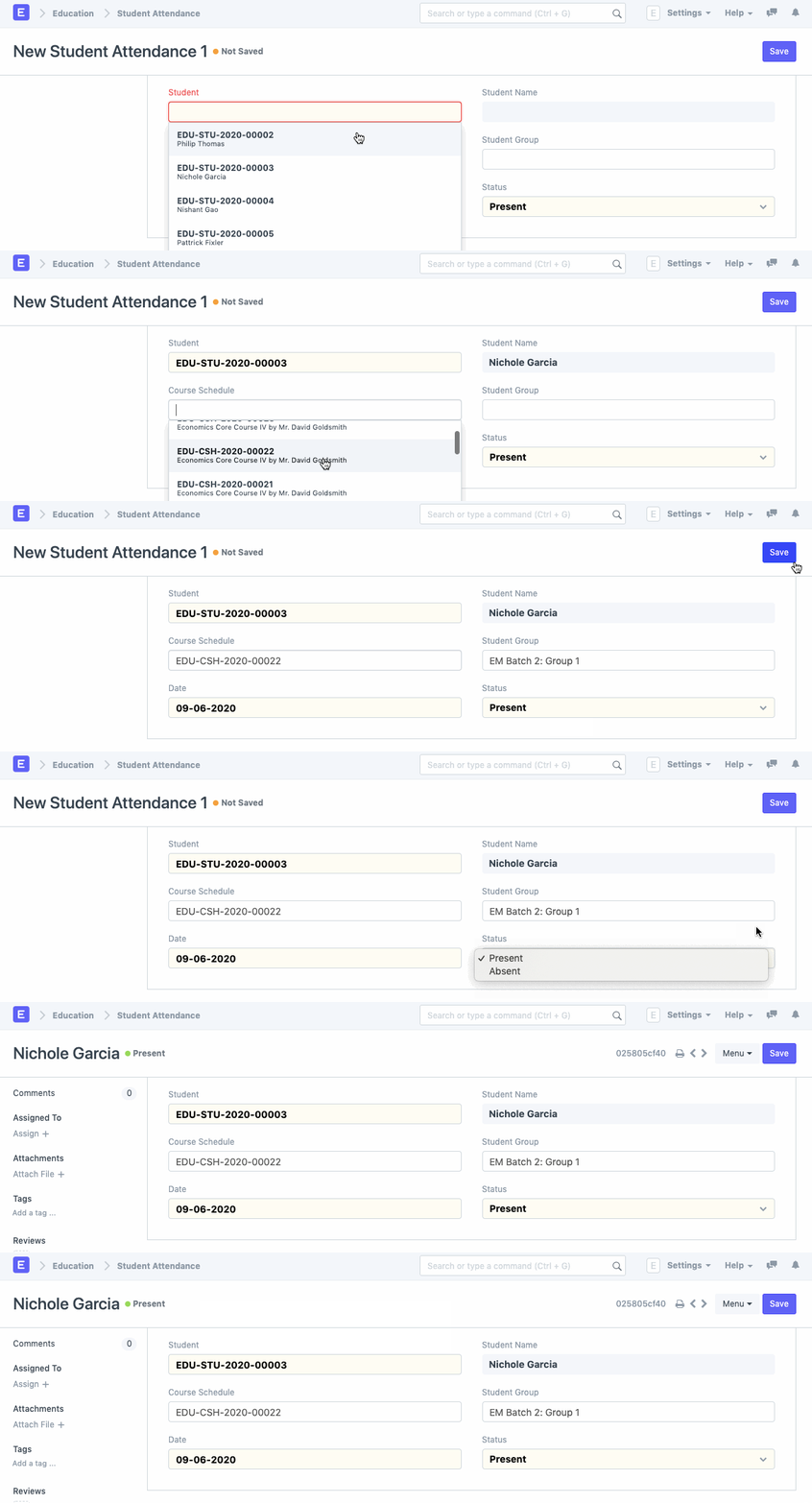
Select the Student, Course Schedule, and Student Group for which attendance is to be marked for the given date. Set the Status to Present/Absent and save.
Student Attendance tool can be used for bulk updation of the attendance based on Batch, Course, or Activity.
From version 15.3.1 onwards: Attendance DocType have 3 States:
- Present
- Leave
- Absent
The status of the attendance can be changed even after submitting the doctype
- Video on Student Attendance
Last updated 5 months ago
Was this helpful?