
In ERPNext, the Currency list stores the currency value, it's symbol and fraction unit. Most of the commonly used currencies are already present in ERPNext. The exchange rates are fetched automatically according to the current market rate. You can also configure the system to use older fixed exchange rates by creating them in the Currency Exchange form.
To access the Currency list, go to:
Home > Accounting > Multi Currency > Currency
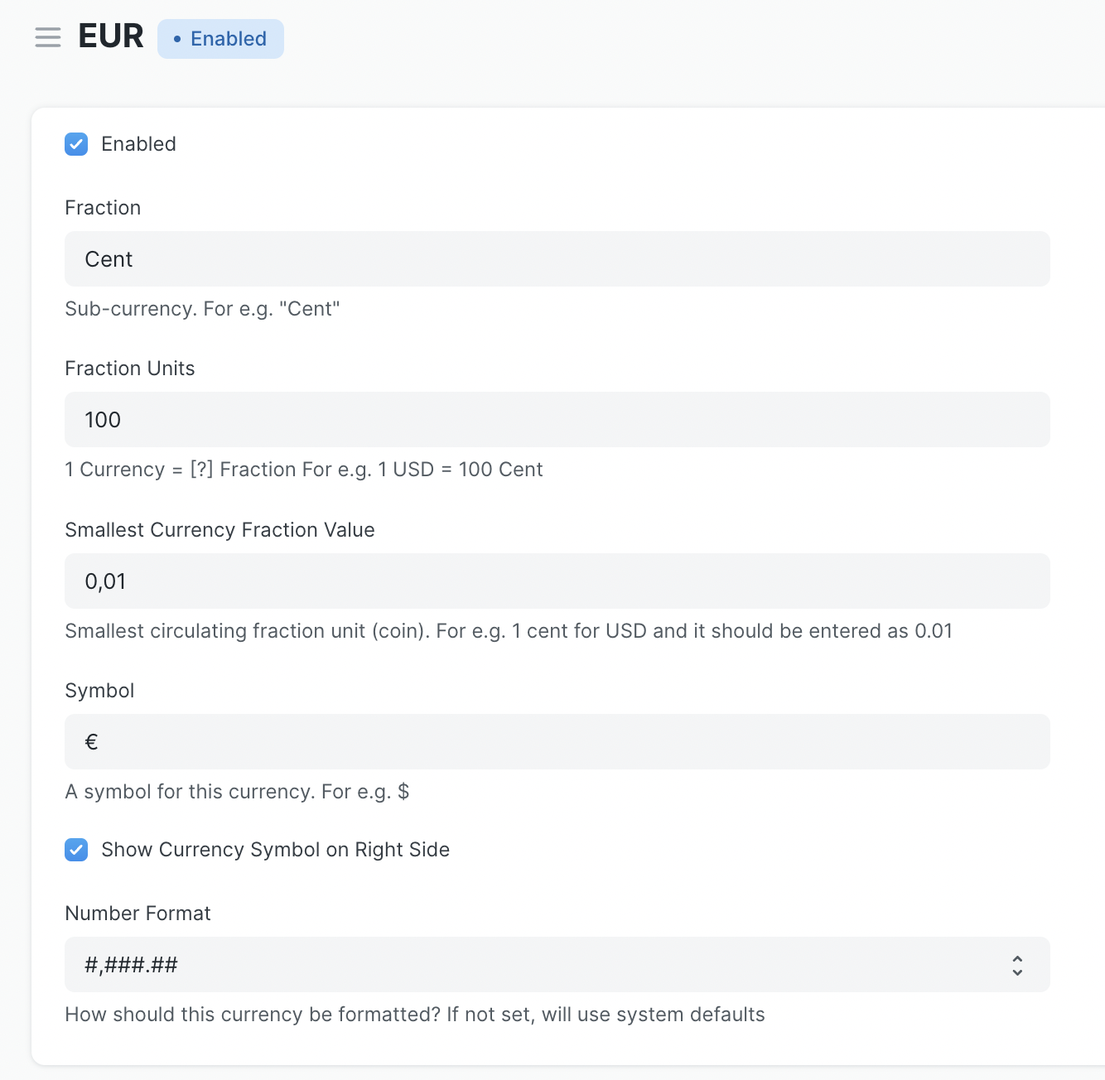
For example, this is how the Currency page for Euro:
Configurations
Each currency has defaults set based on widely accepted configurations. You can however modify the configuration to suit your requirements.
Enable / Disable
By default only few popular currencies and your company's currencies are enabled. To Enable more go to currency list and check "Enabled".
Fractional units
Some currencies have fractional units like "Cent", you can configure what this fractional unit will be called when converting numbers into words.
Symbol
Standard currency symbol are populated by default, if you need to change the currency symbol you can update it on Currency document.
You can configure position of currency symbol to the right by checking "Show currency symbol on right".
You can also hide all currency symbols from "Global Defaults".