
A manufacturer created or produces an Item.
A Manufacturer may not be the same person/company that sells the Item under a specific Brand. For example, Unico Plastics can be the Manufacturer of plastic brushes but it may be sold under a Brand, say, Super Brushes.
In ERPNext, a Manufacturer can be used to identify Items using a specific part number.
To access the Manufacturer list, go to:
Home > Stock > Manufacturer
1. How to Create a Manufacturer
- Go to the Manufacturer list and click on New.
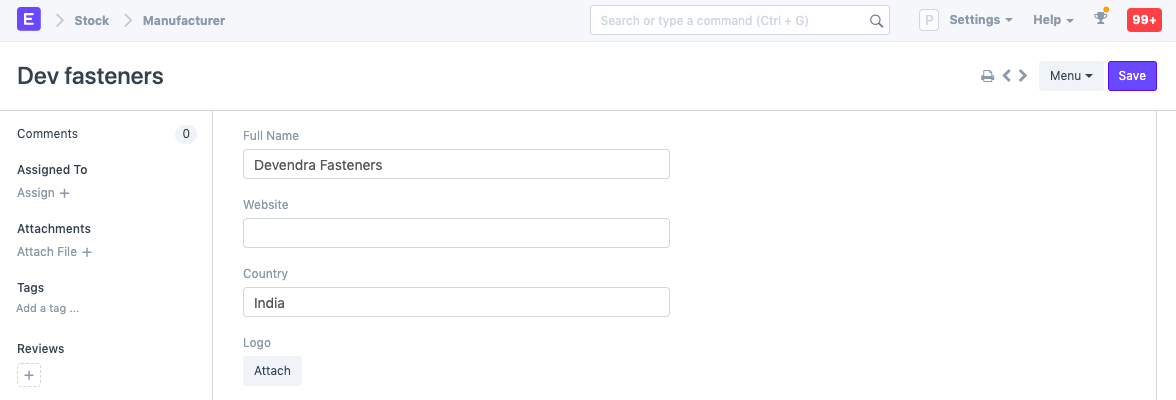
- Enter a Manufacturer name and enter a description if needed.
- Save. Manufacturer
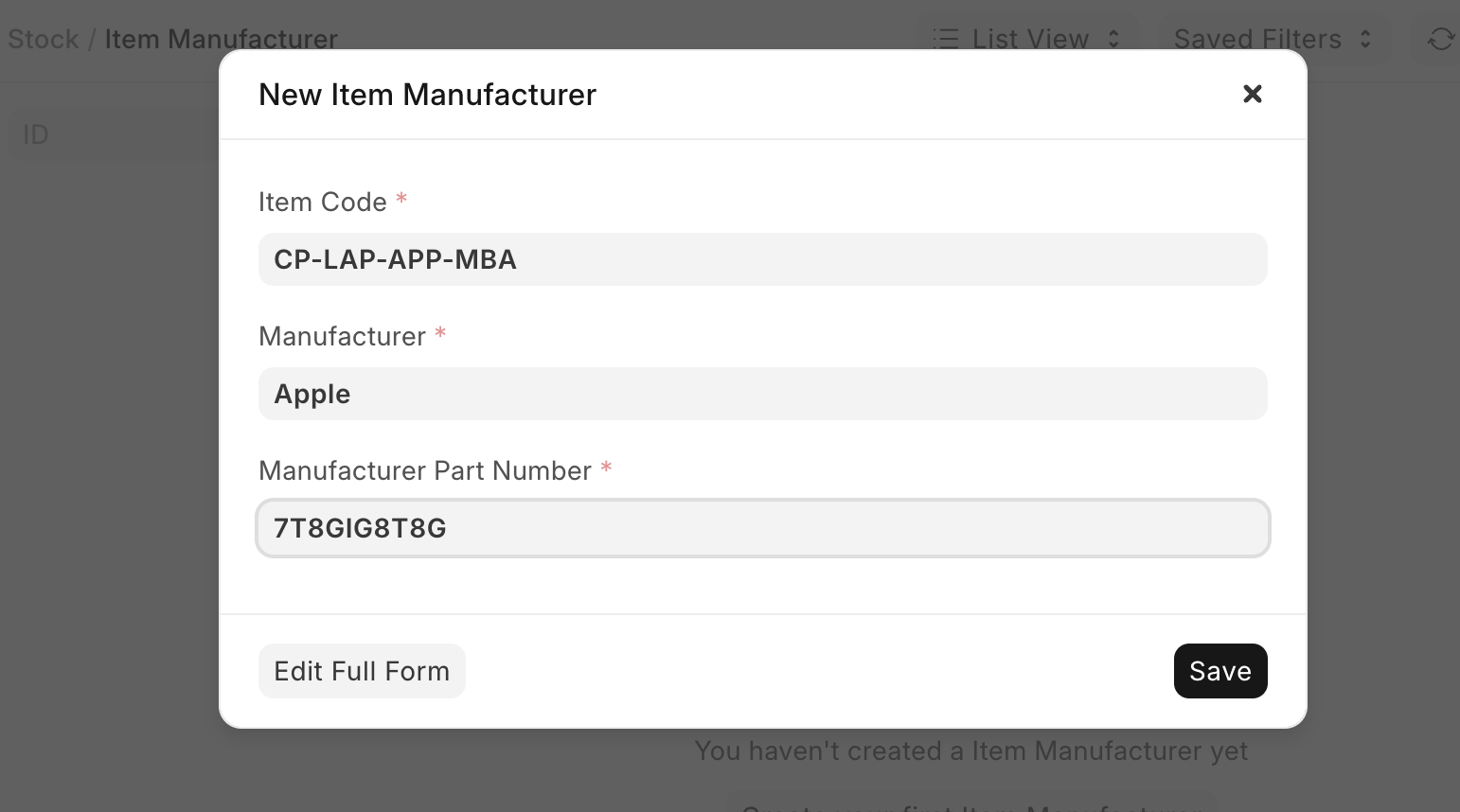
After creating a Manufacturer, you can create an Item Manufacturer record with a Manufacturer Part Number for identification.
1.1 Additional details
The following details can be set for a Manufacturer:
- Website
- Country
- Logo
2. Features
2.1 Address and Contacts
An Address and Contact can be set for this Manufacturer.
3. Related Topics
Last updated 3 months ago
Was this helpful?