


















Asset Shift Allocation
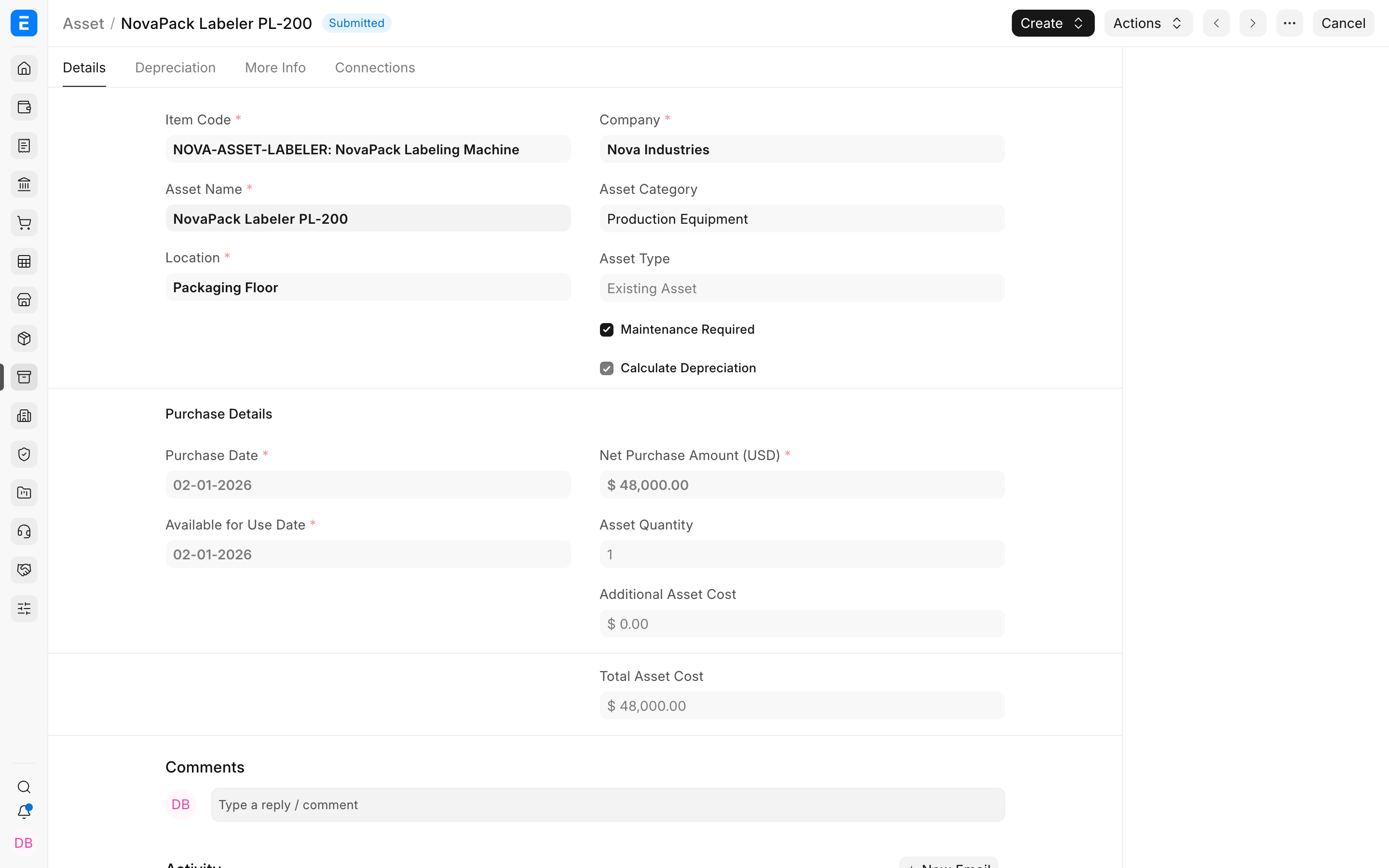
Imagine a Nova Industries packaging machine runs one shift in January, three shifts in February, and two shifts in March. If the machine works harder in February, equal depreciation every month may not match how quickly the machine is being used up.
Asset Shift Allocation records the shifts worked during each period. ERPNext uses those allocations with shift-based depreciation so heavier use can produce more depreciation and lighter use can produce less.
Before you begin
Enable Shift Based in the Asset's Finance Book row and confirm the configured shift factors follow the approved accounting policy.
Allocate a shift
- Open Asset Shift Allocation.
- Select the Asset and Finance Book.
- Choose the shift and effective date range.
- Save and submit the allocation.
- Review the regenerated or affected schedule before depreciation is posted.
Understand the result
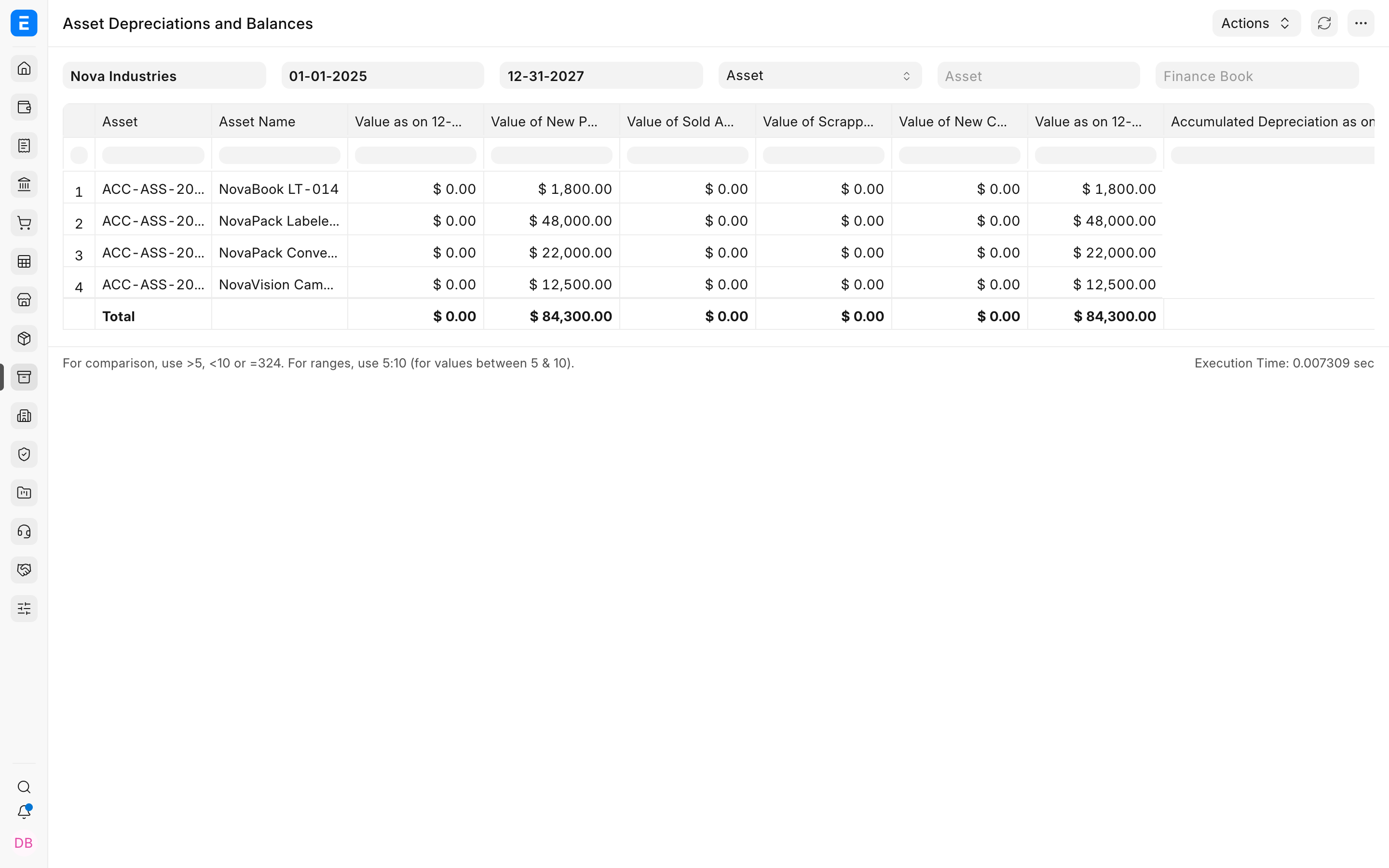
The shift factor changes how much depreciation is assigned to the relevant period. It does not change the acquisition cost. The total schedule must still respect the residual value.
Troubleshooting
The depreciation amount did not change
Confirm the Finance Book is shift based, the allocation covers the schedule date, and depreciation has not already been posted for that period.
The asset is allocated to overlapping shifts
Correct the dates so only the intended shift applies to a given period.
Frequently asked questions
Should office laptops use shift allocation?
Usually no. It is most useful for production equipment whose usage is measured by shifts.
Does a shift allocation create a ledger entry?
The allocation changes the depreciation basis. The ledger entry occurs when depreciation is posted.
Can future shifts be planned?
In ERPNext, yes, but review them when operational schedules change.