


















Payment Terms Status Report
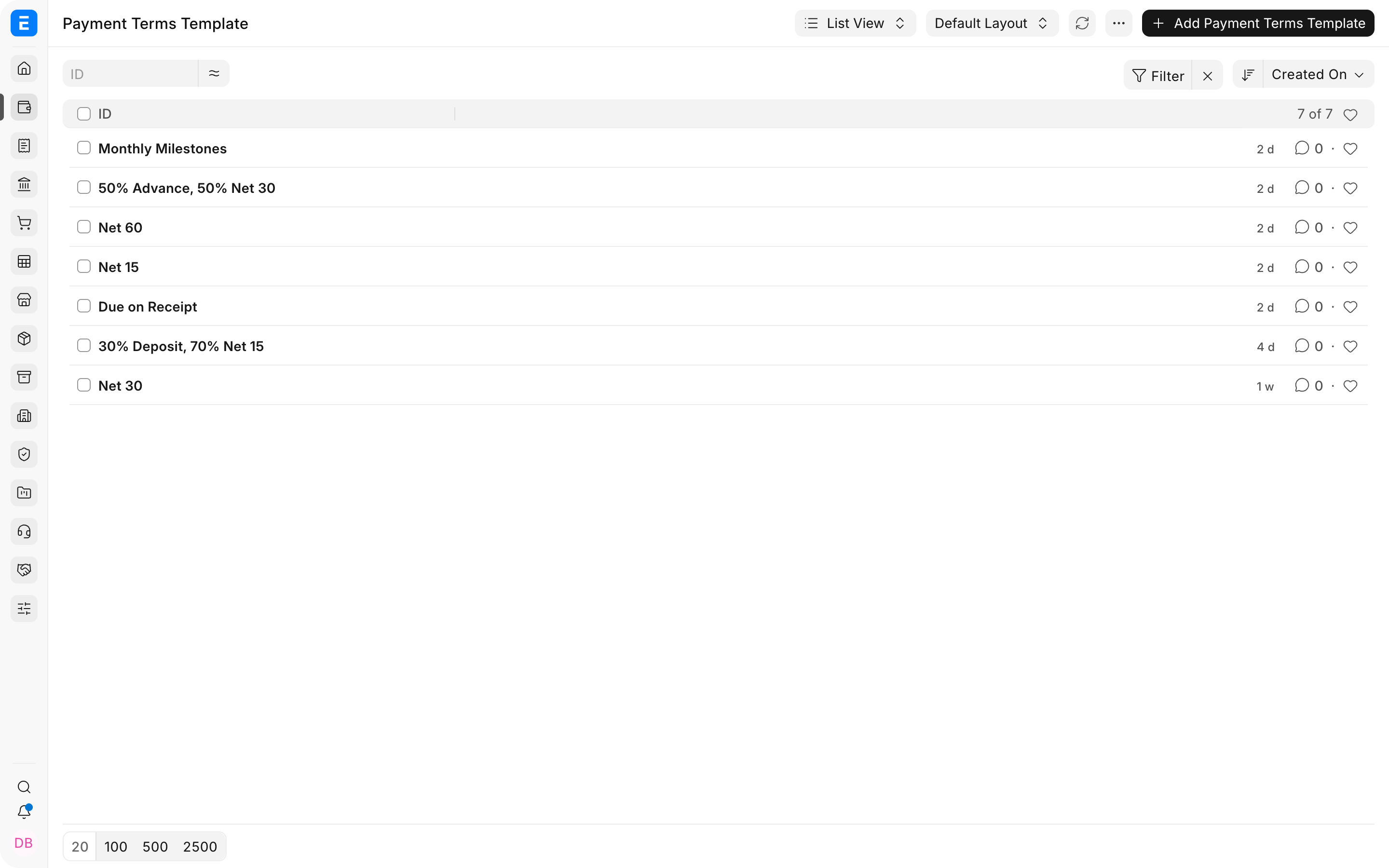
Nova Industries accepts a $7,000 Sales Order from Northstar Retail with two payment terms: 50% first and 50% later. Nova invoices $4,900. Finance needs to know which part of the agreed schedule has been covered by invoices rather than treating the order as one undivided amount.
The Payment Terms Status for Sales Order report splits invoiced value across the Sales Order's payment schedule in first-in, first-out order. In this example, the first $3,500 term is Completed and $1,400 of the second term is covered, so the second term is Partly Billed.
Before you begin
- Create reusable Payment Terms and a Payment Terms Template.
- Apply the template to a submitted Sales Order.
- Create and submit Sales Invoices against that Sales Order.
Run the report
- Open Payment Terms Status for Sales Order.
- Select Nova Industries and the relevant date range.
- Filter by Customer, Sales Order, status, or other available fields when needed.
- Refresh the report and compare each payment term with its invoiced allocation.
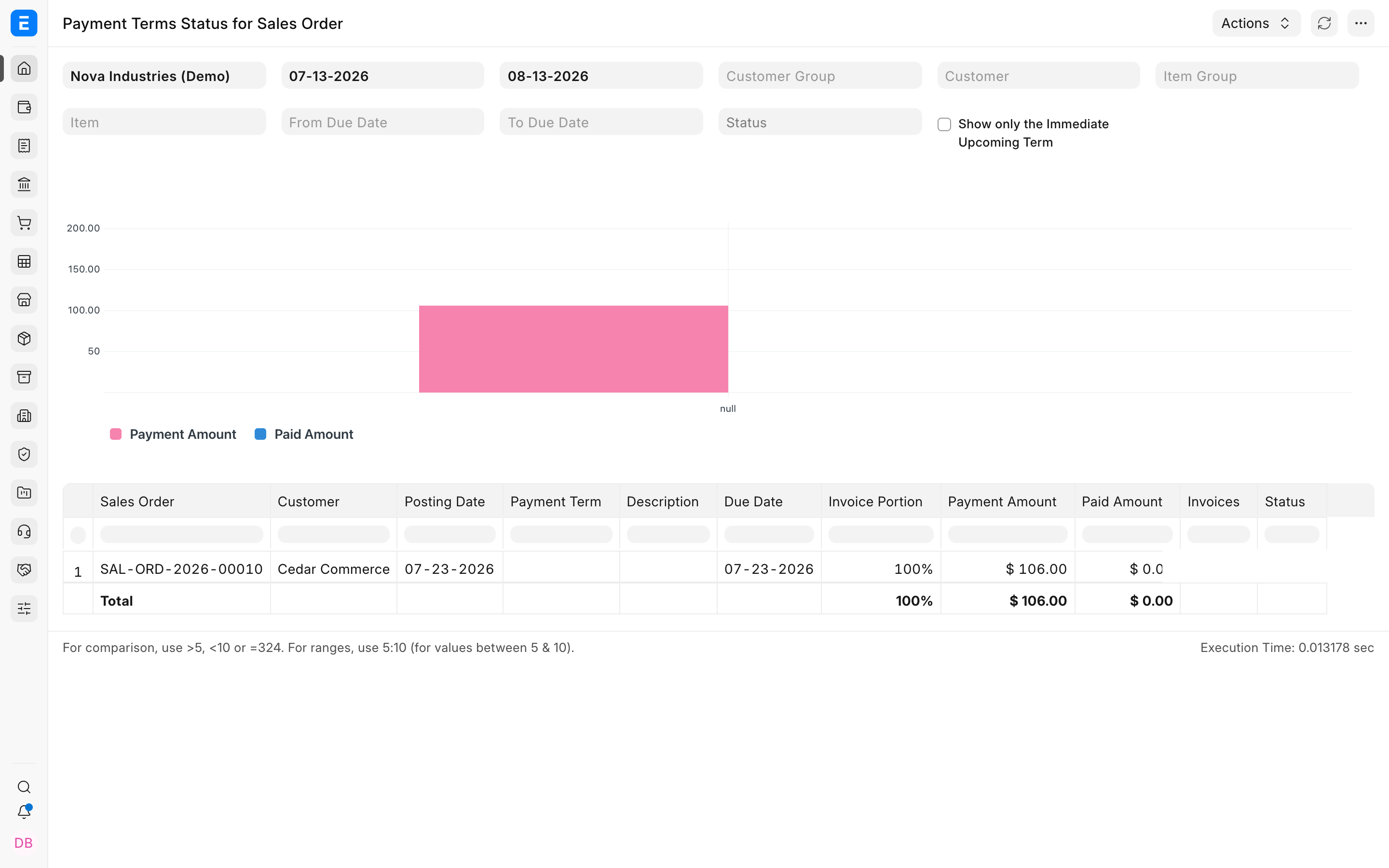
How FIFO allocation works
| Term | Scheduled amount | Invoice allocation | Status |
|---|---|---|---|
| First 50% | $3,500 | $3,500 | Completed |
| Second 50% | $3,500 | $1,400 | Partly Billed |
| Total | $7,000 | $4,900 | 70% billed |
What the report does not show
This report tracks Sales Order billing against scheduled terms. It does not prove that the customer has paid the Sales Invoice. Use Accounts Receivable, the invoice outstanding amount, or the Payment Ledger for payment status.
Troubleshooting
A Sales Order is missing
Confirm that the order is submitted, contains a Payment Schedule, falls inside the filters, and belongs to the selected company.
The status does not match the customer's payment
The report measures invoicing against Sales Order terms, not cash collection. Review the linked Sales Invoices and Payment Entries separately.
Allocation appears against the wrong term
ERPNext allocates invoice value to the earliest scheduled term first. Check the Payment Schedule order, percentages, and amounts on the Sales Order.
Frequently asked questions
Does the invoice need to copy the same Payment Terms Template?
The report evaluates invoice value created against the Sales Order's schedule. Review both documents when contractual invoice due dates must also match.
What happens after the full $7,000 is invoiced?
Both 50% terms should be fully allocated and appear completed, provided the linked submitted invoices cover the full order value.
Can partial invoices cover selected items?
The report allocates the linked invoiced amount across the schedule in FIFO order. Item selection affects the invoice value but does not change that allocation principle.