


















Using Custom API Rows in Financial Report Template
Nova Industries wants one management-report line that cannot be produced from account categories alone: a specialised budget-adjusted operating metric calculated by its installed custom app. The value must appear beside standard account lines and remain available to later formulas.
A Financial Report Template row with Data Source set to Custom API calls an approved server-side Python function. Use it only when Account Data and Calculated Amount rows cannot express the requirement. This is an advanced developer feature, not a way to call an external HTTP endpoint from the report.
Before you begin
- Use a site where the custom Frappe app can be installed and deployed.
- Implement and test a module-level Python function in that app.
- Confirm the function's performance, permissions, data access, and error handling.
- Create or identify the Financial Report Template that needs the row.
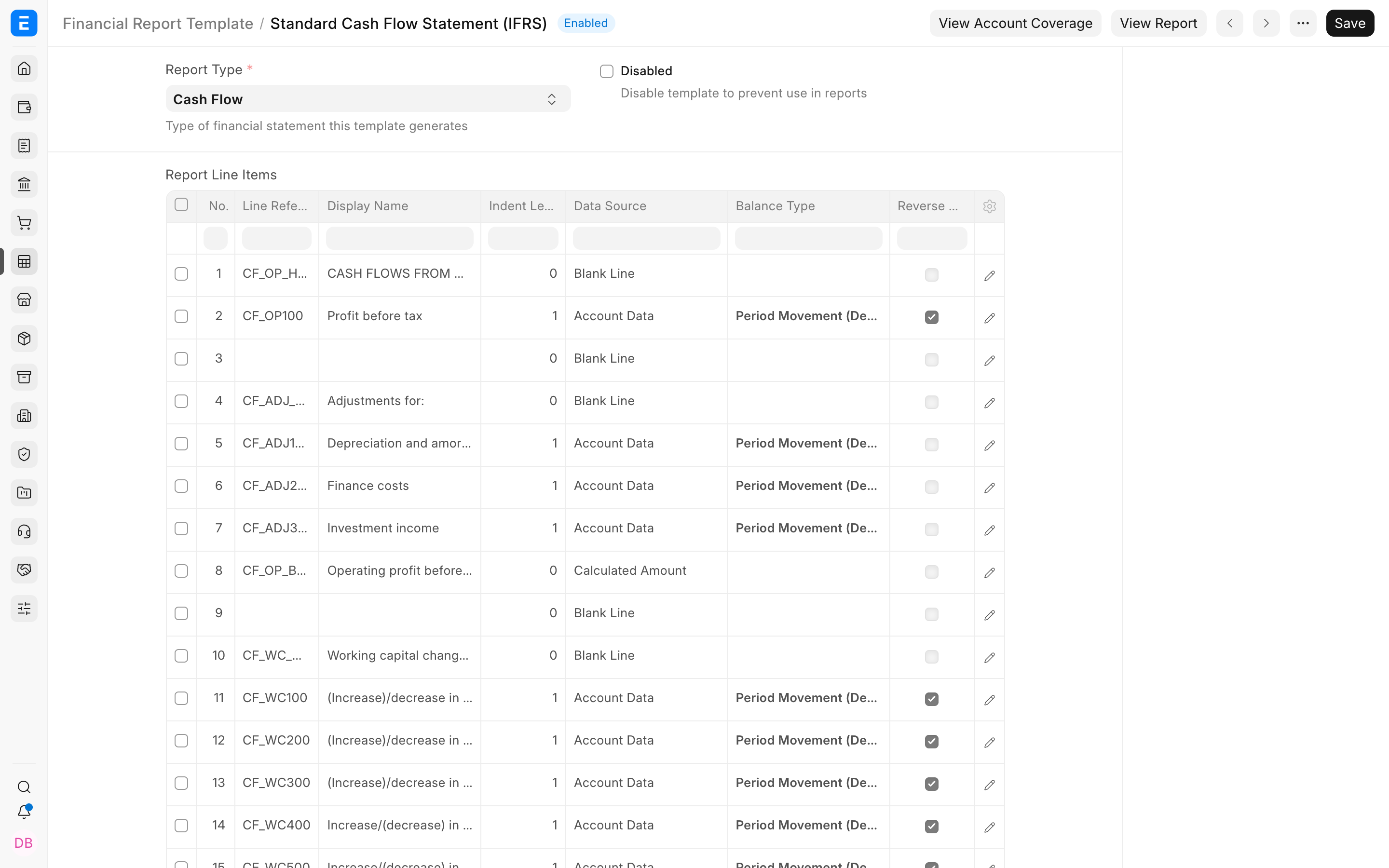
Add the Custom API row
- Open the Financial Report Template.
- Add a row in Report Line Items and open its row editor.
- Set Data Source to Custom API.
- Enter a dotted Python path such as
my_app.financial_report_api.get_budget_variance. - Set a Line Reference when later formula rows need the returned value.
- Configure Reverse Sign, Hide If Zero, Hidden Line, Include in Charts, and Value Type as required.
- Save the template and run its financial report.
Function contract
ERPNext can pass the report filters, generated periods, and current row. Return one numeric value for each period, in the same order.
from frappe.utils import flt

def get_budget_variance(filters=None, periods=None, row=None):
    filters = filters or {}
    periods = periods or []
    values = []

    for period in periods:
        variance = calculate_variance(
            company=filters.get("company"),
            from_date=period.from_date,
            to_date=period.to_date,
        )
        values.append(flt(variance))

    return values
Return requirements
| Requirement | Reason |
|---|---|
| List of numeric values | The report needs one renderable amount per period. |
| Same length as periods | Each displayed period must receive exactly one result. |
| Same order as periods | Values must align with their headings. |
| Stable Line Reference | Later calculated rows use the API result safely. |
Important behavior
The path must use the form app.module.method. The function must exist in an installed app. @frappe.whitelist() is not required solely for the report call. Server Scripts are not supported for Custom API rows. ERPNext processes Custom API rows before account and formula results, so they should not depend on later template lines.
Secure and test the function
Validate filter values, use permission-aware queries where required, avoid returning sensitive detail, and keep queries bounded. Test no-data periods, multiple periodicities, company separation, foreign currencies, large date ranges, and error conditions. Reconcile the result with an independent calculation before publishing the template.
Troubleshooting
The API path is rejected
Use a complete dotted module path and confirm that the function is defined at module level inside an installed app.
The row shows zeros
Review Error Log for a Custom API error, confirm the function returned one numeric value per period, and test the function with the same report filters.
A calculated row cannot use the result
Give the Custom API row a unique Line Reference and use that exact reference in the later formula.
Frequently asked questions
Can the row call a public REST API directly?
The template calls a Python function on the ERPNext server. That controlled function may integrate with another system according to your app's security and reliability design.
Can the function change accounting data?
A reporting function should be read-only. Creating or changing transactions during report execution would make results unsafe and unpredictable.
What happens when the function raises an error?
ERPNext records an error and can fill the row with zeros. Treat that state as a failed report calculation and investigate before sharing the output.