


















Asset Maintenance Log
Imagine a technician completes the monthly inspection of a Nova Industries packaging machine. The schedule says the work was due, but the company still needs proof of what was done, when it was completed, and whether the machine had a problem.
An Asset Maintenance Log records the actual maintenance event. It turns a planned task into a dated service history that the operations and audit teams can check later.
Open the planned log
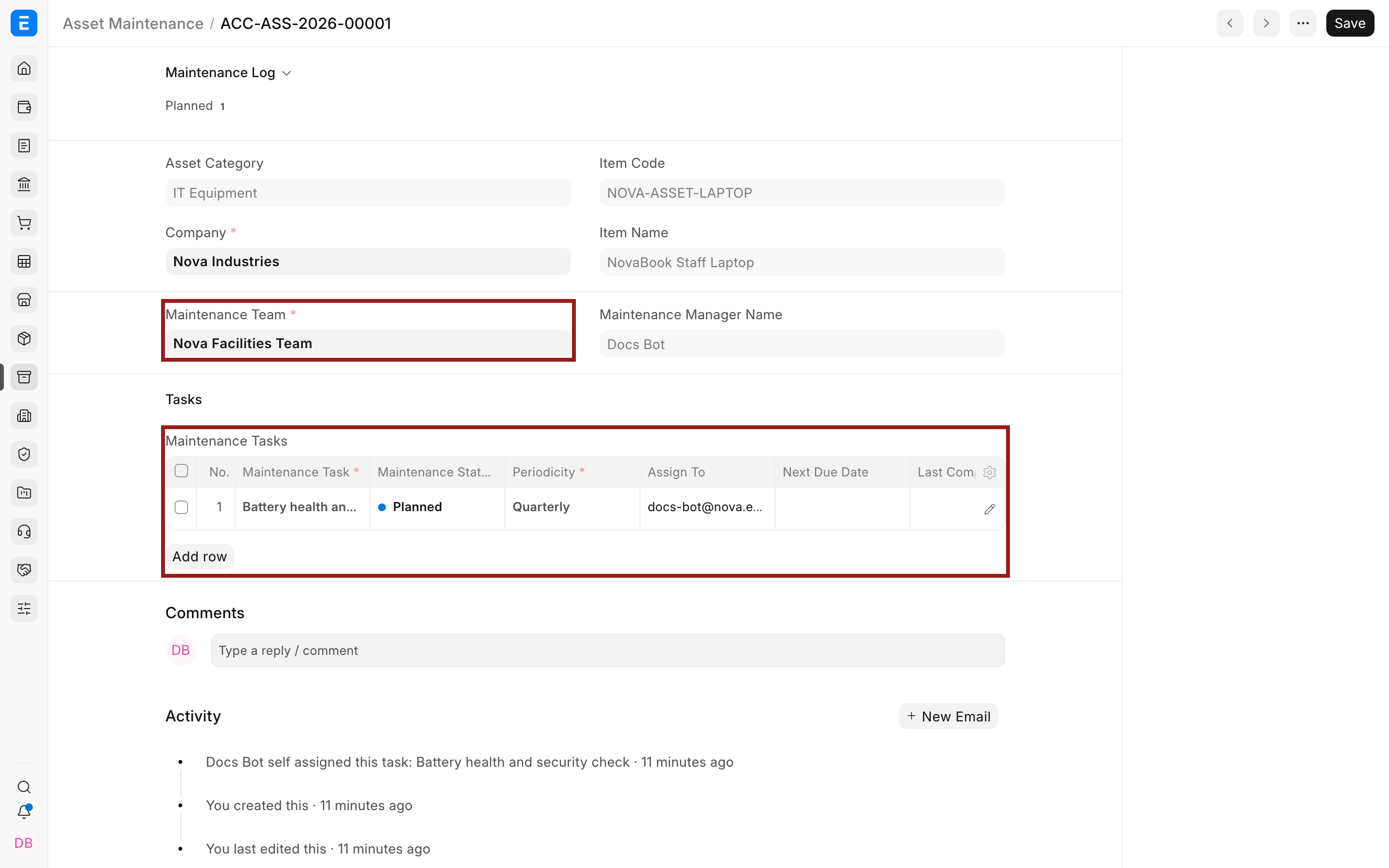
Use the Maintenance Log section of the Asset Maintenance record or open the Asset Maintenance Log list.
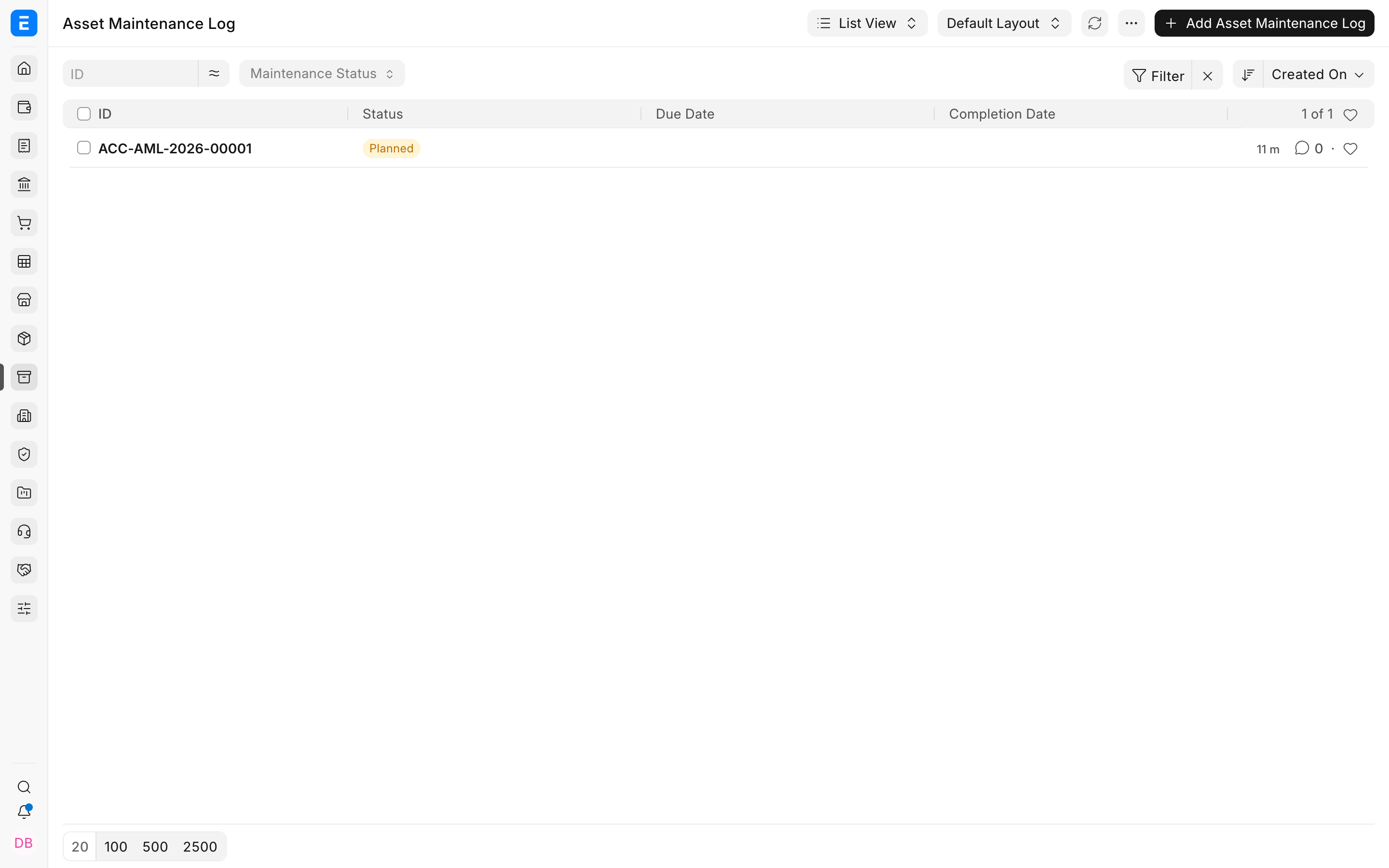
Complete the log
- Confirm the Asset, task, due date, and assignee.
- Change status to Completed after the work is actually finished.
- Enter the completion date and actions performed.
- Attach the certificate when the task requires one.
- Save the log and review the next due date on the maintenance plan.
| Field | What it means |
|---|---|
| Planned | Work is scheduled but not complete. |
| Completed | Work and required evidence have been recorded. |
| Overdue | The due date passed without completion. |
| Cancelled | The occurrence will not be performed and the reason should be clear. |
Troubleshooting
The log cannot be marked complete
Check required completion date, certificate, and actions fields for the task.
The next due date is wrong
Review the parent maintenance task's periodicity and the last completion date.
Frequently asked questions
Should I create logs manually?
Scheduled plans normally create them. Manual logs can be used for exceptional maintenance when the relationship remains clear.
Can a completed log be edited?
Follow the document's edit rules and retain audit history. Do not overwrite evidence casually.
Does a log post to the ledger?
In ERPNext, no. It is an operational record. Repair invoices or capitalized repair costs create accounting effects.