Using Finance Book for Asset Depreciation
A Finance Book lets you maintain separate depreciation schedules for the same asset. This is useful when an organization needs different depreciation treatment for statutory books, tax books, management reporting, or any other reporting basis.
In ERPNext, you first create the Finance Book, then use it in the depreciation settings of an Asset Category or Asset. ERPNext uses those settings to calculate the depreciation schedule.
Create a Finance Book
- Go to Finance Book.
- Click Add Finance Book.
- Enter a meaningful name, such as Companies Act, Income Tax, or Management Books.
- Enable For Income Tax only if this book should follow the income-tax rule where first-year depreciation is reduced when the asset is used for less than 180 days.
- Save the Finance Book.
In this example, a Finance Book named Companies Act is being created for statutory depreciation reporting.
Set depreciation rules in Asset Category
Asset Category is the usual place to define default depreciation rules. When a new Asset is created under the category, ERPNext can use these settings to prepare the depreciation details.
- Go to Asset Category and open the required category.
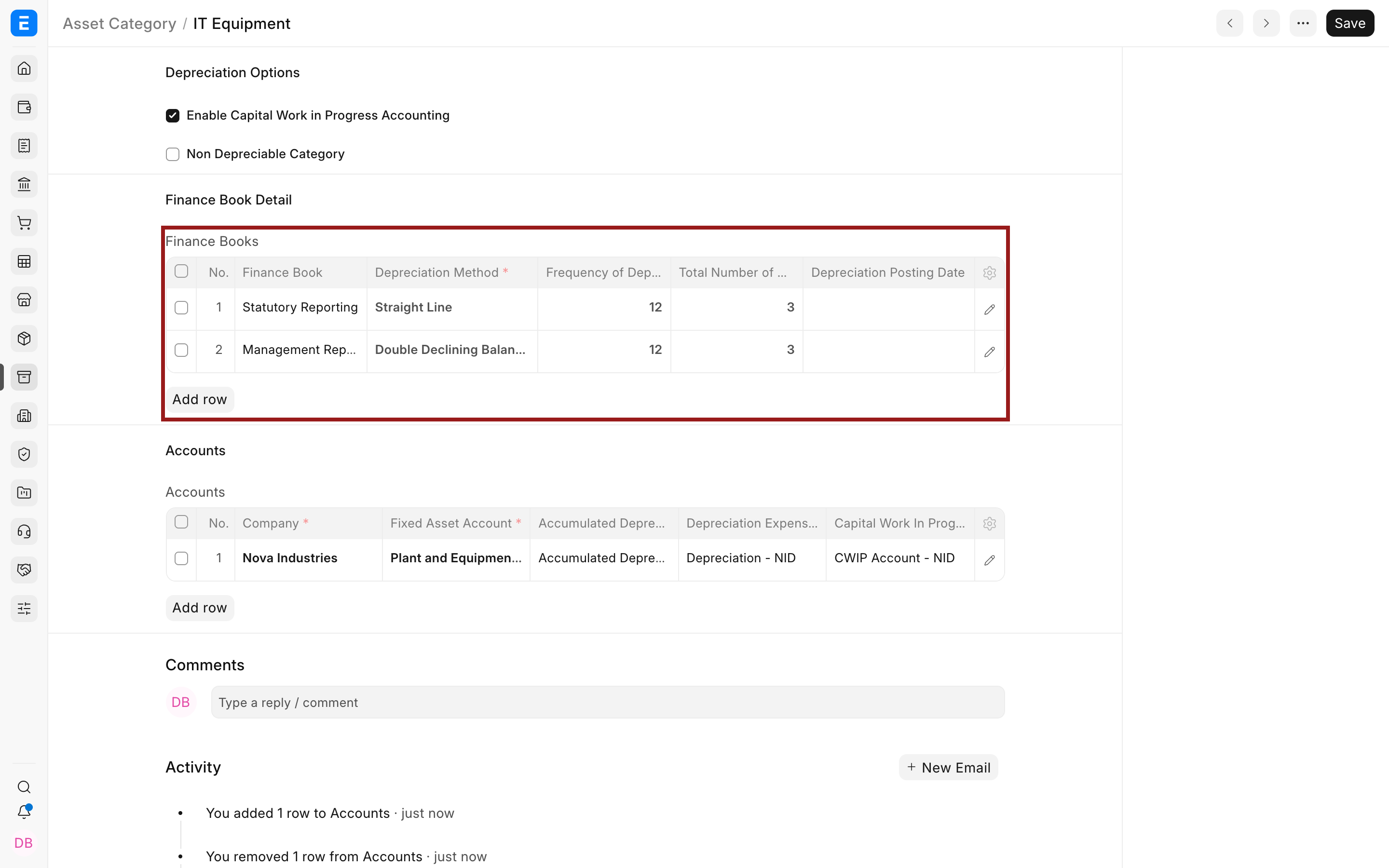
- In the Finance Books table, add or review the depreciation rule.
- Select the Finance Book if the rule should apply to a specific book. Leave it blank only when the rule should be used as the default.
- Select the Depreciation Method.
- Enter the Frequency of Depreciation (Months).
- Enter the Total Number of Depreciations.
- Set the Depreciation Posting Date.
- Save the Asset Category.
The row below defines a written down value depreciation rule with depreciation posted every 6 months for 6 depreciation periods.
Review the depreciation schedule
After the Asset is created and submitted, ERPNext prepares the depreciation schedule. The schedule shows the posting dates, depreciation amount for each period, accumulated depreciation, and the Journal Entry once depreciation is posted.
- Open the Asset or the related Asset Depreciation Schedule.
- Review the schedule dates and depreciation amounts.
- Check that the accumulated depreciation reaches the expected depreciable amount by the final row.
- Post depreciation according to the schedule when the entries become due.
This example schedule depreciates the asset every 6 months and shows the accumulated depreciation increasing after each period.
When to use multiple Finance Books
- Use one Finance Book for statutory accounting and another for tax depreciation.
- Use a separate Finance Book when management reporting follows a different useful life or depreciation method.
- Use Finance Books when the same asset must be depreciated differently for different reporting requirements.
Example
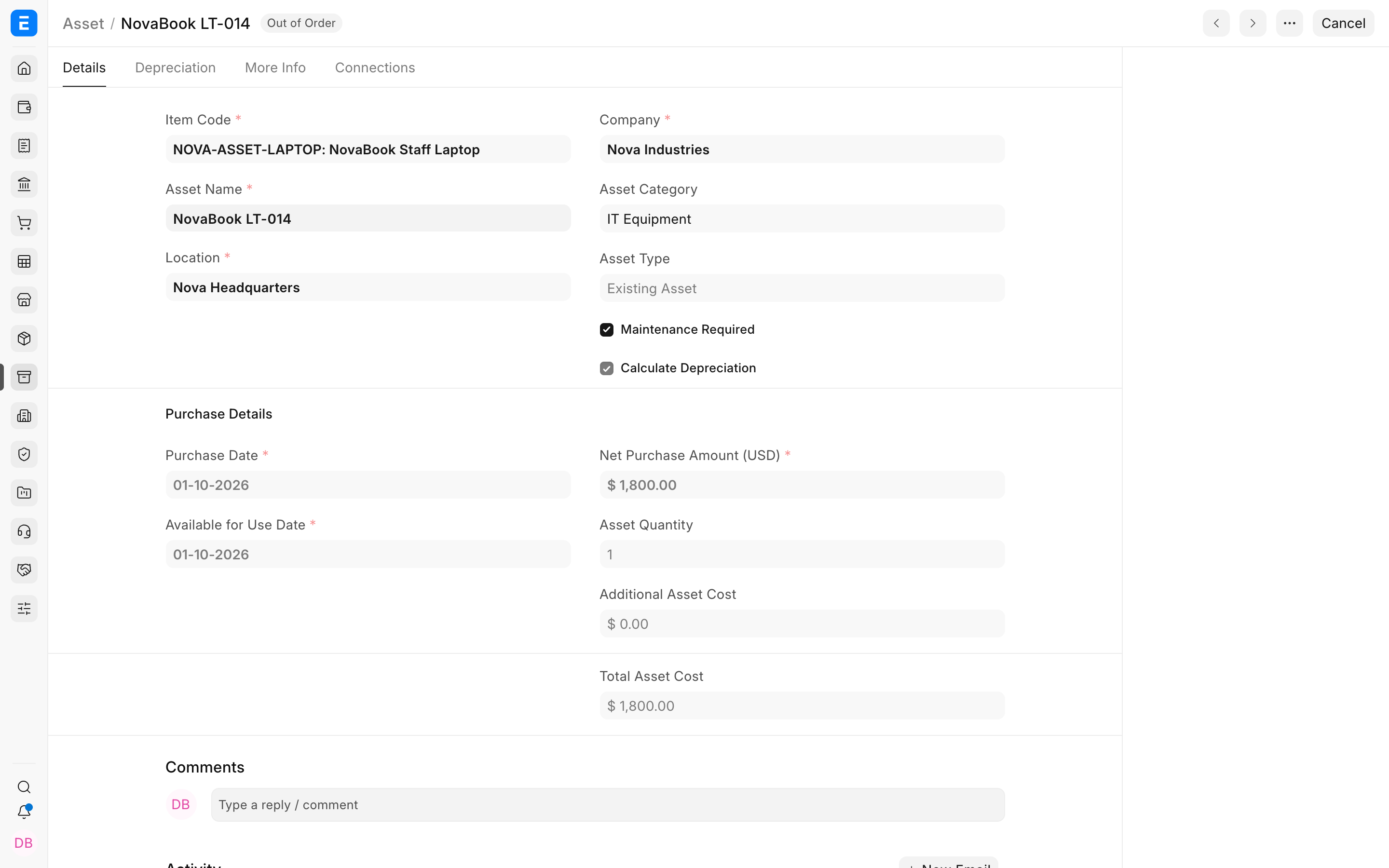
A laptop may be depreciated over three years in the company's statutory books, but over a different period for tax reporting. You can create separate Finance Books for each requirement and define different depreciation rules for the same asset category or asset.
Important notes
- Set up Finance Books before submitting assets that need separate depreciation treatment.
- Check the Asset Category defaults before creating assets in bulk.
- After depreciation entries are posted, changes to depreciation settings should be reviewed carefully because they can affect future depreciation entries.
- Finance Books affect depreciation tracking; they do not replace the accounting entries required for asset purchase, disposal, or adjustment.