


















Daily Depreciation Calculation
Imagine Nova Industries starts using a machine on 20 March. A monthly depreciation calculation may treat March like a full month, even though the machine was used for only 12 days. That small difference can matter when assets are added or sold throughout the year.
Daily Depreciation calculates the expense using the actual number of days the asset was available for use. It gives the accountant a more precise schedule when company policy requires depreciation to follow calendar days.
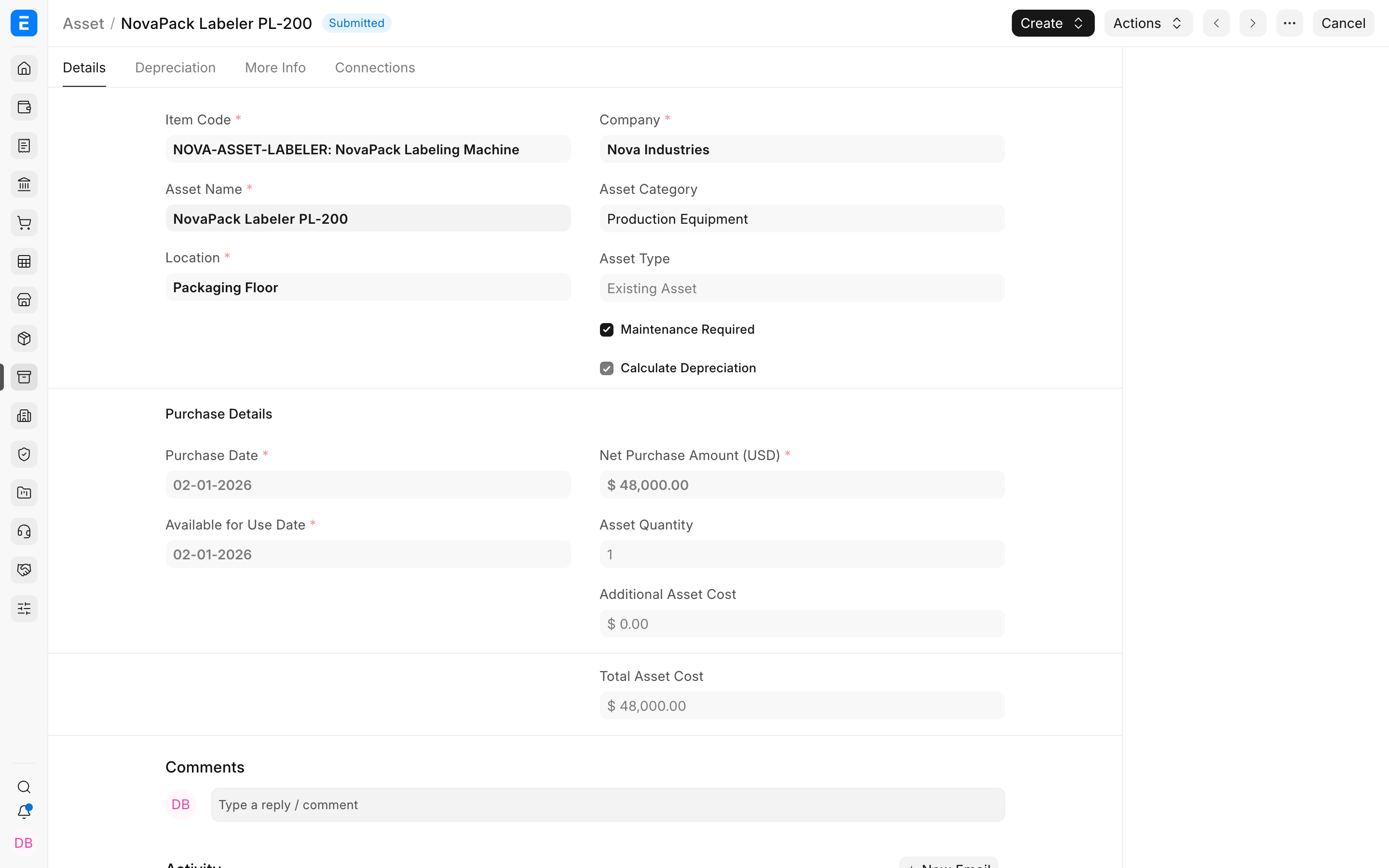
Enable daily pro-rata calculation
Open the relevant Asset Category or Asset Finance Book row, enable Daily Pro Rata Based, and confirm the depreciation start date. ERPNext then uses actual day counts instead of equal periodic amounts.
How the amount is determined
ERPNext calculates the daily amount from the depreciable value and schedule duration, then multiplies it by the eligible days in each period. Leap years and unequal month lengths can make individual rows differ while the total still reconciles.
Verify the schedule
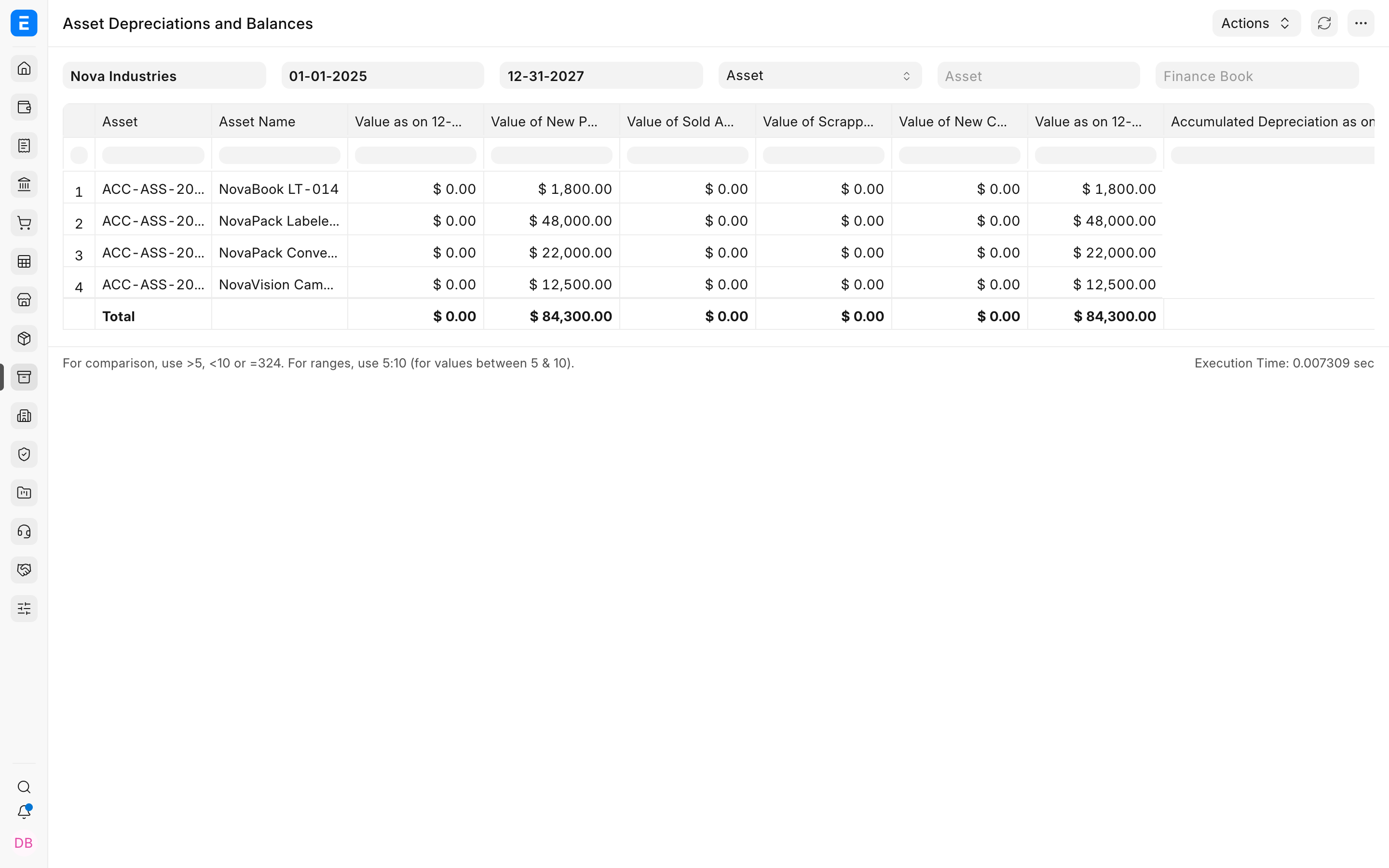
Check the first and last rows, the total depreciation, and the expected value after useful life. The Asset Depreciations and Balances report should reconcile the opening value, booked depreciation, and closing value.
Troubleshooting
The first period is smaller than expected
Check the Available for Use Date and depreciation start date. A partial first period is normal with daily proration.
The daily amounts do not match a simple monthly division
Daily calculation follows actual days, so months and leap years do not always carry equal depreciation.
Frequently asked questions
Is daily pro-rata mandatory?
In ERPNext, no. Use it only when the accounting policy requires actual-day allocation.
Does it change the total depreciable value?
In ERPNext, no. It changes timing across rows, not the total value to be depreciated.
Can different Finance Books use different pro-rata settings?
In ERPNext, yes. Configure the setting independently in each Finance Book row.