

















Website Banner Resizing
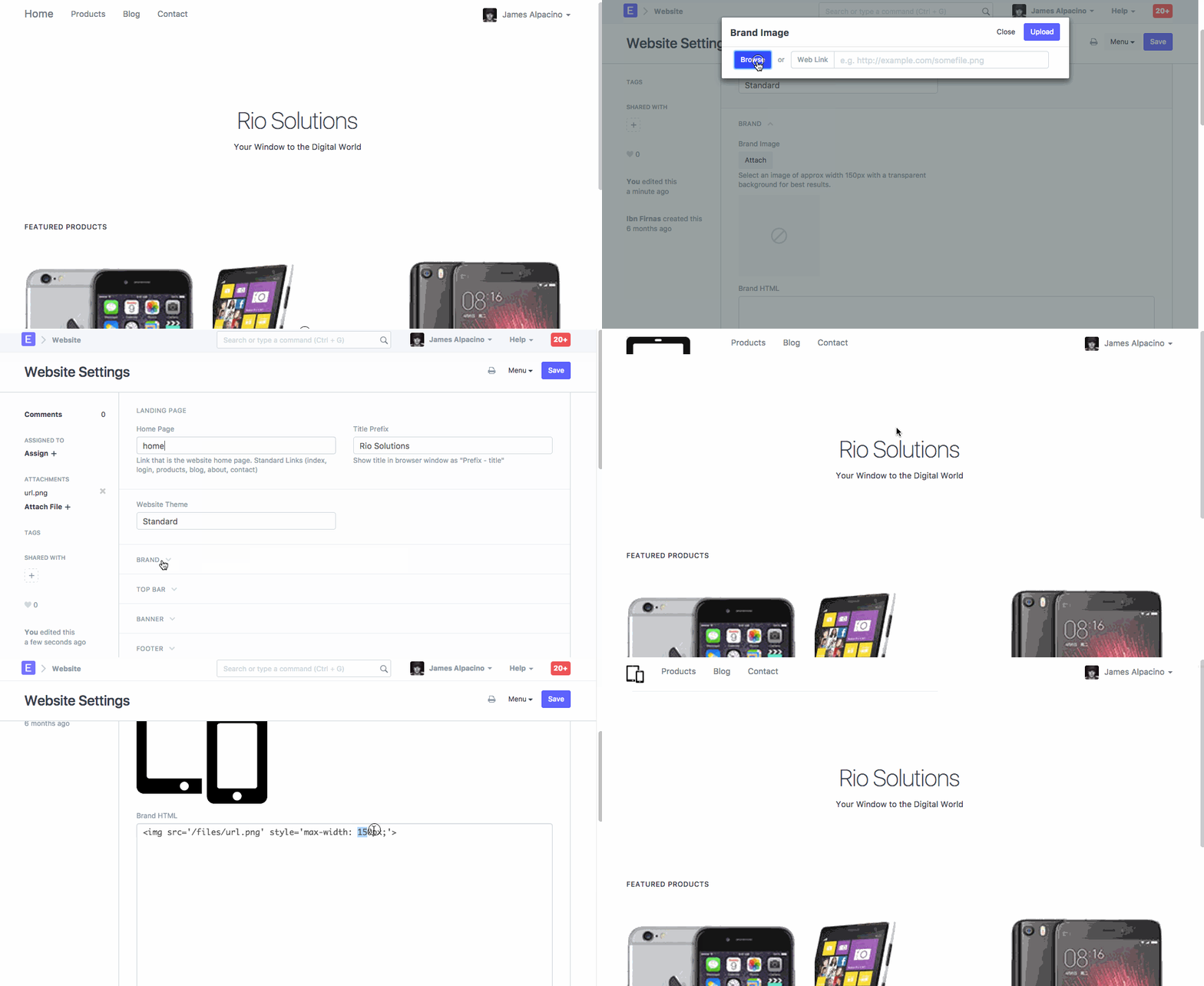
Each ERPNext account website automatically generated from it. On a website, logo is set based on logo image selected in the Setup Wizard. You can change or edit property for your company's logo from the Website Settings.
Explore > Website > Website Settings
For the exact steps on how to upload a Website Banner and resize it, please refer to the help given below.
Last updated 7 months ago
Was this helpful?