


















Imagine a Nova Industries packaging machine needs inspection every month and a belt replacement every six months. If the team depends on memory, a missed service could stop production and cost much more than the maintenance itself.
Asset Maintenance turns those recurring jobs into a planned schedule. It records what must be done, how often it should happen, and who is responsible, helping the team service equipment before it fails.
Before you begin
Enable Maintenance Required on the Asset and create an Asset Maintenance Team.
Create a maintenance plan
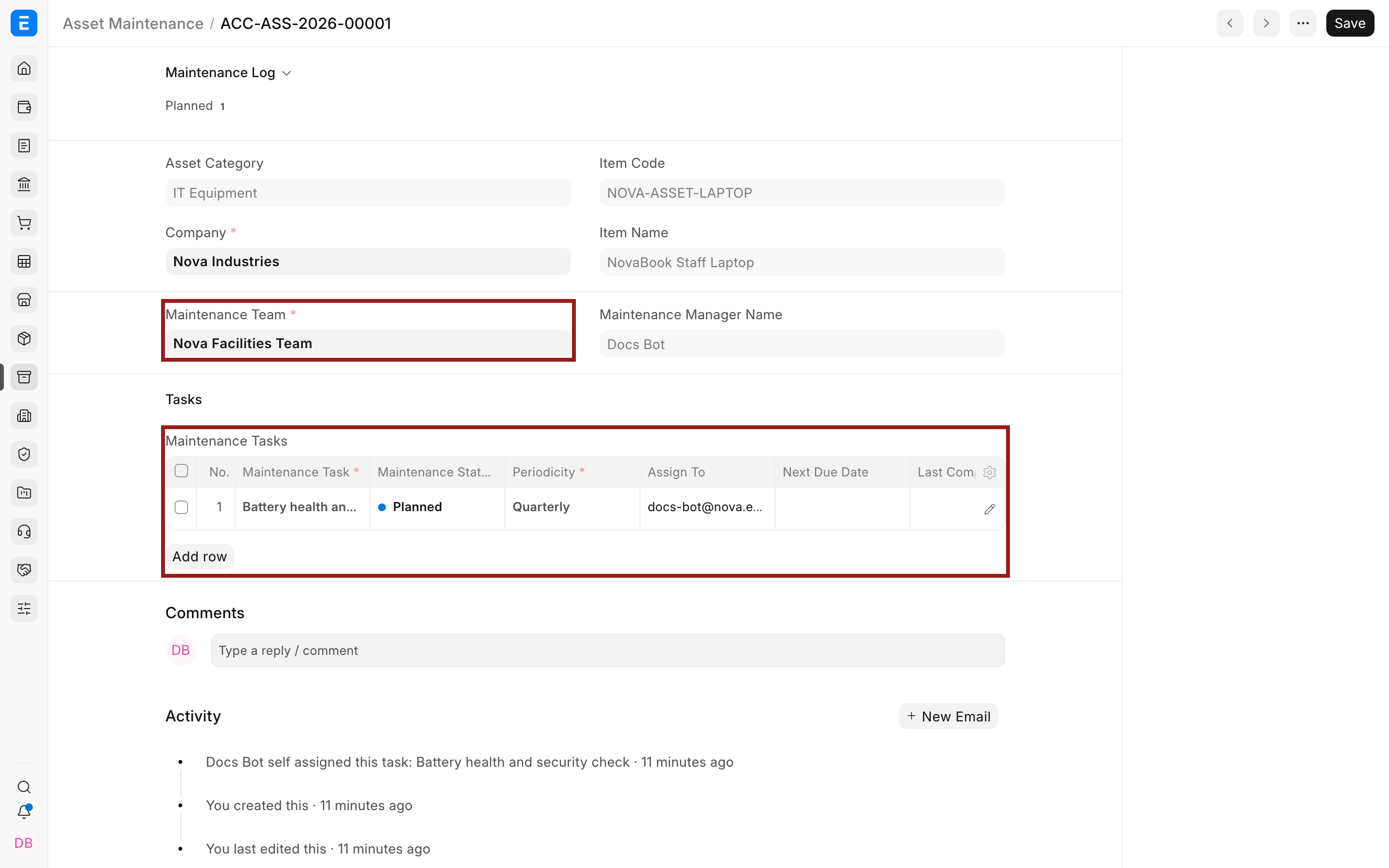
- Select the Asset and Maintenance Team.
- Add a task with its type, start date, periodicity, assignee, and description.
- Mark whether a certificate is required.
- Save the plan. ERPNext creates planned Asset Maintenance Logs for the schedule.
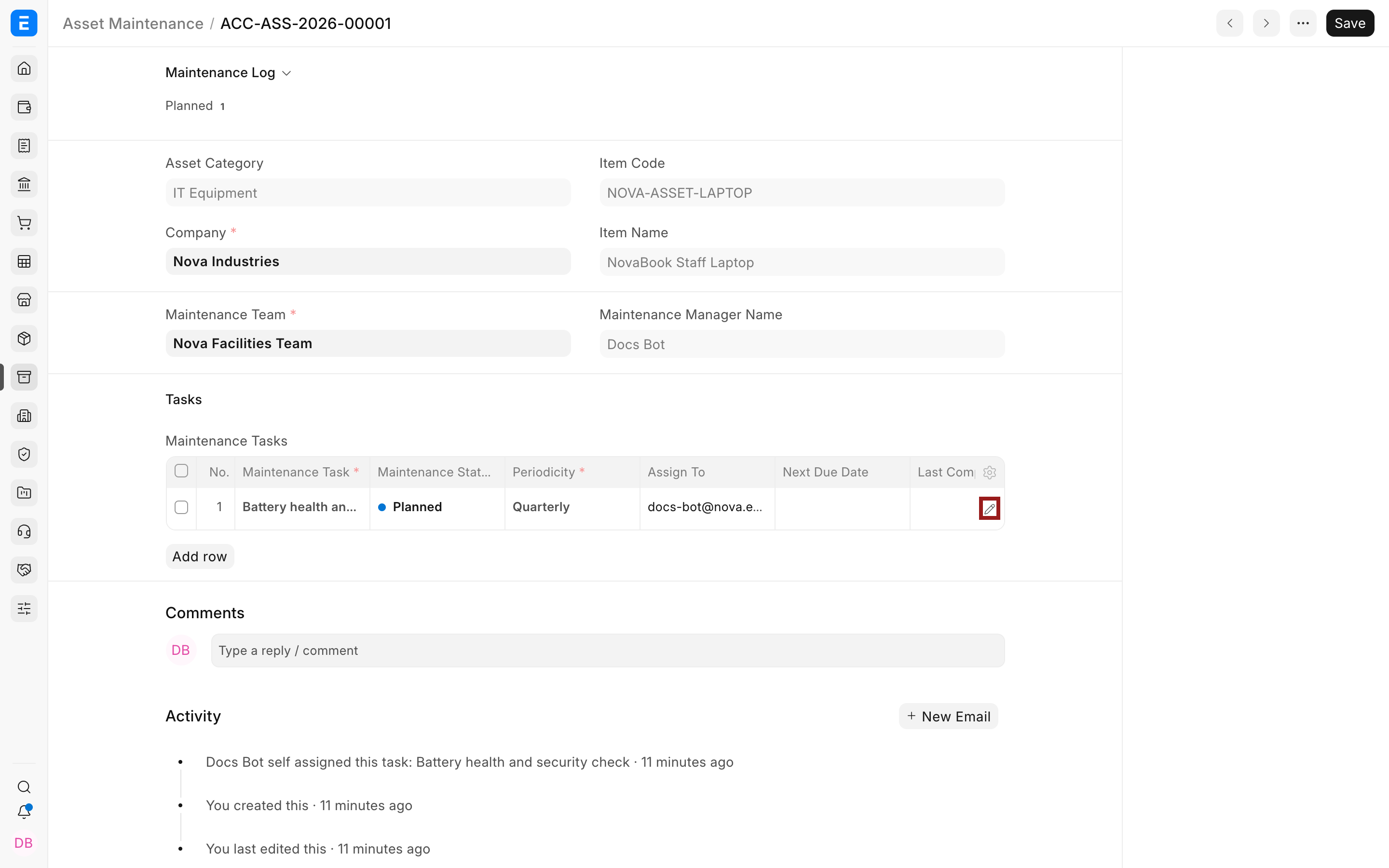
Use the pencil icon to open the complete child-row editor when the grid hides task fields.
Follow the work
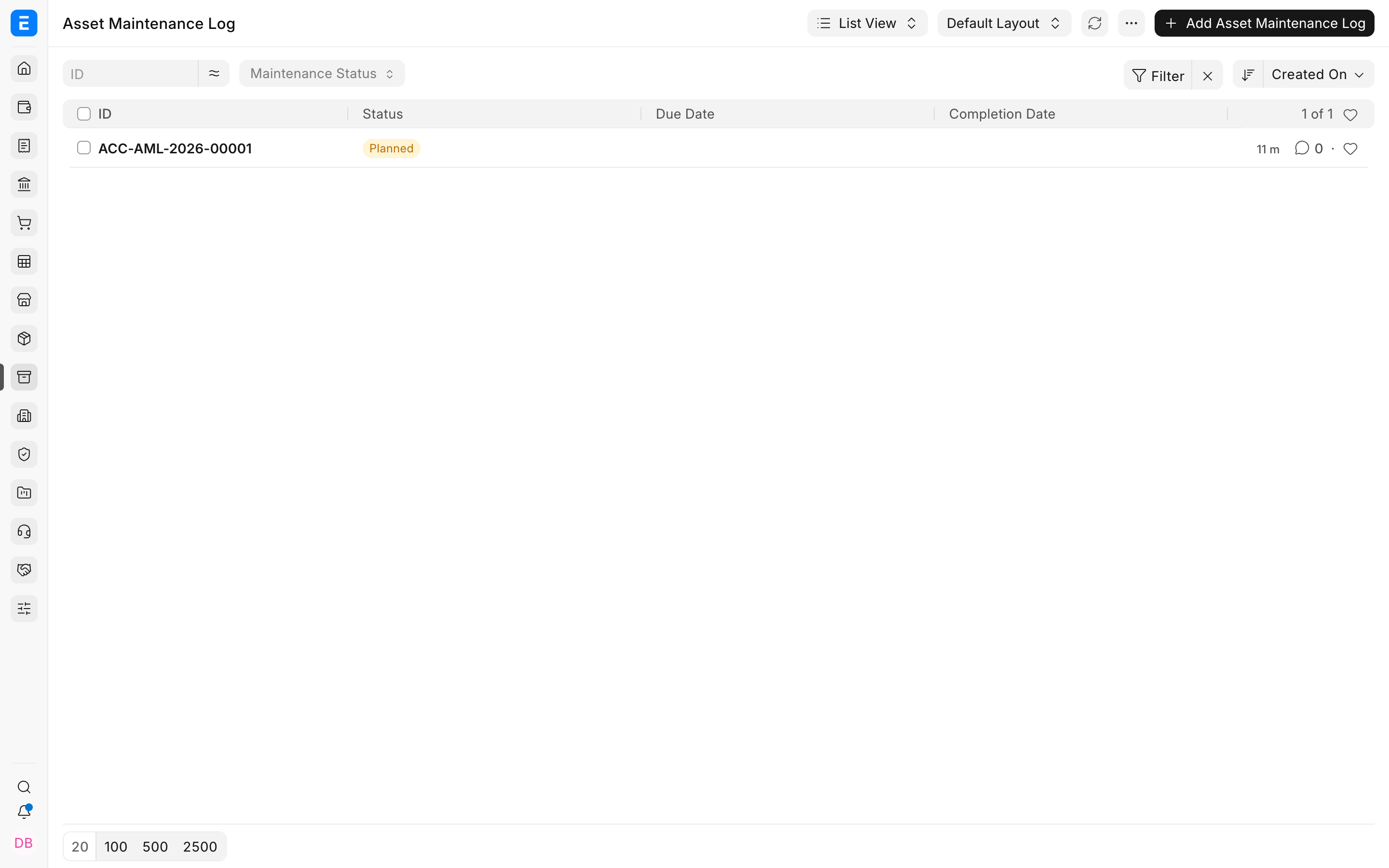
Open the generated log, record actions performed, add a certificate when required, and mark the work completed.
Troubleshooting
No maintenance logs were created
Check the start date, end date, periodicity, and assignee, then save the maintenance plan again.
The task is overdue
Complete or cancel the correct log. Do not only change the plan because the historical occurrence still needs a result.
Frequently asked questions
Is preventive maintenance the same as repair?
In ERPNext, no. Maintenance is planned work. Asset Repair records a failure, downtime, repair cost, and possible capitalization.
Can one Asset have several tasks?
In ERPNext, yes. Add separate rows for checks, calibration, cleaning, or certification.
Does maintenance affect asset value?
Routine maintenance normally does not. A qualifying repair cost can be capitalized through the repair workflow.