


















Nova Industries is a fictional electronics manufacturer and distributor. Its employees sell devices, manage warehouses, assemble selected products, and maintain equipment. They do not run a school or a healthcare facility. If every industry-specific feature is shown, a warehouse user may waste time searching through Student, Patient, or other records that have nothing to do with the job.
Domain Settings lets the administrator keep only the relevant business domains active across the site. This makes navigation and available business features easier to understand. It is not a security boundary: roles, permissions, User Permissions, and Workspace rules must still control who may read or change data.
Select active domains
Open Domain Settings, review the domains available from the installed apps, and select only the domains the organisation genuinely uses. Nova keeps manufacturing and distribution-related functionality available while leaving unrelated industry domains inactive.
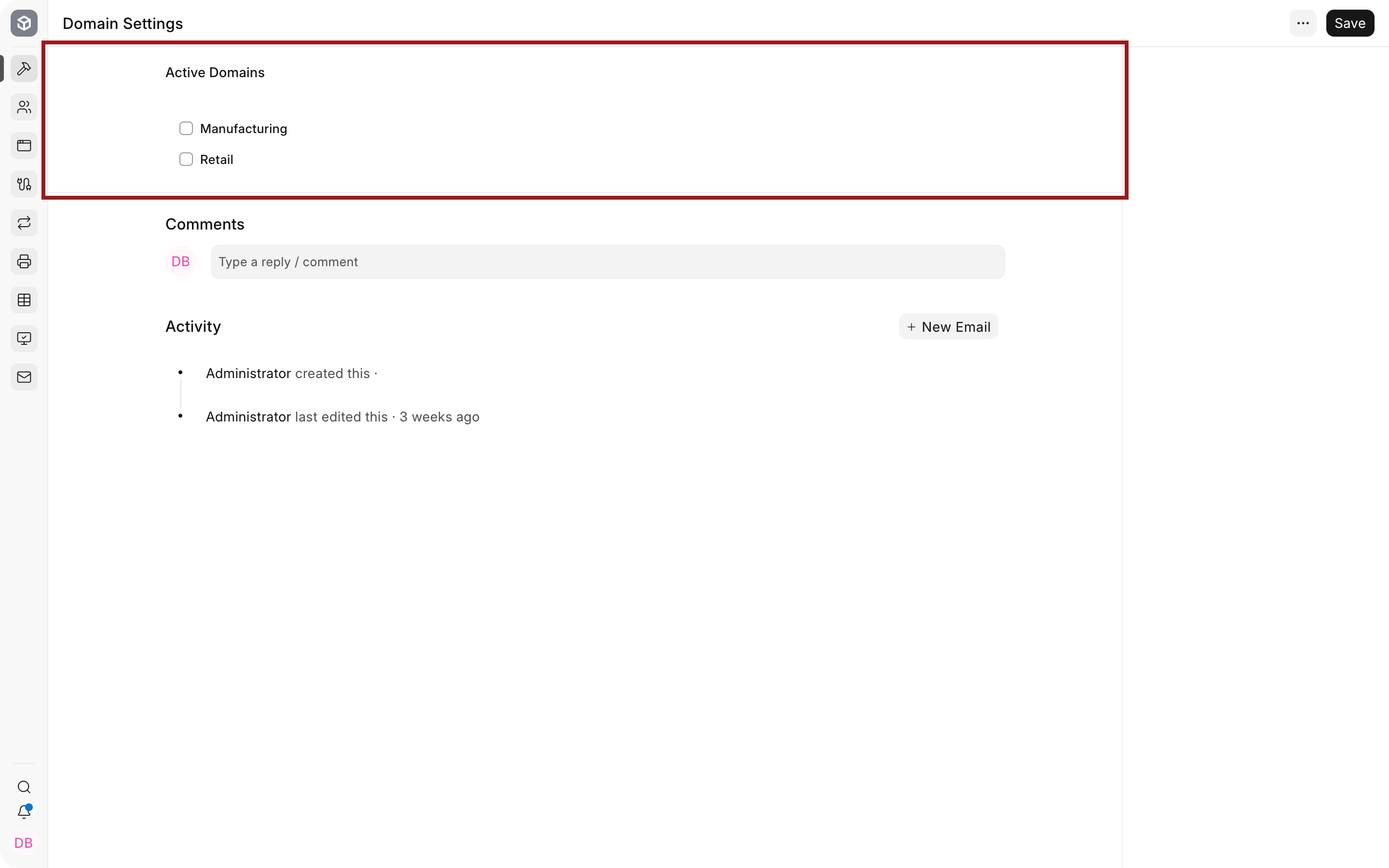
| Setting | What it means | Nova example |
|---|---|---|
| Active Domains | Business domains enabled for the site | Nova enables a relevant manufacturing domain but does not enable Education merely to explore its DocTypes. |
After saving, reload Desk and verify the affected workspaces, DocTypes, and navigation. Also test with a normal user's roles. A domain can make a feature available, while permission still decides whether the user can access it.
Domain Settings versus nearby controls
| Control | Use it for | Do not use it for |
|---|---|---|
| Domain Settings | Activating an installed business domain | Restricting one user's data |
| Module Settings | Changing process behaviour within a module | Hiding data from unauthorised users |
| Roles and Role Permissions | Granting DocType actions | Selecting which industry is relevant |
| User Permissions | Restricting particular Companies, territories, customers, or other linked records | Enabling an installed domain |
| Workspace configuration | Controlling navigation and cards | Replacing server-side permissions |
Troubleshooting
A DocType disappeared after changing domains
Re-enable the required domain and reload Desk. Then verify that the app remains installed and the user has the required role.
A user can access a record even though its workspace is hidden
Navigation visibility is not permission. Review Role Permissions and User Permissions for the DocType and record.
A domain is not available to select
Confirm that the app supplying it is installed and compatible with the current version. Domain Settings cannot activate code that is not installed.
Frequently asked questions
Should every available domain be enabled?
Enable only the domains the organisation uses. Extra domains add navigation and records that can confuse users.
Does disabling a domain delete data?
Do not treat domain selection as deletion. Existing records may remain in the database even when the related interface becomes unavailable. Re-enable the domain and verify before making structural changes.
Can one user have a different domain?
Domain Settings is site-wide. Use roles, permissions, and workspace configuration for user-specific access and navigation.
Is a domain the same as a module?
A domain represents a business context that can activate related functionality. A module groups application features. They overlap, but they are not interchangeable.