


















Quality Feedback Template
For creating a Quality Feedback, you must first decide the parameters by creating a Quality Feedback Template. A template contains a name and the different parameters on which feedback is to be collected. The parameters can be decided on the basis of different occasions and surveys.
To access the Quality Feedback Template, go to:
Quality > Setup > Feedback Template
1. How to create a Quality Feedback Template
- Go to the Quality Feedback Template list, click on Add Quality Feedback Template.
- Enter a Template Name.
- In the Parameters table, list down the various processes/parameters on which you want the user to rate and give the feedback.
- Save.
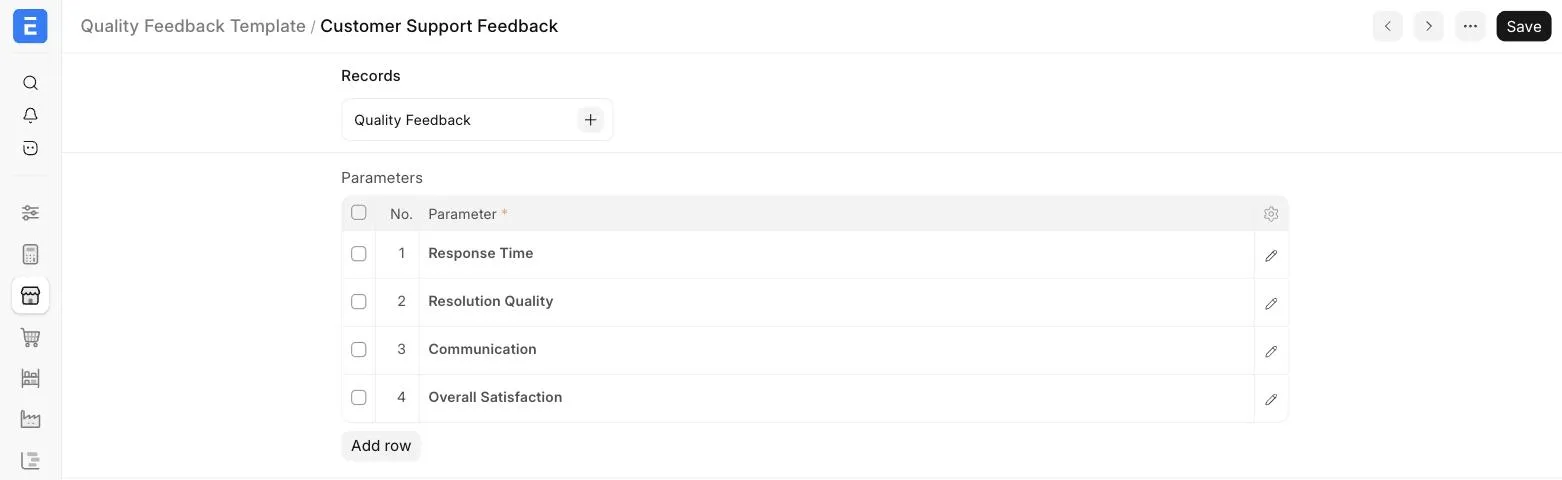
The Quality Feedbacks recorded using the template can be accessed from the Records section at the top of the Quality Feedback Template.
2. Related Topics
Last updated 1 week ago
Was this helpful?