


















Show or Hide Modules
Nova Industries is a fictional electronics manufacturer and distributor. A service coordinator needs Support and Selling, but not Manufacturing. An administrator finds an older instruction that says to open Show or Hide Modules and remove Manufacturing. In current ERPNext versions, that control is deprecated, and hiding a card would not have been a reliable way to protect manufacturing data anyway.
Use the current control that matches the real goal. Domain Settings decides which installed business domains are active for the whole site. Roles and Role Permissions decide which DocTypes a user can access. User Permissions restrict particular records such as a Company or Territory. Workspace configuration controls what appears in navigation. Module Settings changes how a process behaves.
Current status
The earlier Show or Hide Modules feature is no longer supported or required from version 15 onward. Do not search for the old Show/Hide Cards control or use a legacy screenshot to configure a current develop site.
Choose the correct replacement
| Goal | Current control | Nova example |
|---|---|---|
| Remove an irrelevant industry for the whole site | Domain Settings | Nova leaves Education inactive because it does not run a school. |
| Prevent a user from opening a DocType | Role and Role Permissions Manager | The service coordinator has no Manufacturing transaction permissions. |
| Restrict records inside an allowed DocType | User Permissions | A sales user can work only with an assigned Company or Territory. |
| Simplify navigation | Workspace visibility and roles | The service team's workspace shows Support and Selling shortcuts. |
| Change module behaviour | The relevant Module Settings page | Selling Settings controls Sales Order behaviour without changing access. |
Verify access instead of appearance
Test with the affected user's account or assigned roles. Confirm that an unauthorised DocType cannot be opened through search or a direct route, not merely that its workspace card is absent. A hidden shortcut is a cleaner interface; a denied permission is access control.
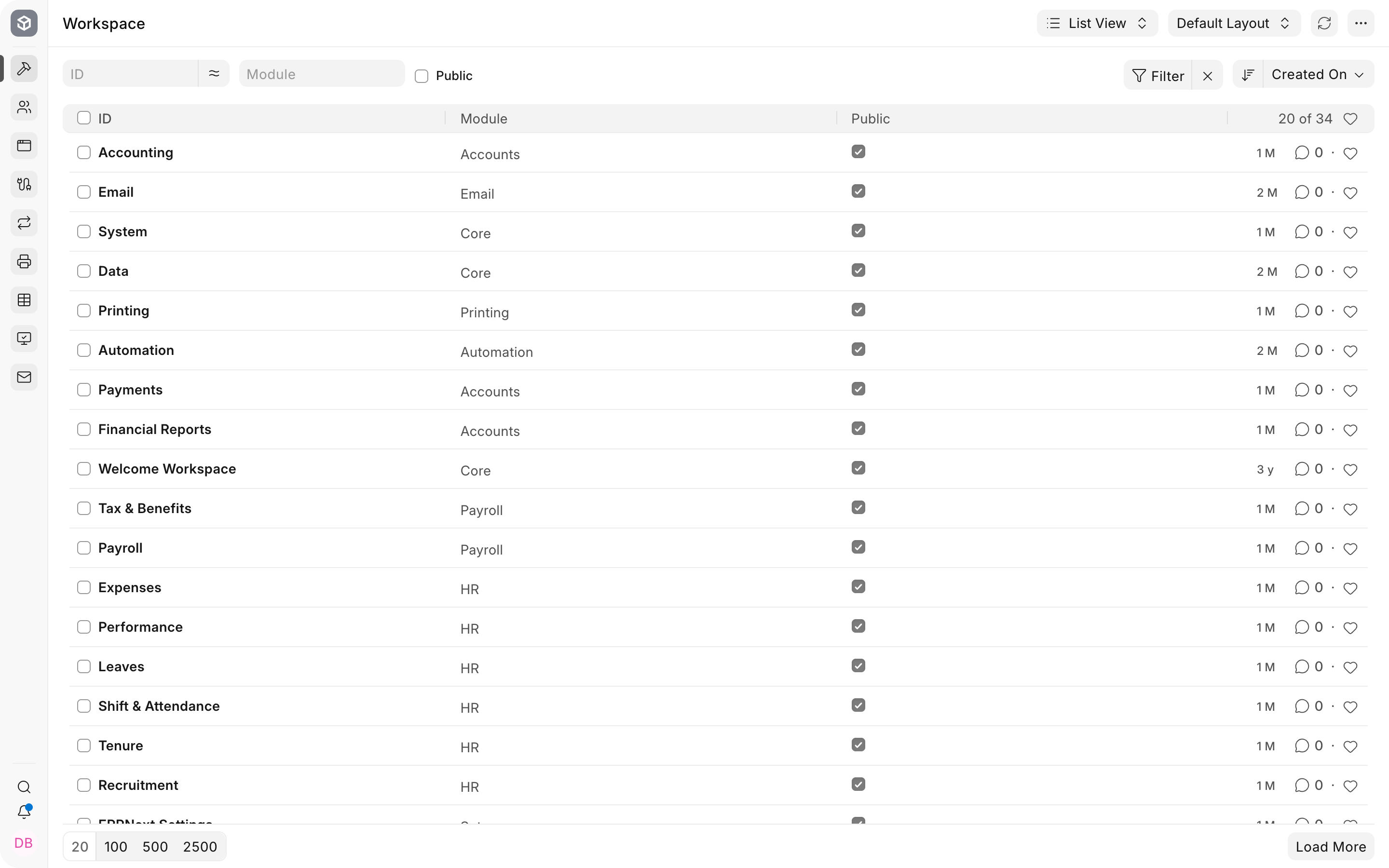
Troubleshooting
The old Show or Hide Modules option is missing
The feature is deprecated on current versions. Identify whether the requirement concerns domains, permissions, record restrictions, workspace navigation, or module behaviour, then use the matching current control.
A hidden workspace is still accessible through search
Workspace visibility does not replace DocType permissions. Remove the inappropriate role or permission and test the direct DocType route.
A user has the right role but sees too many records
Use User Permissions or document-specific permission logic to restrict linked records such as Company or Territory.
Frequently asked questions
Can Module Settings hide a module from one user?
Module Settings changes process behaviour. Use roles and Workspace configuration for user-specific access and navigation.
Does hiding a workspace secure its data?
A hidden workspace removes a navigation surface. Server-side role and record permissions must protect the data.
Should old sites keep using Show or Hide Modules?
Plan a move to the current controls before upgrading or maintaining the configuration. Verify the exact supported behaviour on the site's version.
Why keep this documentation page?
It helps readers who find older instructions understand why the control is missing and where to configure the intended outcome now.