


















Precent Item rate change in the Sales Cycle
ERPNext can validate whether an Item's rate changes as it moves from a Sales Order to a Delivery Note or Sales Invoice. Use this control when confirmed order rates should remain consistent through fulfilment and billing.
Before you begin
Confirm:
- Item Prices and the intended Price List.
- The roles permitted to approve price exceptions.
- Whether your process requires a warning or a hard stop.
- How legitimate amendments and returns should be handled.
This setting does not replace pricing governance. Document when a rate may change and who may approve it.
Configure rate validation
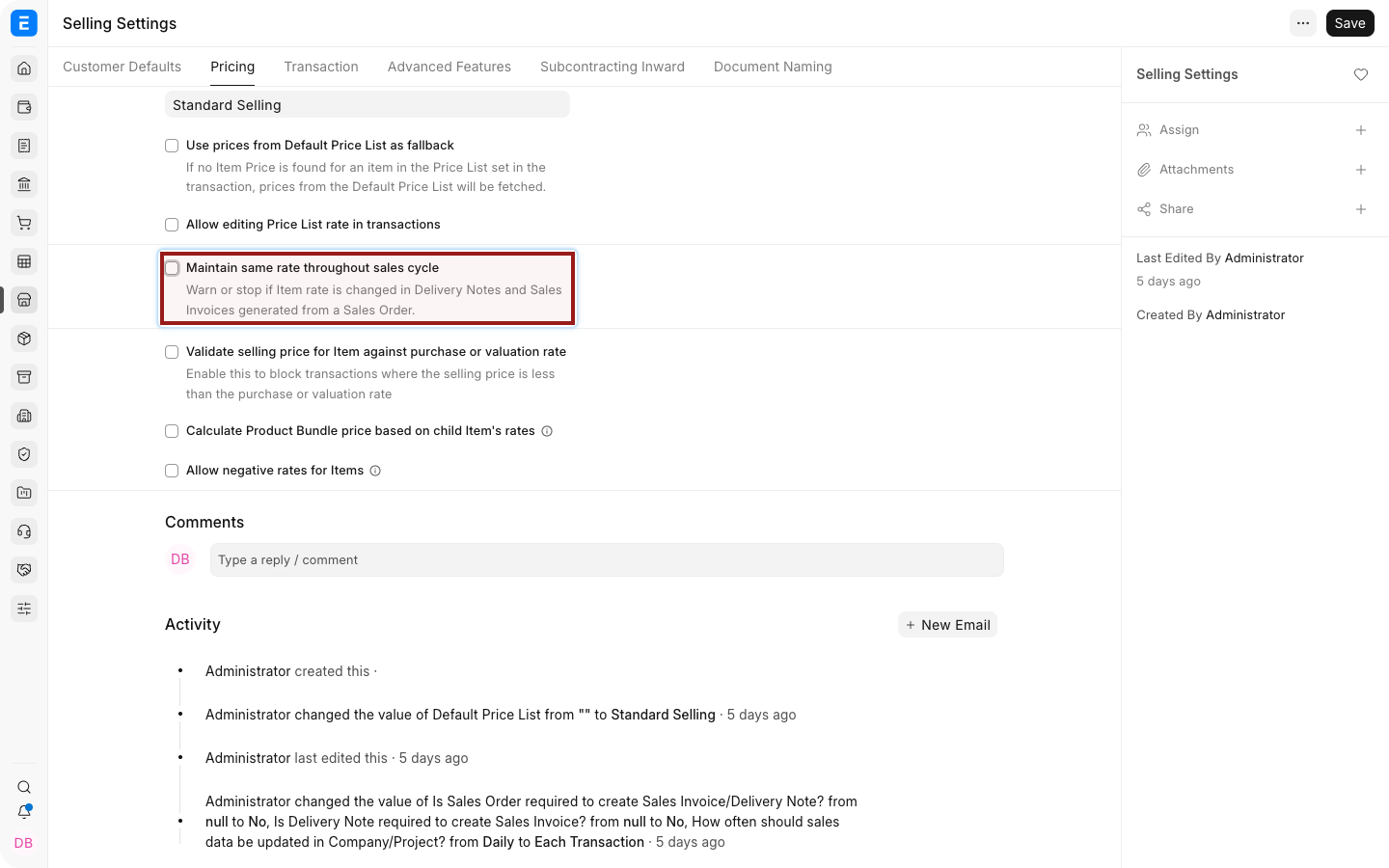
- Open Selling Settings.
- Open the Item Price Settings section.
- Enable Maintain Same Rate Throughout Sales Cycle.
- Set Action If Same Rate Is Not Maintained to:
- Warn to allow saving after notifying the user.
- Stop to block the inconsistent rate.
- When Stop is selected, choose the role allowed to override the action if your version provides that field.
- Save.
Test the control
- Create and submit a Sales Order with an Item rate.
- Create a Delivery Note or Sales Invoice from the Sales Order.
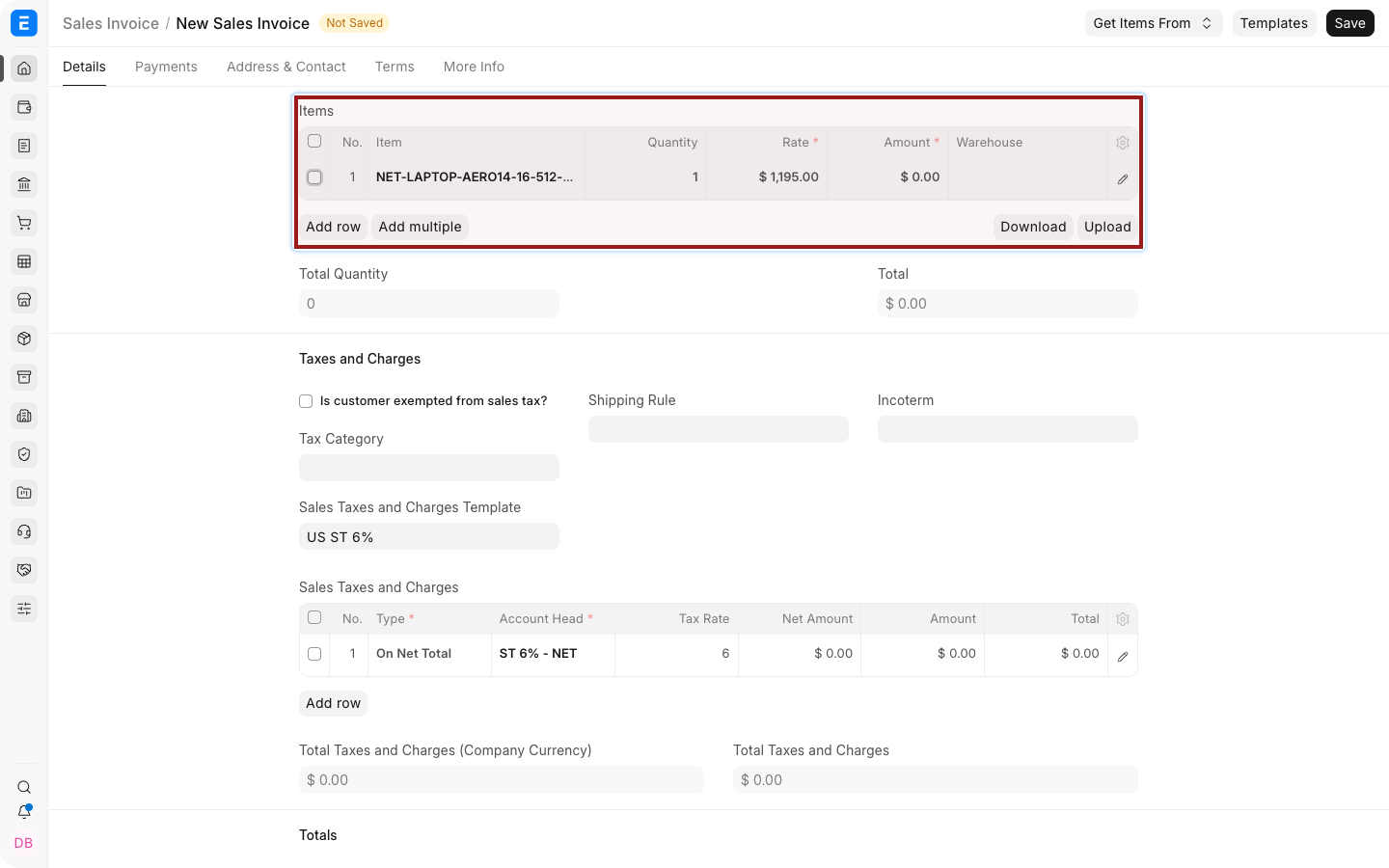
- Select the highlighted pencil icon to open the complete Item row.
- Change the Rate.
- Save and confirm that ERPNext warns or stops the change according to Selling Settings.
The dot before an Item Code shows stock availability at a glance: green means in stock and red means out of stock.
When a rate legitimately changes
Use the workflow that preserves the audit trail:
- Amend the confirmed Sales Order when the commercial agreement changed before fulfilment.
- Use Update Items when the supported after-submit workflow fits the change.
- Create a Credit Note or return when correcting a submitted invoice.
- Use an authorized override only when policy permits it.
Do not silently change a downstream rate simply to make totals match.
How pricing sources interact
A transaction rate can be influenced by:
- Item Price and Price List.
- Pricing Rules.
- Promotional Schemes.
- Item-level margin or discount.
- Additional Discount.
- Currency conversion.
- A manually entered Rate when permissions allow it.
The same-rate validation compares the mapped sales-cycle rate. It does not prevent every possible upstream pricing configuration.
Important settings
| Setting | Effect |
|---|---|
| Maintain Same Rate Throughout Sales Cycle | Enables comparison against the upstream rate |
| Action: Warn | Shows a warning but permits the user to continue |
| Action: Stop | Blocks the rate change |
| Override Role | Lets authorized users bypass Stop when supported |
| Allow User to Edit Price List Rate | Controls editing of the Price List Rate field, not the complete sales-cycle policy |
Troubleshooting
| Problem | What to check |
|---|---|
| No warning appears | Confirm the downstream document was mapped from the Sales Order and the setting is saved |
| Authorized user cannot override | Confirm the configured role and the user's assigned roles |
| Rate changes before mapping | Review Item Prices, Pricing Rules, discounts, currency, and the source document |
| Return or credit correction is blocked | Use the appropriate return or amendment workflow |
| Users confuse Rate and Price List Rate | Explain the reference rate, margin, discount, and final transaction rate |
Frequently asked questions
Does the setting apply to unrelated standalone invoices?
It is intended to validate rates through a linked sales cycle. A standalone invoice has no Sales Order rate to compare.
Should I choose Warn or Stop?
Use Warn where exceptions are common and reviewed later. Use Stop where approval must happen before the document is saved.
Can a role override Stop?
Yes, when the override-role field is available and configured in your ERPNext version.
Does the setting stop Pricing Rules?
No. Pricing Rules remain part of rate calculation. Test the combined workflow.