


















Setting up ERPNext means turning the way your business already works into reliable masters, defaults, permissions, and opening balances. A good setup begins with the decisions that affect every transaction, then moves into the individual modules your team will use.
For Nova Industries, an electronics manufacturer and distributor, this starts with the legal company, fiscal year, chart of accounts, warehouses, items, customers, suppliers, users, and opening balances. Configure these foundations before importing day-to-day transactions.
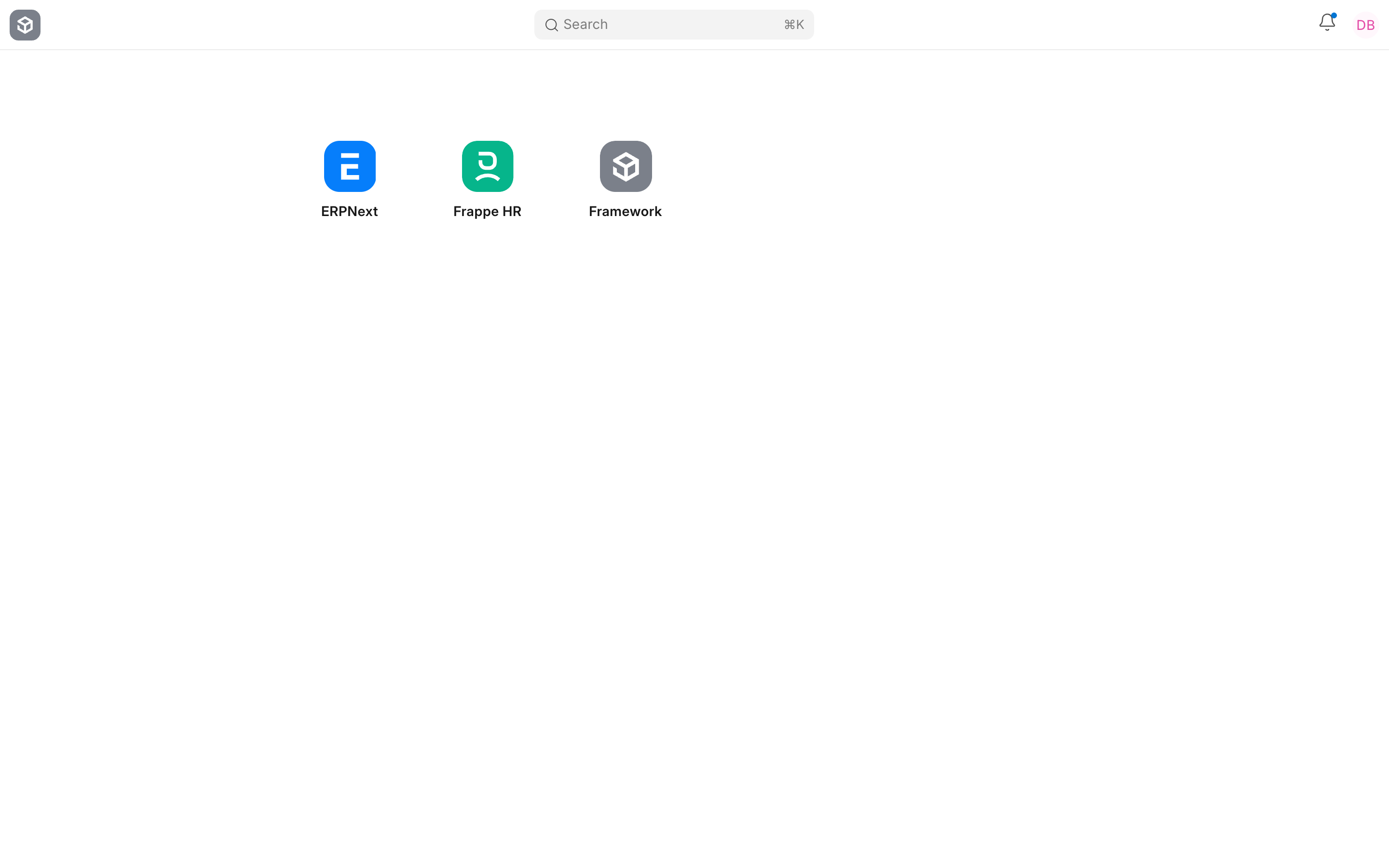
Plan the setup
| Decision | Why it matters | Start here |
|---|---|---|
| Legal entities | Separates books, tax registrations, currencies, and statutory reporting. | Company |
| Accounting period | Controls transaction dates and financial reporting. | Fiscal Year |
| Accounts | Determines where every financial transaction is posted. | Chart of Accounts |
| Stock locations | Defines where inventory is stored and valued. | Warehouse |
| Access | Limits what each user can view and change. | Users and Permissions |
Recommended setup order
- Create or review the Company, Country, currency, time zone, language, and fiscal year.
- Review System Settings, Global Defaults, and Domain Settings.
- Configure the Chart of Accounts, cost centers, taxes, bank accounts, warehouses, and naming rules.
- Create essential masters such as Items, Customers, and Suppliers.
- Add users, roles, and user permissions. Test the setup with the same access your team will use.
- Prepare clean legacy data and use the Data Import tools for required masters and opening balances.
- Run a complete sales, purchase, stock, and accounting cycle before going live.
Do not import everything
Move only the data needed to operate and report from the cutover date. Keep the old system available for historical reporting instead of importing years of low-value transactions. This reduces reconciliation effort and makes problems easier to find.
Validate before go-live
Confirm opening receivables, payables, bank balances, stock quantities, stock values, fixed assets, taxes, and the trial balance. Ask real users to complete their most common tasks. Correct the setup before the first live transaction, because changing currencies, account structures, or stock rules later can be disruptive.
Troubleshooting
A module is missing
Review Domain Settings and Show or Hide Modules. Also confirm that the user has the roles required to access the workspace.
Defaults are not appearing
Check Company defaults, Global Defaults, user defaults, and the relevant module settings. Reload the session after changing system-wide defaults.
Frequently asked questions
Should I set up every module before going live?
Configure the modules needed for the first operational scope, test them thoroughly, and introduce additional modules in controlled phases.
Can I change the setup later?
Many defaults can be changed, but decisions such as company currency, account structure, stock accounting, and opening balances require careful planning after transactions exist.