


















Purchase Invoice - Account Type Error
Nova Industries receives a supplier bill from Apex Components, its regular parts supplier. ERPNext blocks the Purchase Invoice with the message that Credit To must be a Balance Sheet account. The message is protecting the payable: the supplier amount must sit in a liability account until Nova pays it.
Fix the error
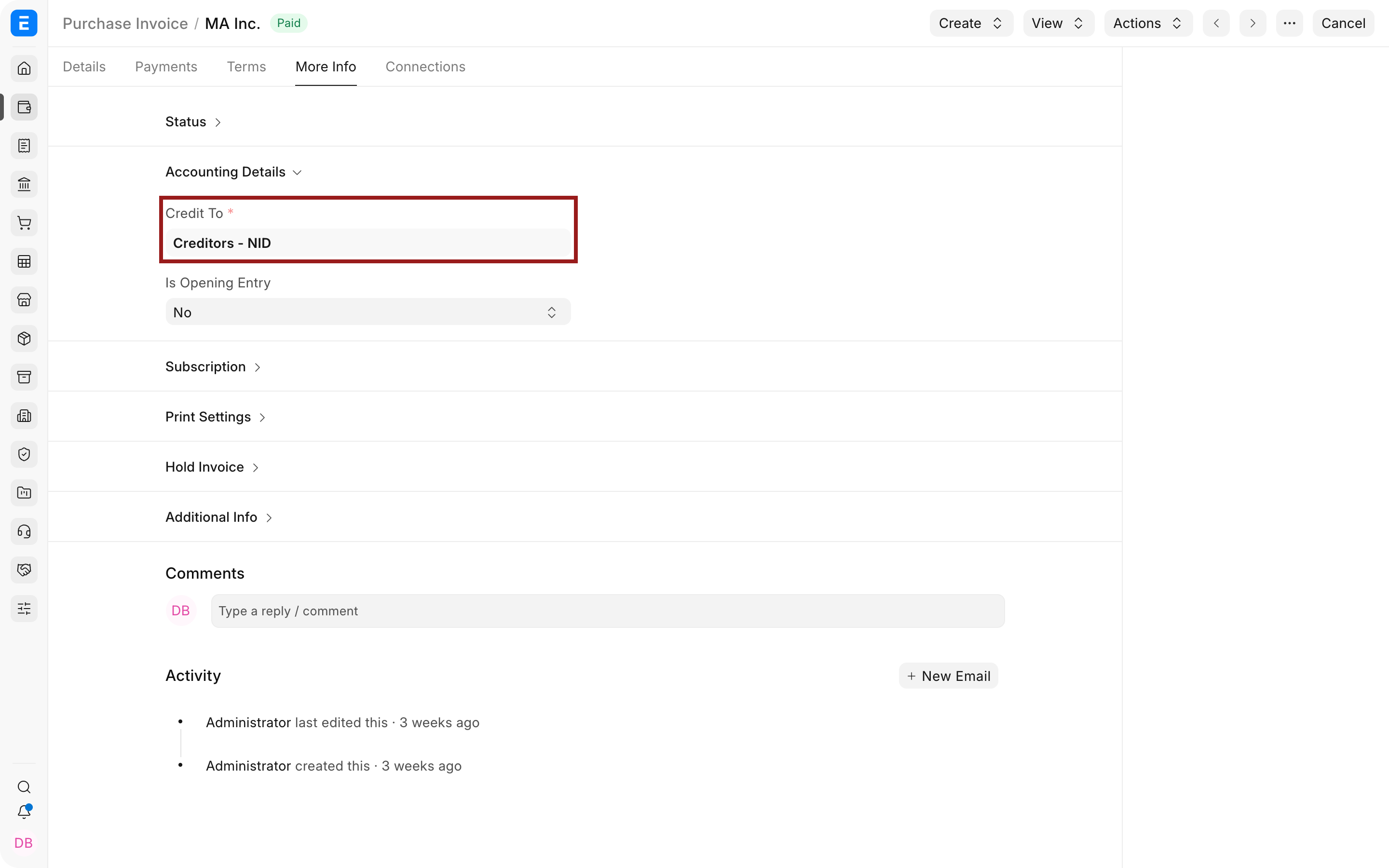
- Open the Purchase Invoice and check Credit To.
- Select the supplier payable account for the company, commonly Creditors or Accounts Payable.
- Open that account in the Chart of Accounts and confirm it is under Liabilities and has Account Type Payable.
- Set the correct default payable account on the Supplier or Company if the wrong account keeps returning.
- Save and submit the invoice again.
Why the account must be a liability
| Entry | Debit | Credit |
|---|---|---|
| Supplier invoice | Expense, stock, asset, or service account | Supplier payable |
| Supplier payment | Supplier payable | Bank or cash |
Troubleshooting
The correct account does not appear
Confirm that the account belongs to the invoice company, is not a group, is enabled, and has Account Type Payable. Also check the Supplier’s company-specific default account.
Frequently asked questions
Can I credit an expense account instead?
Use an expense or stock account on the debit side for what was purchased. The unpaid supplier balance belongs in a payable liability account.
Related topics
Last updated 2 months ago
Was this helpful?