


















Shareholder Management
Nova Electronics Trading starts with three shareholders: Elena Brooks holds 6,000 shares, Marcus Lee holds 4,000, and Horizon Ventures LLC holds 1,000. As Nova raises capital and ownership changes, the finance team must answer three questions reliably: who the owners are, how many shares each one holds, and which transaction changed that balance. Shareholder management connects those answers instead of treating them as separate spreadsheets.
In ERPNext, the workflow has three parts. A Shareholder identifies the owner. A Share Transfer records an Issue, Purchase, or Transfer. Share Reports show the resulting balances and history.
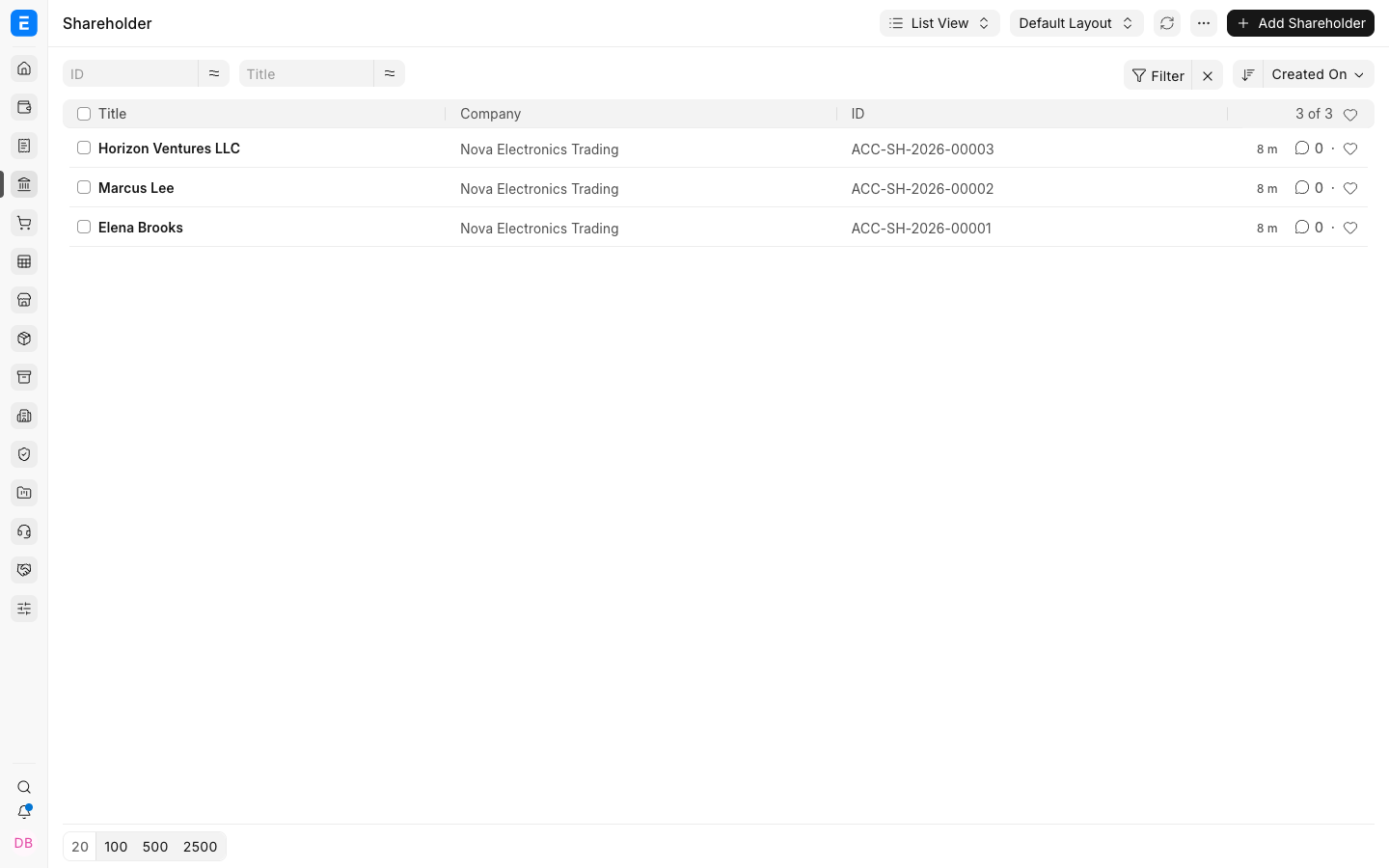
Use the records in this order
| Step | Record | Result |
|---|---|---|
| 1 | Shareholder | Creates the owner master and contact context. |
| 2 | Share Transfer with Issue | Creates the first holding and assigns a folio number. |
| 3 | Share Transfer with Transfer or Purchase | Changes ownership or records a company buyback. |
| 4 | Share Balance and Share Ledger | Verifies current ownership and transaction history. |
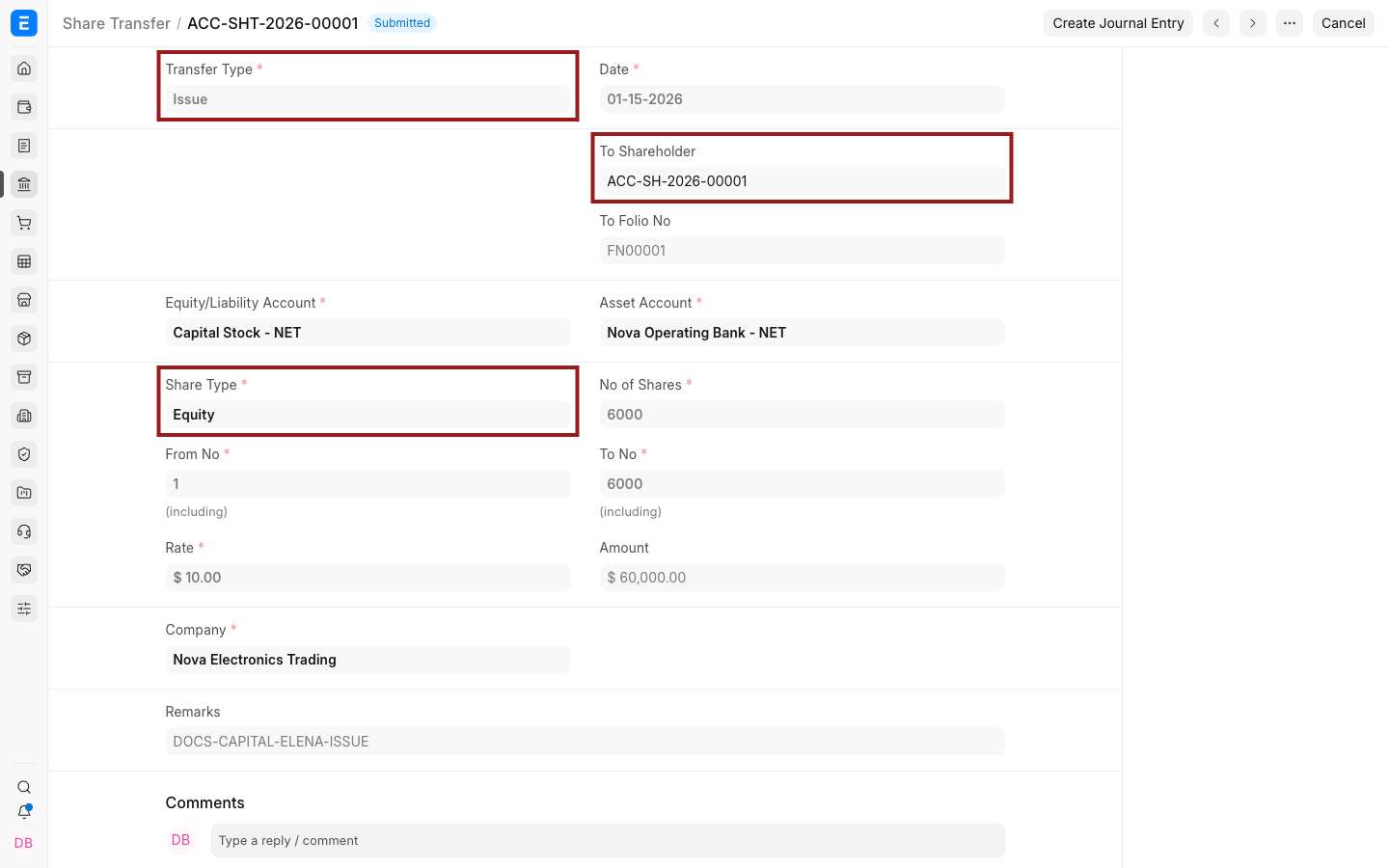
Keep the register reliable
Use submitted Share Transfers for every ownership change. Do not overwrite a shareholder's balance manually. Keep Contacts and Addresses linked to the master, and use a consistent Fiscal Year and posting date when related accounting entries are required.
Frequently asked questions
Does creating a Shareholder change the company's equity?
The master itself has no ledger impact. A submitted share issue records the ownership movement, and the related Journal Entry is used when accounting entries are required.
Which report shows the current owner balance?
Share Balance shows current holdings. Share Ledger explains how those holdings changed transaction by transaction.