


















Mode of Payment
A Mode of Payment identifies how money is received or paid, such as cash, bank transfer, card, or check. It also helps ERPNext choose the correct default ledger for each Company when users create a Payment Entry or a Point of Sale transaction.
Before you begin
Create the required cash and bank ledgers in the Chart of Accounts. Confirm each account's type and currency, and decide which account each Company should use for the payment method.
Create a Mode of Payment
- Open Mode of Payment and select Add Mode of Payment.
- Enter a clear name, such as Cash, Bank Transfer, or Corporate Card.
- Choose the payment Type.
- In Accounts, add each Company and its default cash or bank ledger.
- Save the record, then test it in a Payment Entry or POS Profile.
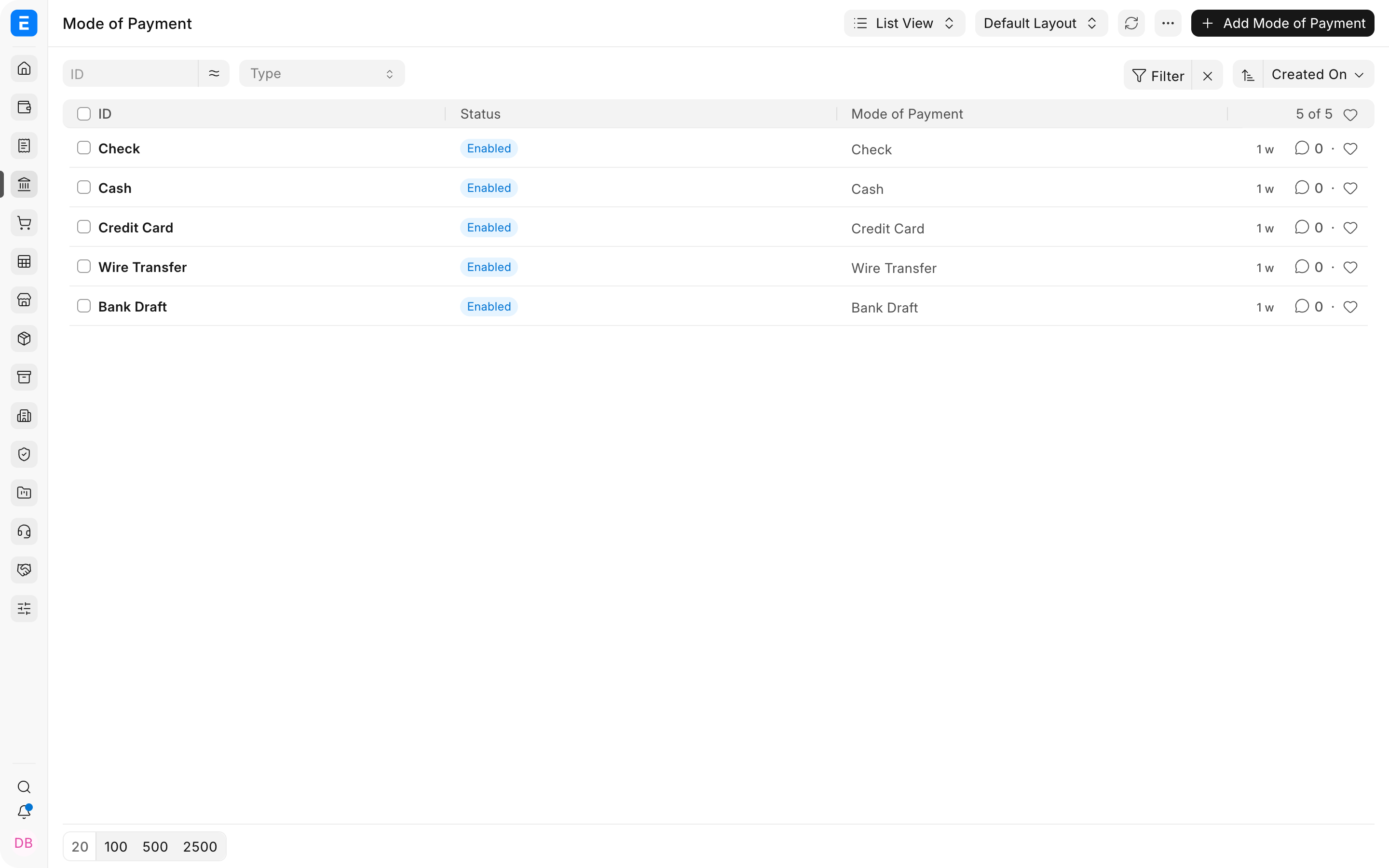
Important fields and what they mean
| Field | What it controls |
|---|---|
| Mode of Payment | Name users select in transactions. |
| Type | Classifies the method as Cash, Bank, General, Phone, or another available type. |
| Enabled | Controls whether users can select it. |
| Company | Company for which the default account applies. |
| Default Account | Ledger ERPNext proposes when this mode is selected. |
The Type describes the method. The Default Account determines which ledger is used. Selecting a Mode of Payment does not by itself create a General Ledger entry. The accounting effect comes from submitting the transaction that uses it.
Troubleshooting
ERPNext asks me to set a default Cash or Bank account
Open the selected Mode of Payment and add an Accounts row for the transaction's Company. Choose a ledger whose account type and currency match the payment. If the transaction comes from POS, also check the Mode of Payment rows in the POS Profile.
The wrong account appears in Payment Entry
Check whether the Mode of Payment has a default account for the current Company. A Company-specific row takes effect only for that Company. Also review whether the Payment Entry was created from another document that supplied its own account.
A cash payment appears in Bank Reconciliation
The label Cash does not make the linked ledger a cash account. Review the Default Account in the Chart of Accounts. If it is configured as a Bank account, transactions can appear in Bank Reconciliation. Link the mode to the actual cash ledger instead.
Users cannot select the mode
Confirm that Enabled is selected and that the mode is included in the relevant POS Profile or transaction setup. Also check user access to the Company and account.
Frequently asked questions
Can one Mode of Payment use different accounts for different companies?
Y
es. Add one Accounts row per Company. ERPNext prevents duplicate rows for the same Company because each mode has one default account per Company.
Can I assign a different default account for each branch?
The standard Mode of Payment mapping is Company-based, not branch-based. For branch-specific retail payments, use separate POS Profiles with the appropriate payment accounts. More complex branch logic requires a controlled customization.
Does the Type field decide which ledger is posted?
Type classifies the payment method. The Default Account and the submitted transaction determine the ledger posting. Always verify the proposed Paid From and Paid To accounts before submitting.
Should I create a Mode of Payment for every bank account?
Usually not. Create names that are meaningful to users, then map each mode to the appropriate Company account. Separate modes are useful when users must deliberately distinguish methods or when different operational flows need different defaults.
Is a Mode of Payment the same as an online payment gateway?
A Mode of Payment labels and maps the accounting method. An online Payment Gateway also requires integration credentials and gateway configuration. The gateway's completed transaction can then be represented by a suitable Mode of Payment.