
Change existing user's email ID
The User ID is created based on the email address. When a user is renamed, its value is updated in all existing records, including change logs. As a result, this is a resource-intensive action. If you encounter time-out issues while renaming a user, consider creating a new User ID using the updated email address and disabling the old user.
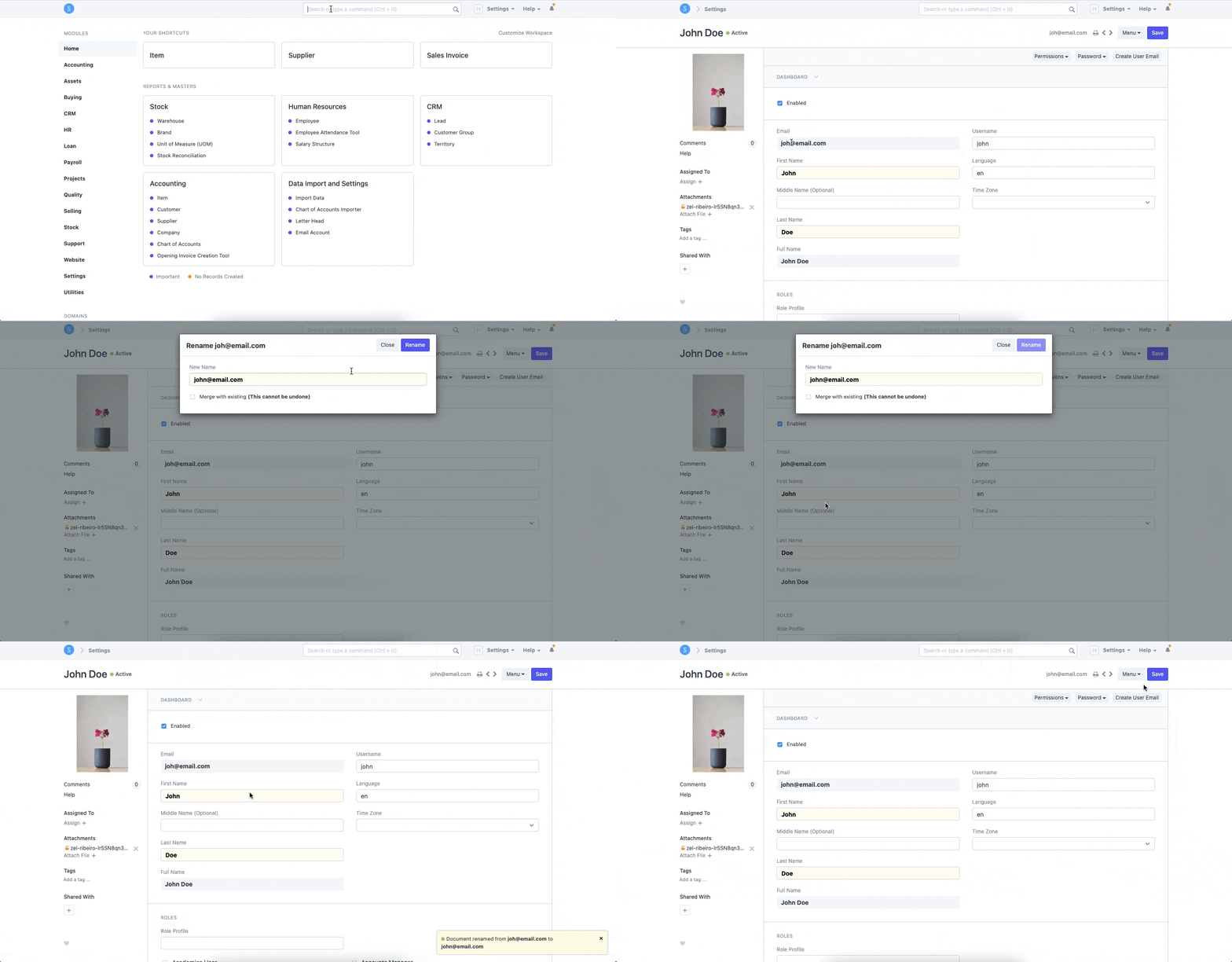
To change a User's Email Id, follow the steps:
User List -> Open the User > Click on Menu -> Rename > Enter the New Email Id . Save
Refer to the GIF here illustrating the same:
Last updated 4 months ago
Was this helpful?