
Employee Other Income
Employee Other Income is a document to declare other income of an employee from different sources.
Other income of an employee is also important to calculate the income tax liability of an employee. In Frappe HR, an employee can declare their other income using this document.
To access Employee Other Income, go to: > Home > Human Resources > Employee Tax and Benefits > Employee Other Income
1. How to create an Employee Other Income
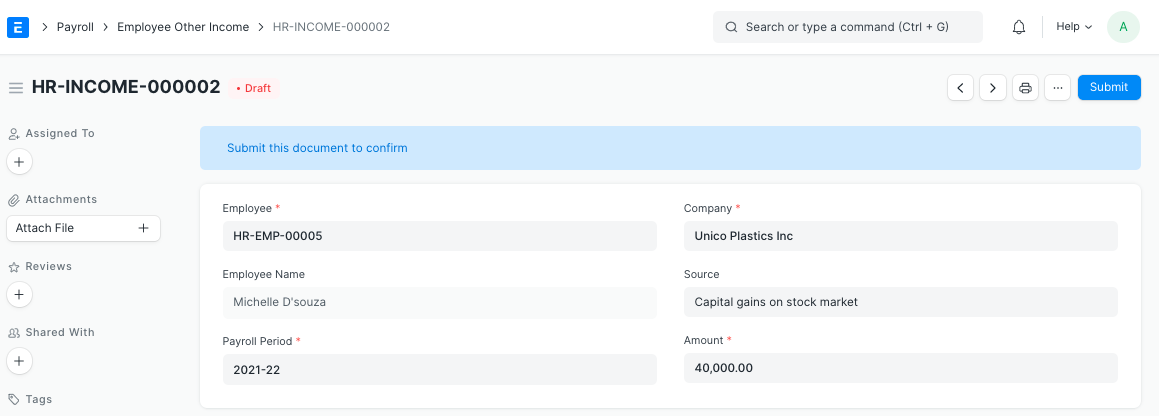
- Go to: Employee Other Income > New.
- Select the Employee and Company.
- Select the Payroll Period.
- Enter the Amount and its Source.
- Save and Submit.
2. Related Topics
Last updated 4 months ago
Was this helpful?