


















Tickets not being created?
You may face some issues like, email is being sent to your email account but the tickets are not being created.
If you are facing something similar. Follow this:
- Go to Desk
- Go to Email Account => Open your Email Account
- Click on Incoming Tab
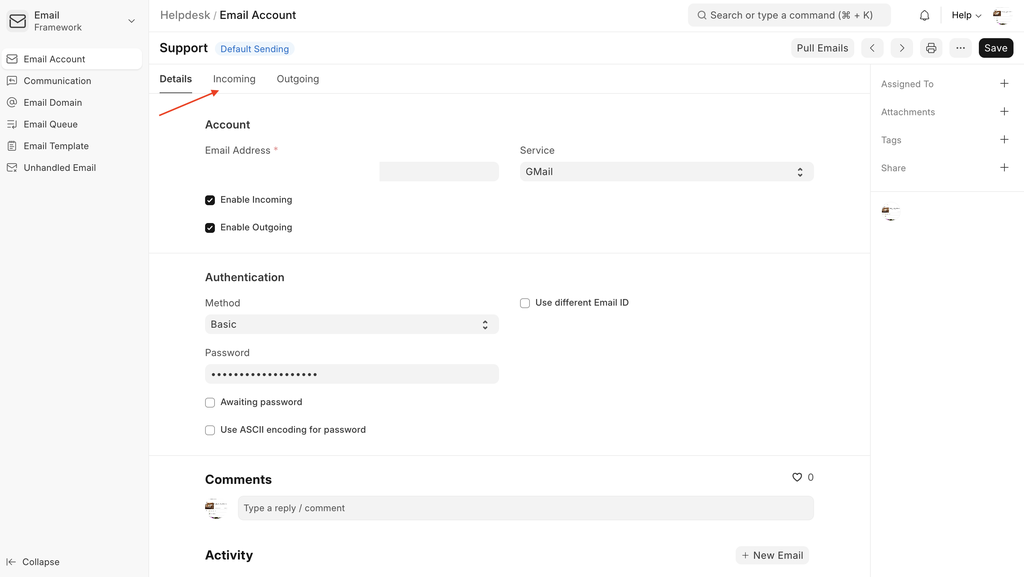
- Scroll down to the section called IMAP Details
- Here configure the the "IMAP Folder" like this
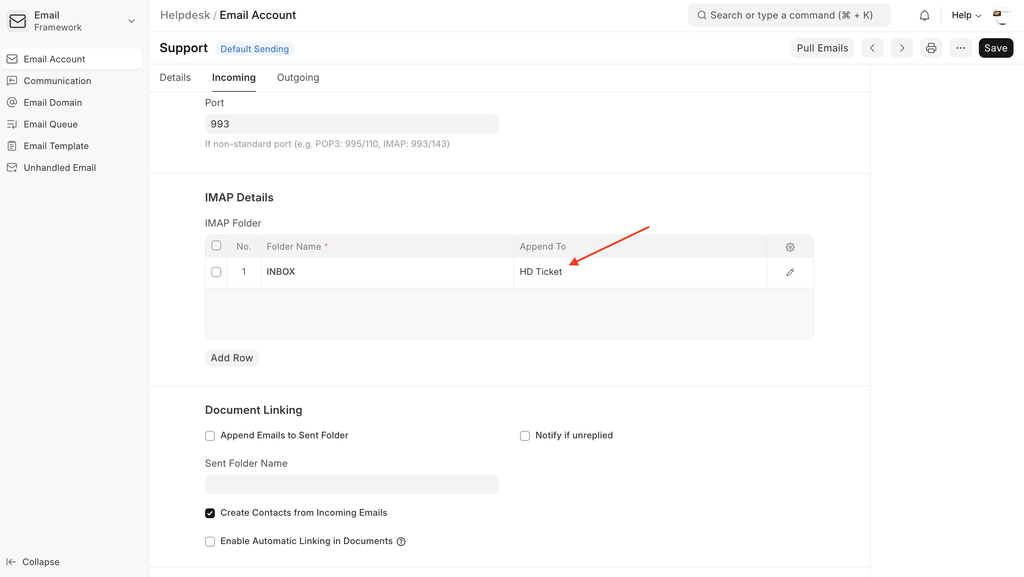
Add "INBOX" in "Folder Name"
Add "HD Ticket" in "Append To"
- Save the document
- Click on Pull Emails
Last updated 10 months ago
Was this helpful?