


















Branch
A Branch office is an outlet of a company located at a different location, other than the main office.
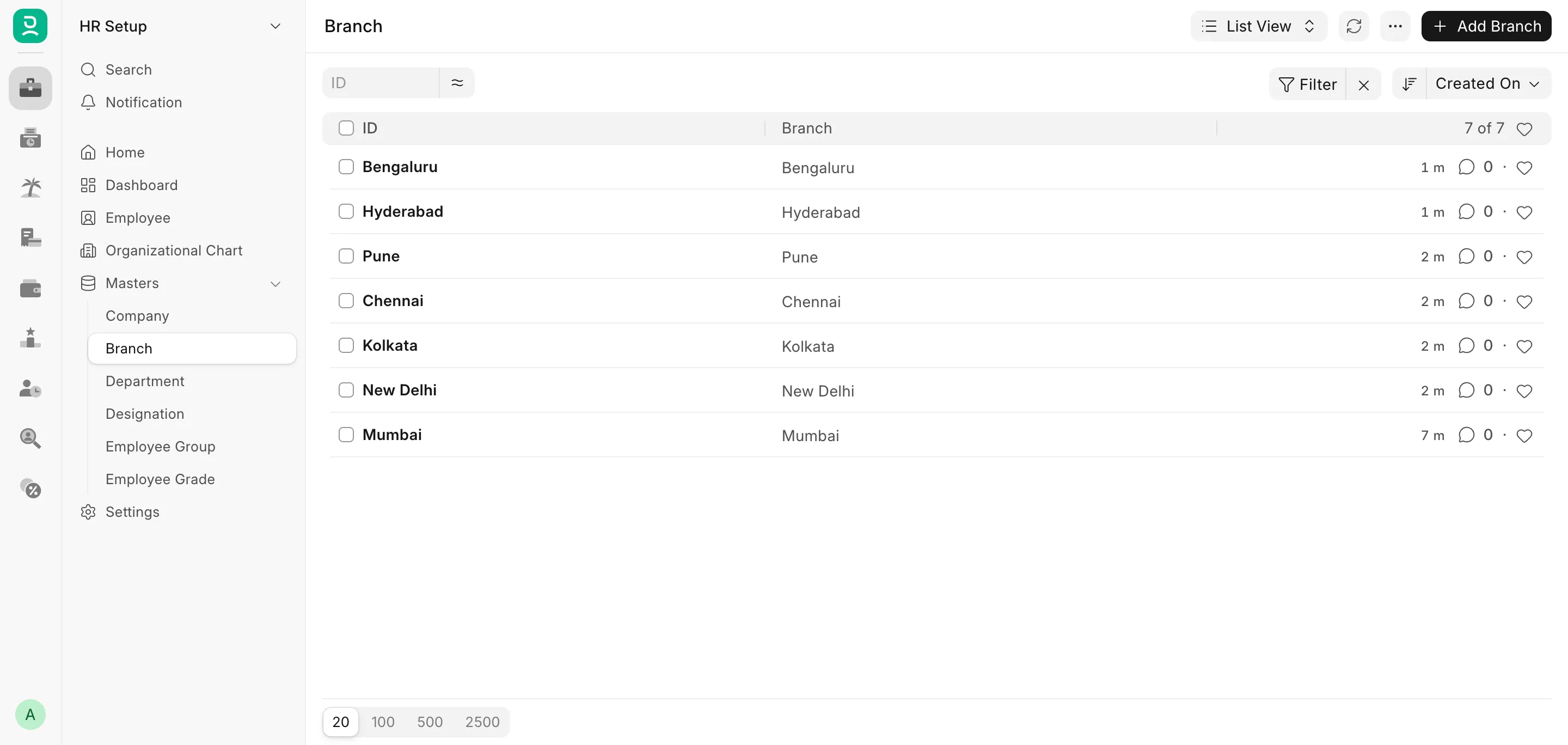
Frappe HR allows you to create and keep a record of the different branches of your organization.
To access Branch, go to:
Home > Human Resources > Employee > Branch
1. How to create a Branch
- Go to the Branch list, click on New.
- Enter the name of the Branch.
- Save.
The Branch name must be unique, and it is the only field in the Branch master. Since Branch is not linked to a Company, the same Branch list is shared across all Companies in the instance.
2. Link a Branch to an Employee
You can link the Branch to the Employee master. Once the Branch is set on the Employee, it is used to group, filter, and report on that Employee across HR and Payroll transactions.
Note: When an Employee is transferred to a different Branch, the change is recorded in the History In Company section of the Employee master, along with the Department, Designation, and the dates for which the Employee worked at that Branch.