


















Organization Management
Employee Group
Employee Group is grouping of Employees based on some attributes such as Designation, Grade, Branch, etc.
To access Employee Group, go to:
Home > Human Resources > Employee > Employee Group
1. Prerequisites
Before creating an Employee Group, it is advisable to create the following documents:
2. How to create an Employee Group
- Go to Employee Group list, click on New.
- Enter the Name.
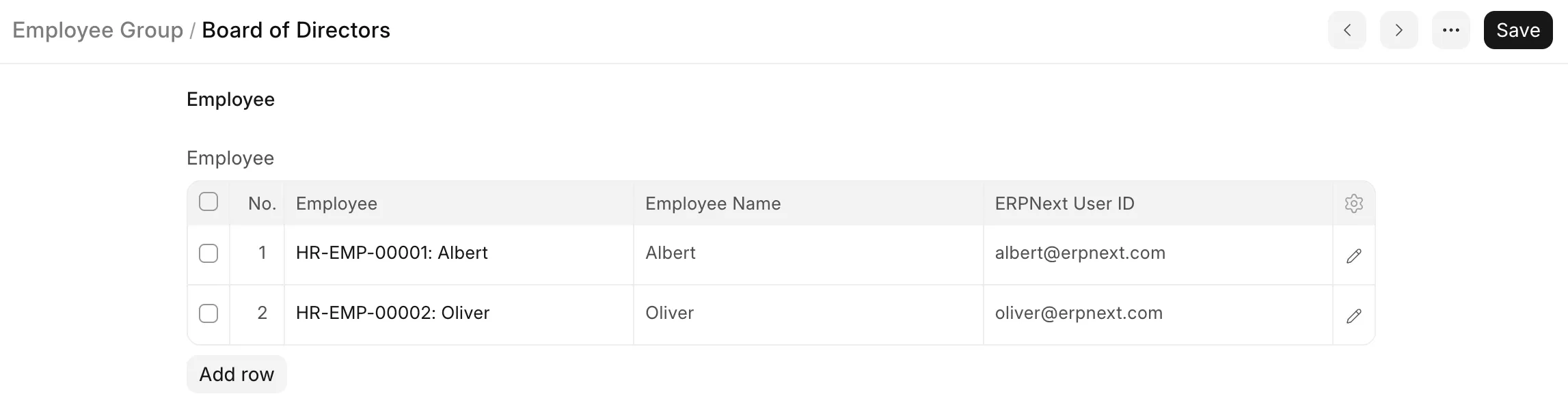
- Select and add Employee ID to the group. The Employee Name will get automatically fetched.
- Save.
3. Related Topics
Last updated 1 month ago
Was this helpful?