


















Review and approval of new salary structures often takes time and is assigned to employee much later than the applicable date.
When a new Salary Structure Assignment is approved and applied (e.g., June 2025 onward, but effective from April 2025), and salary for past months (April, May) has already been processed, this feature calculates and compensates the employee for the arrears, ensuring their paid salary matches the new structure.
Step 1: Navigate to Arrears doctype
- Go to HR > Payroll > Arrears
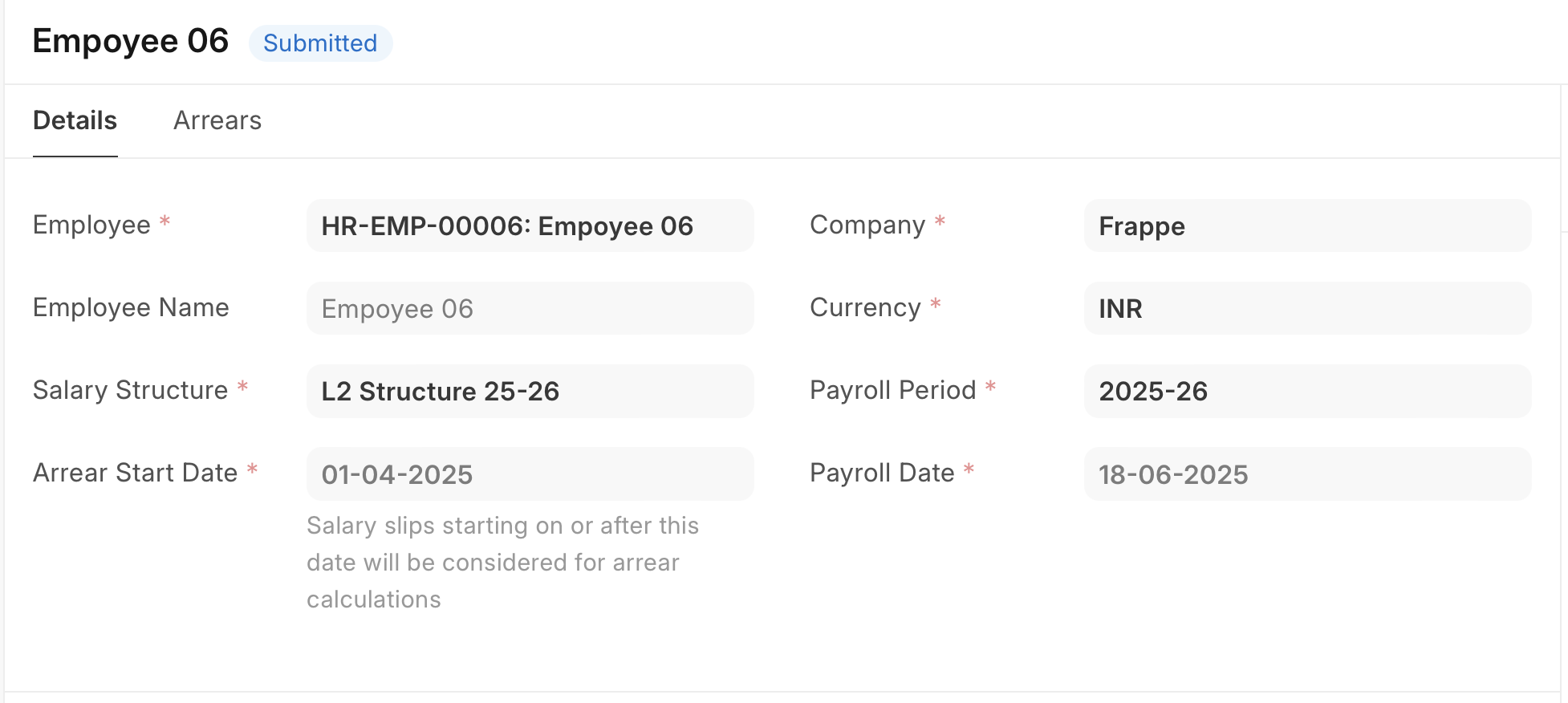
Step 2: Select Employee, Salary Structure, and the date from which arrears needs to paid for.
Step 3: Save and Submit
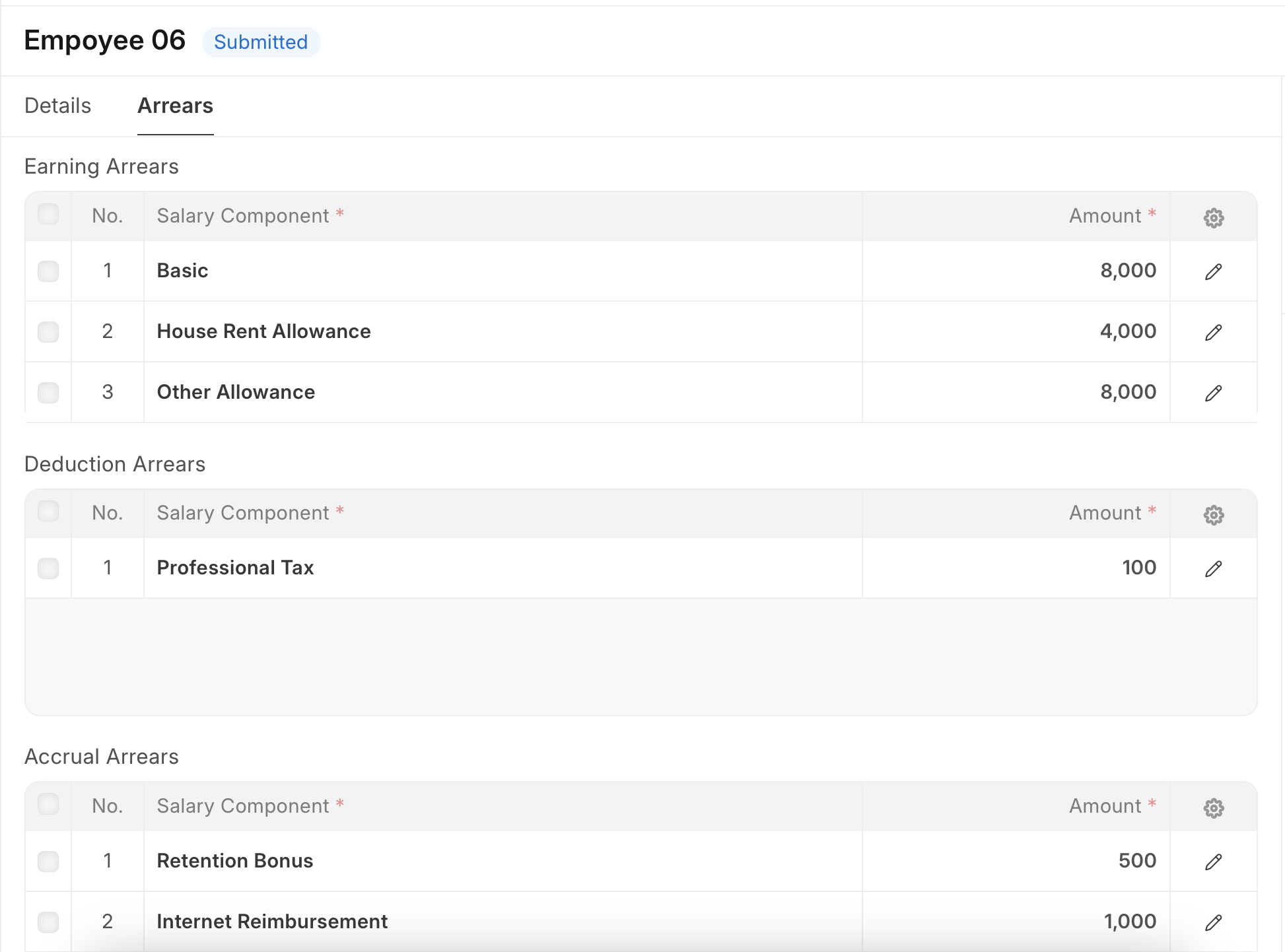
- Upon save system will populate earning, deduction and accrual arrears in respective child tables.
- Based on Payroll Date, additional salary will be created for earnings and deductions after submission. Accruals are tracked in Employee Benefit Ledger
Last updated 9 months ago
Was this helpful?