


















How do I cancel or delete a Payroll Entry?
You cancel a Payroll Entry from the Payroll Entry itself. Frappe HR then cancels its salary slips, its accrual and bank Journal Entries and their payment ledger entries for you. Do not cancel these documents one by one first. That causes errors such as Cannot delete or cancel because Payroll Entry ... is linked with Payment Ledger Entry ....
This page is for HR and payroll users who processed payroll with wrong data, such as a wrong date, a missing employee or a wrong salary amount, and want to remove it and run it again.
How it works
A submitted Payroll Entry creates other documents:
- Salary Slips, one for each employee.
- An accrual Journal Entry, posted when you submit the salary slips. It books the salary expense against the Payroll Payable Account.
- A bank Journal Entry, if you clicked Make Bank Entry. It pays the payroll payable amount from the bank.
- Payment Ledger Entries, which track the payable amount that is still open for this Payroll Entry.
When you cancel the Payroll Entry, Frappe HR does all of this in one action:
- It cancels each submitted salary slip and then deletes all the salary slips of the Payroll Entry.
- It cancels every submitted Journal Entry that refers to the Payroll Entry. This includes the accrual entry and the bank entry.
- It cancels the payment ledger entries of the Payroll Entry.
- It sets the Status to Cancelled.
If the Payroll Entry has more than 50 salary slips, the cancellation runs in the background. You see the message Payroll Entry cancellation is queued. It may take a few minutes. If the background job fails, the Payroll Entry goes back to Submitted and the error is added as a comment on it.
A cancelled Payroll Entry does not stop you from running payroll again. Its salary slips are deleted, so you can make a new Payroll Entry for the same Start Date and End Date.
Before you start
- You need the HR Manager role. By default, only the HR Manager can cancel or delete a Payroll Entry.
- Check the Accounts Frozen Till Date and any closed Accounting Period. If the posting date of the Journal Entries is in a frozen or closed period, the cancellation stops. Depending on your version, Accounts Frozen Till Date is in Accounts Settings or on the Company.
- If the salaries were already paid from the bank, tell your accounts team first. Cancelling the bank entry removes the payment from the books, but not from the bank.
- If you made a bank entry and did not submit it, delete that draft Journal Entry first. The Payroll Entry cancels only submitted Journal Entries. A draft bank entry stays with a link to the cancelled Payroll Entry, and you cannot submit it later.
Cancel a Payroll Entry
For example, Bluepeak Technologies processed the September 2026 payroll for Vikram Desai and Ayesha Khan, with the wrong salary for Ayesha. HR wants to cancel it and run it again.
- Go to Payroll → Payroll Entry and open the Payroll Entry.
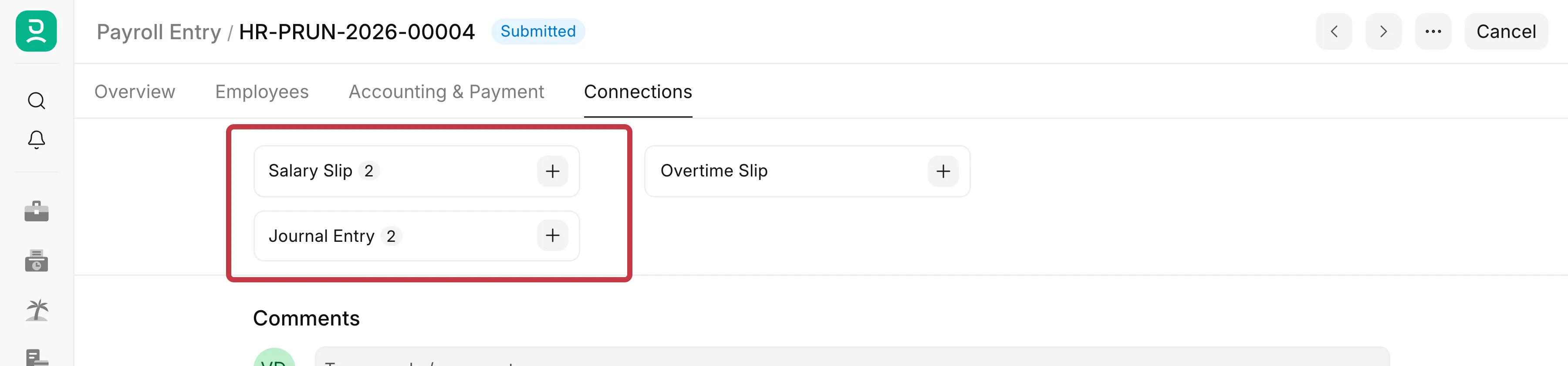
- Click the Connections tab. Check the Salary Slip and Journal Entry counts. These are the documents that are cancelled with it.
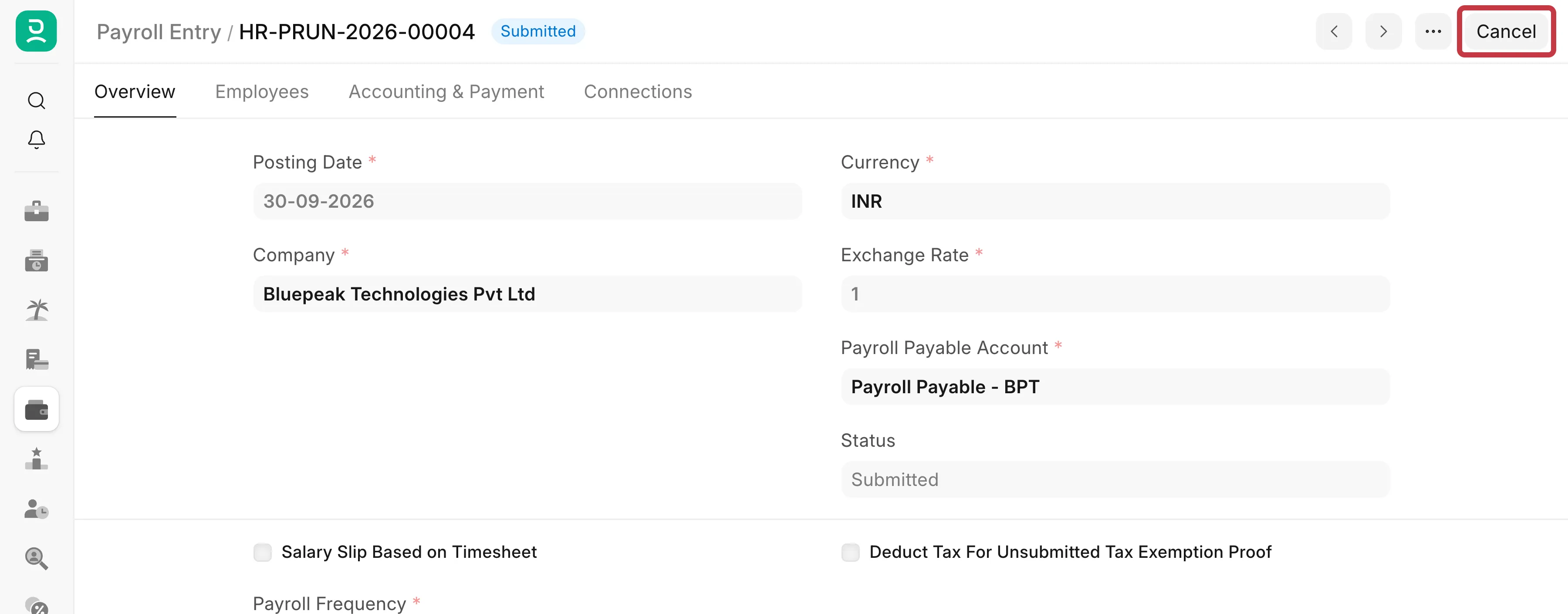
- Click Cancel at the top of the page.
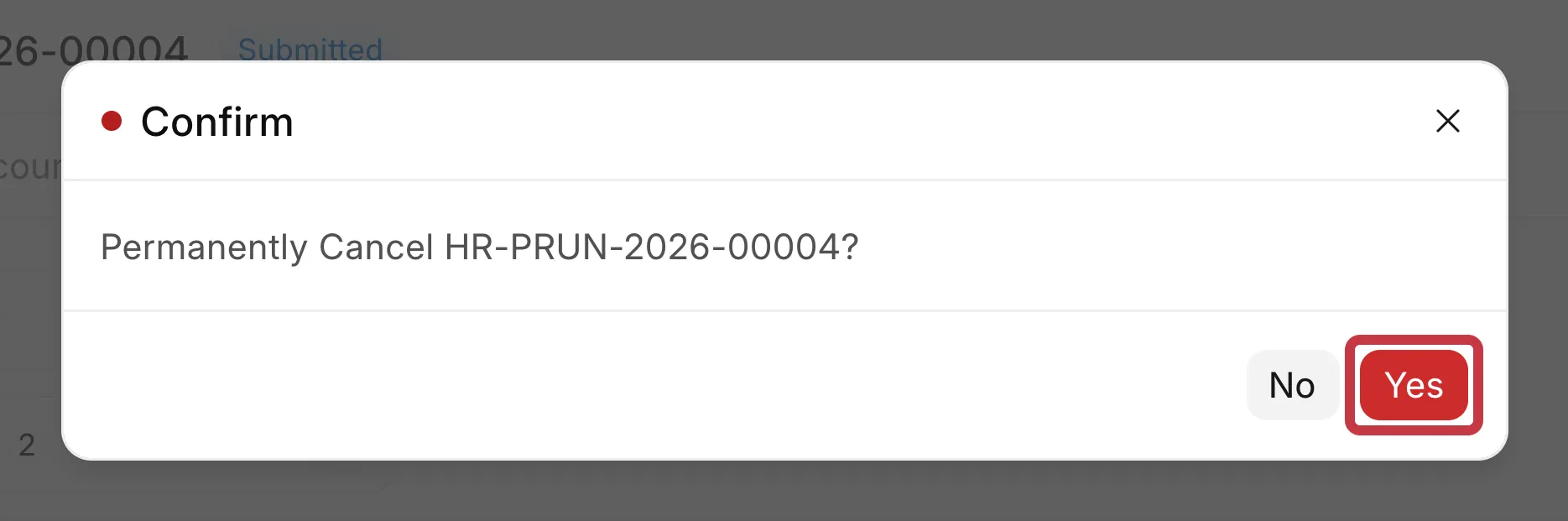
- In the Confirm dialog, click Yes.
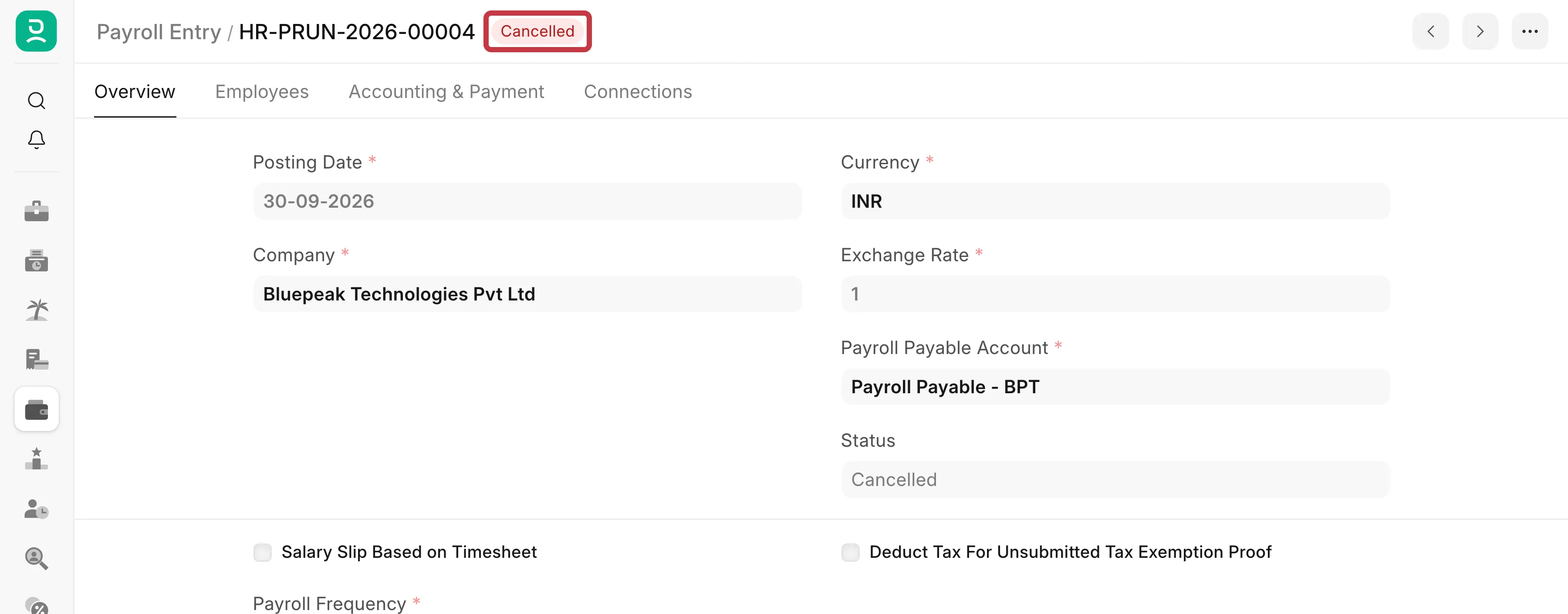
- Wait for the page to reload. The status is now Cancelled.
- Open the Connections tab again. The Salary Slip and Journal Entry counts are gone. The salary slips are deleted and the Journal Entries are cancelled.
To process the payroll again, make a new Payroll Entry for the same period. See Payroll Entry.
Delete a Payroll Entry
You can delete a Payroll Entry only if it has no accounting entries:
- A Draft Payroll Entry. Open it, click ··· at the top right, then click Delete.
- A cancelled Payroll Entry whose salary slips were never submitted. Then no Journal Entry was made.
You cannot delete a Payroll Entry after its accrual or bank Journal Entry was submitted, even after you cancel it. The cancelled Journal Entries keep their ledger lines (GL Entries) for the audit trail, and these lines refer to the Payroll Entry. If you try, you see:
Cannot delete or cancel because Payroll Entry HR-PRUN-2026-00002 is linked with GL Entry 31e02aa4f5
You do not need to delete it. A cancelled Payroll Entry has no effect on salaries, reports or the accounts, and it does not block a new Payroll Entry for the same dates.
Errors you can see
You cancelled the salary slips or the Journal Entry yourself first
Cannot delete or cancel because Payroll Entry HR-PRUN-2026-00002 is linked with Payment Ledger Entry 8d3o0mmdmo
This happens when the accrual or bank Journal Entry was cancelled before the Payroll Entry. The Journal Entry leaves a payment ledger entry that still refers to the Payroll Entry.
- On Frappe HR v16, cancel the Payroll Entry again. Version 16 cancels these payment ledger entries for you.
- On Frappe HR v15, raise a support ticket with the Payroll Entry ID. You cannot cancel a payment ledger entry from the screen.
To avoid this, always cancel from the Payroll Entry, as in the steps above.
The user cannot access Payment Ledger Entry
User hr.manager@example.com does not have doctype access via role permission for document Payment Ledger Entry
Older versions checked the permission of the user on each payment ledger entry and Journal Entry. Update your site to Frappe HR v15.60.3 or later, or v16.7.1 or later. You do not need to give HR users access to Payment Ledger Entry.
A draft bank entry does not submit after the cancellation
The draft Journal Entry still refers to the cancelled Payroll Entry. Delete the draft Journal Entry. Then make the bank entry again from the new Payroll Entry.