

















Branding and Customization
You can tailor the portal’s appearance to match your brand identity through the LMS Settings.
Visual Branding
Navigate to Settings and then go to Branding in the Settings Sidebar to update:
- Brand Name: The name displayed in the sidebar heading.
- Logo & Favicon: Upload your organization's logo for the sidebar and the favicon for browser tabs.
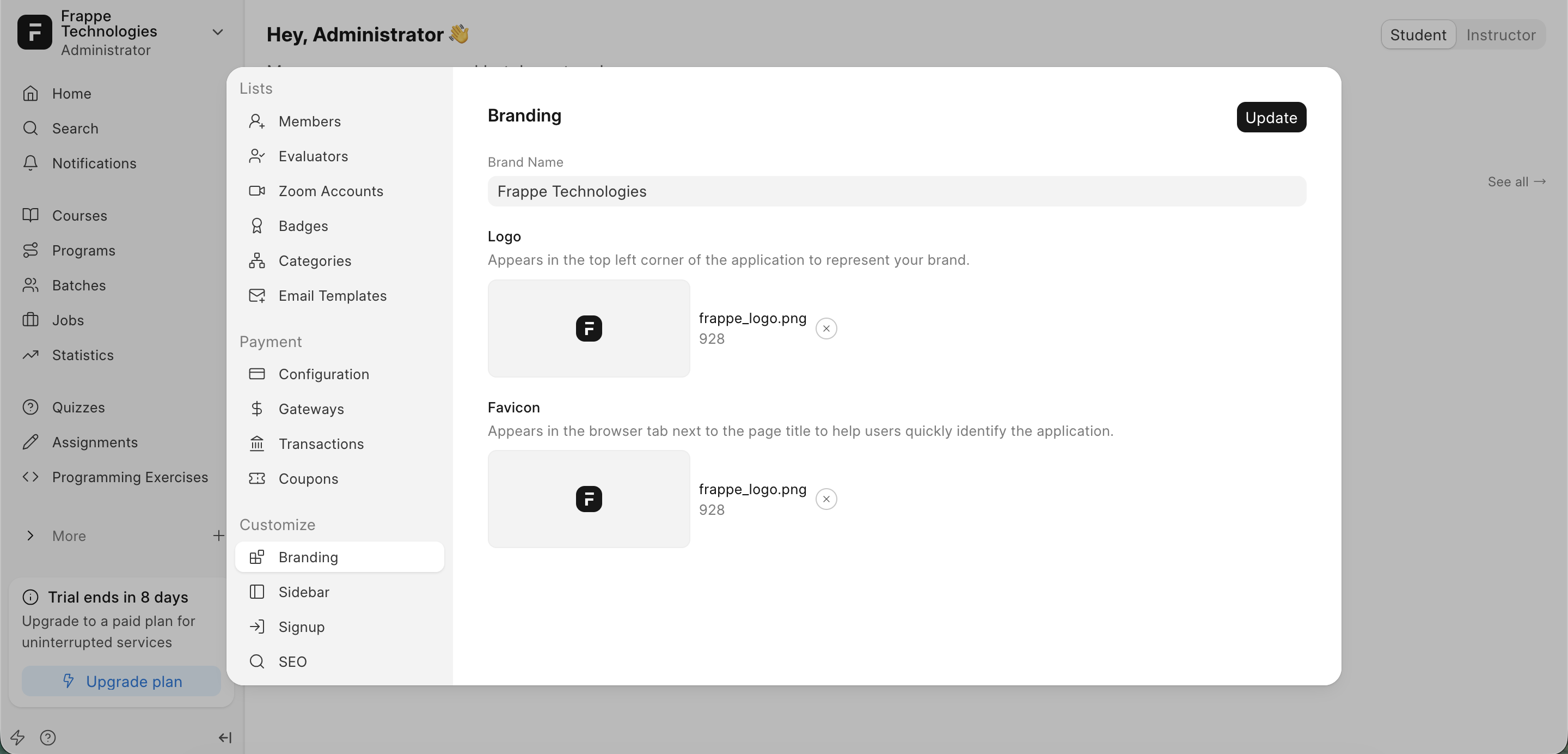 Branding Section in Settings
Sidebar Customization
- Menu Links: In
Settings>Sidebar, you can toggle which default links appear in the sidebar. - Custom Links: In
Sidebar, Use theMorebutton configuration to add other website links.
Last updated 8 months ago
Was this helpful?