


















Create a Job Listing
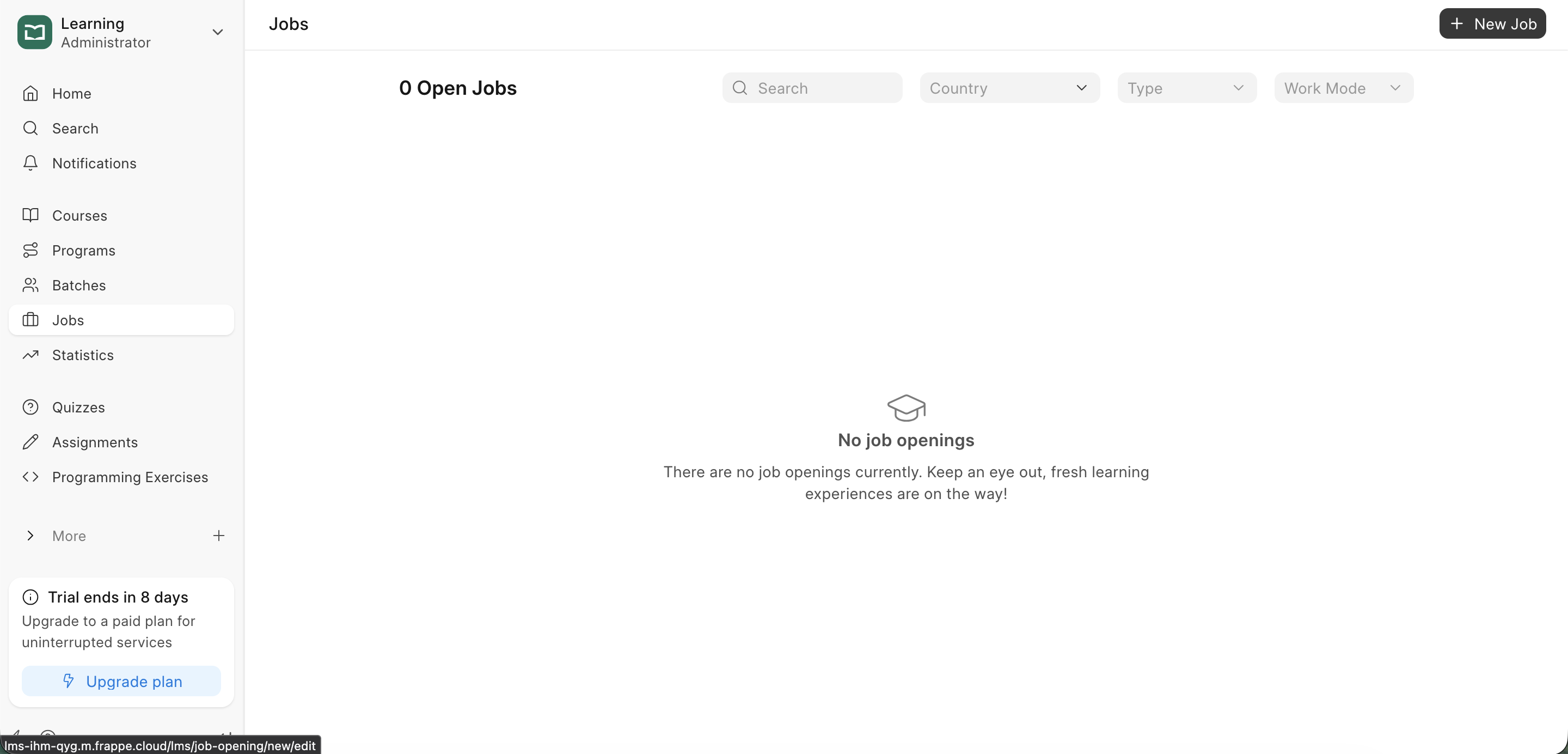
To manage job openings, click on the Jobs section in the sidebar. This will open the Job List, where you can view current postings or create new ones.
Creating a Job Listing
- Click the
+ New Jobbutton.
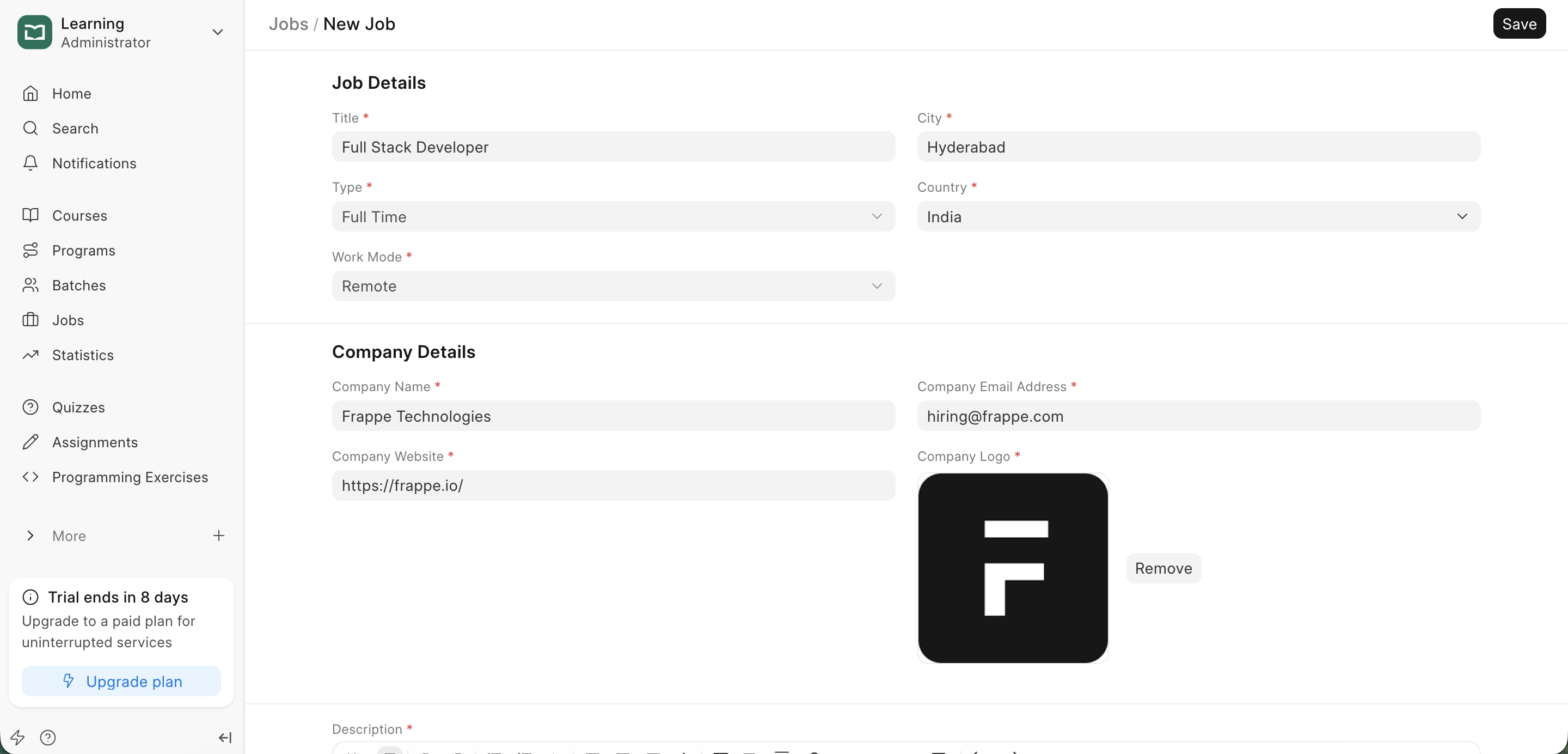
- Once the document is created, fill in the details.
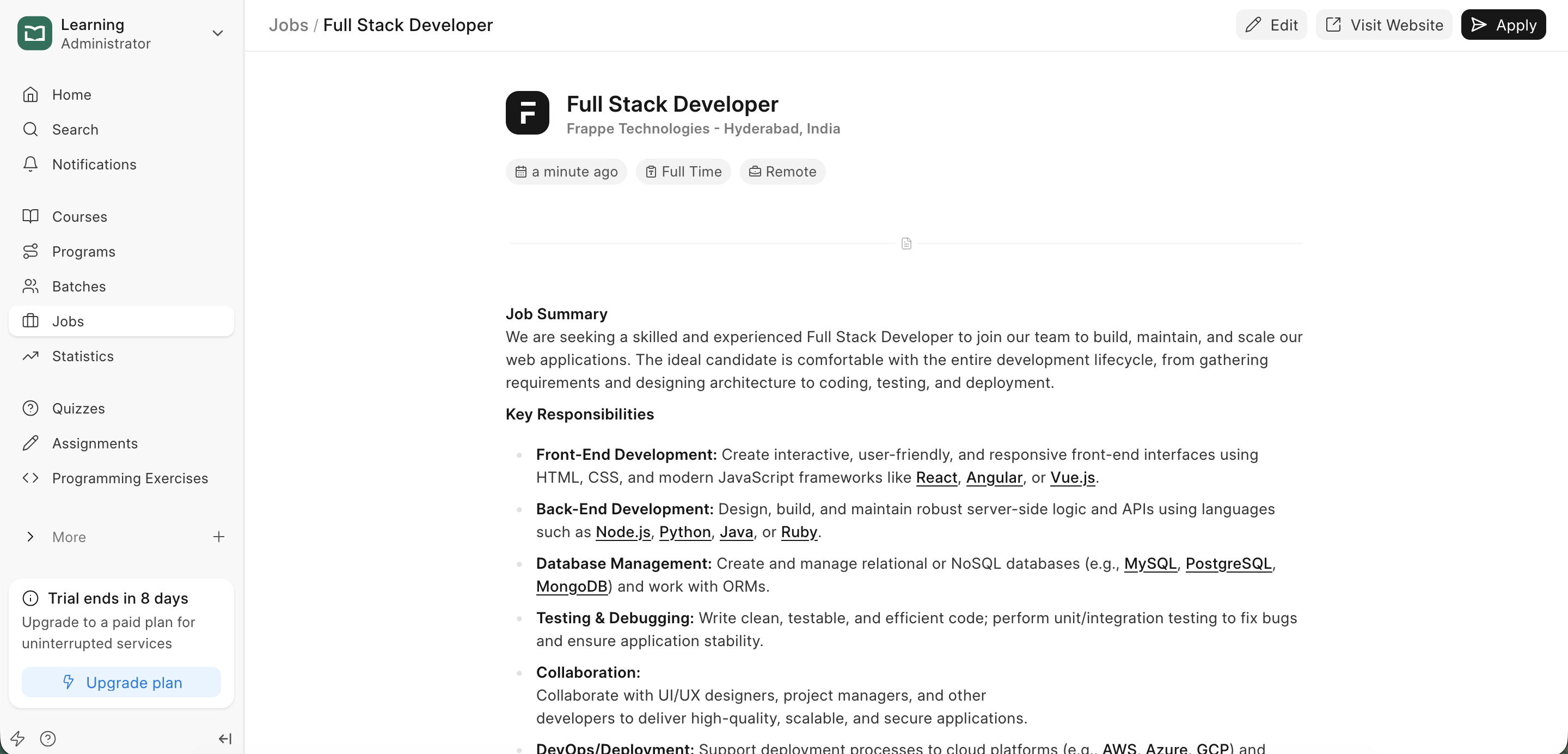
- Now you can view your jobs.
Job Fields Reference
| Field | Description |
|---|---|
| Title | The specific name of the role (e.g., "Junior Python Developer"). |
| City | The primary city where the job is based. |
| Country | The country of the workplace or company headquarters. |
| Type | The nature of the contract. Choose from Full Time, Part Time, Contract, or Freelance. |
| Work Mode | Defines the work environment: Remote, On-site, or Hybrid. |
| Company Name | The official name of the hiring organization. |
| Company Email Address | A professional contact email for application inquiries. |
| Company Website | The URL of the company’s official website so candidates can learn more about the organization. |
| Company Logo | Upload the organization’s logo to build brand recognition and trust with applicants. |
| Job Description | Use the rich-text editor to provide a detailed overview of responsibilities, requirements, qualifications, and benefits. |
Last updated 8 months ago
Was this helpful?