
An Operation refers to any manufacturing operation performed on the raw materials to process it further in the manufacturing path.
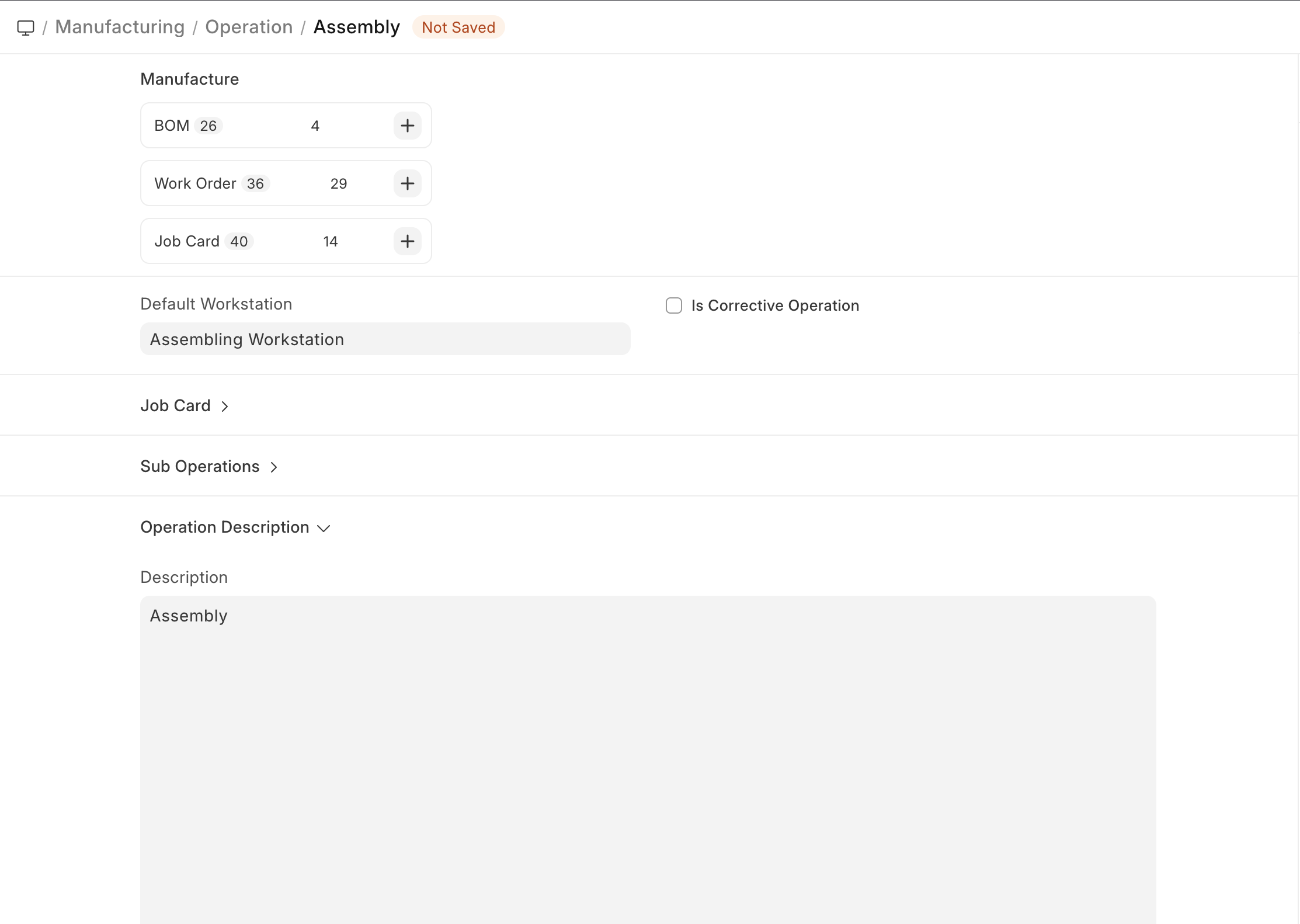
The Operation master stores a single manufacturing operation, its description and the Default Workstation for the Operation.
Prerequisites
Before creating and using an Operation, it is advised that you create a Workstation first.
How to create an Operation
- Go to the Operation list, click on New.
- Enter a name for the Operation, for example, cutting.
- Select the Default Workstation where the Operation will be performed. This will be fetched in BOMs and Work Orders.
- Select a Quality Inspection Template for the operation in the Job Card section. It will be fetched on the Job Card for that particular operation when Work Order is created. When a new Quality Inspection is created from the Job card, then the same Quality Inspection Template is set for the Quality Inspection.
- Optionally, add a description to describe what the Operation involves.
- Save.
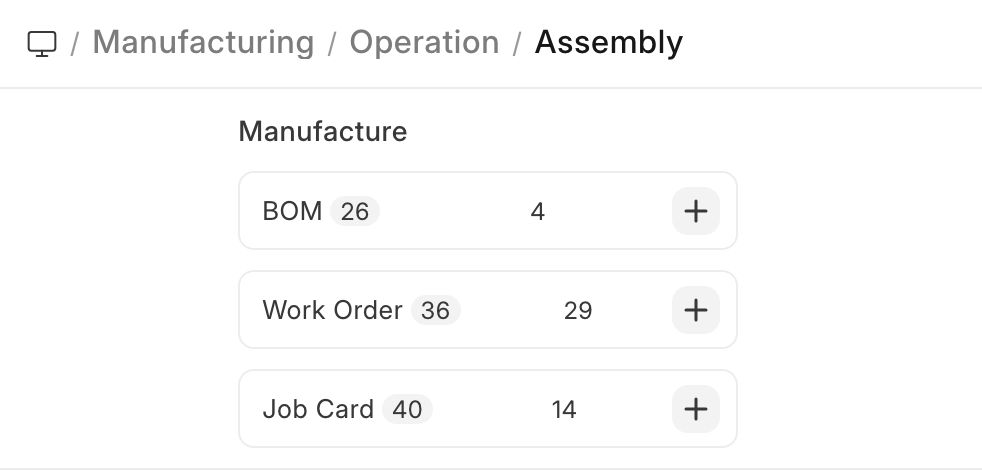
Once saved, the following can be created against an Operation:
Last updated 3 months ago
Was this helpful?