
Configuring Earned Leave
1. Prerequisites
Before configuring Earned Leaves, it is required that you create the following first:
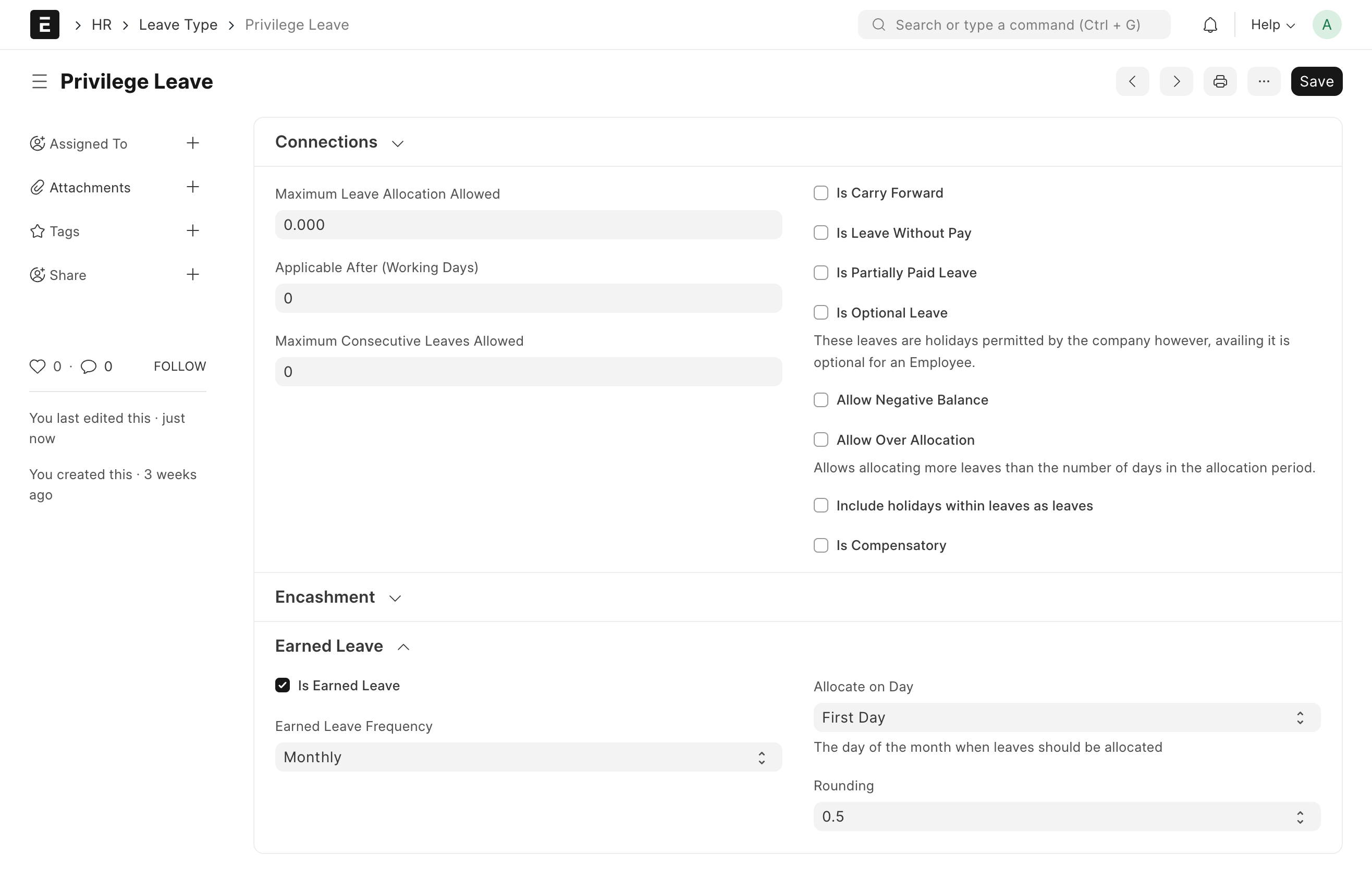
- Leave Type
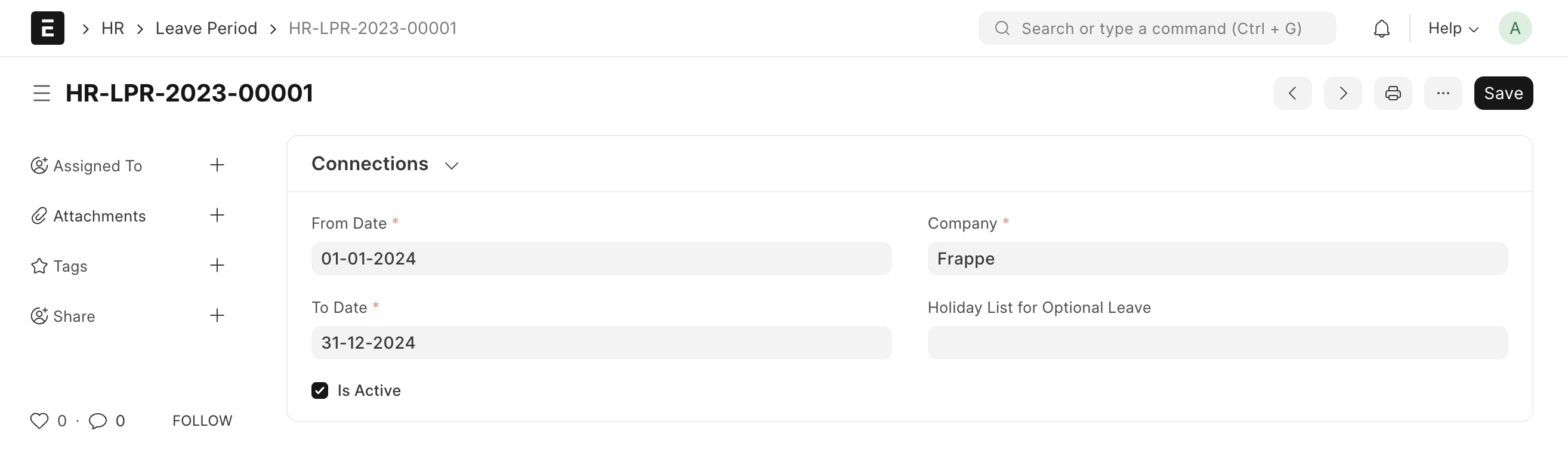
- Leave Period
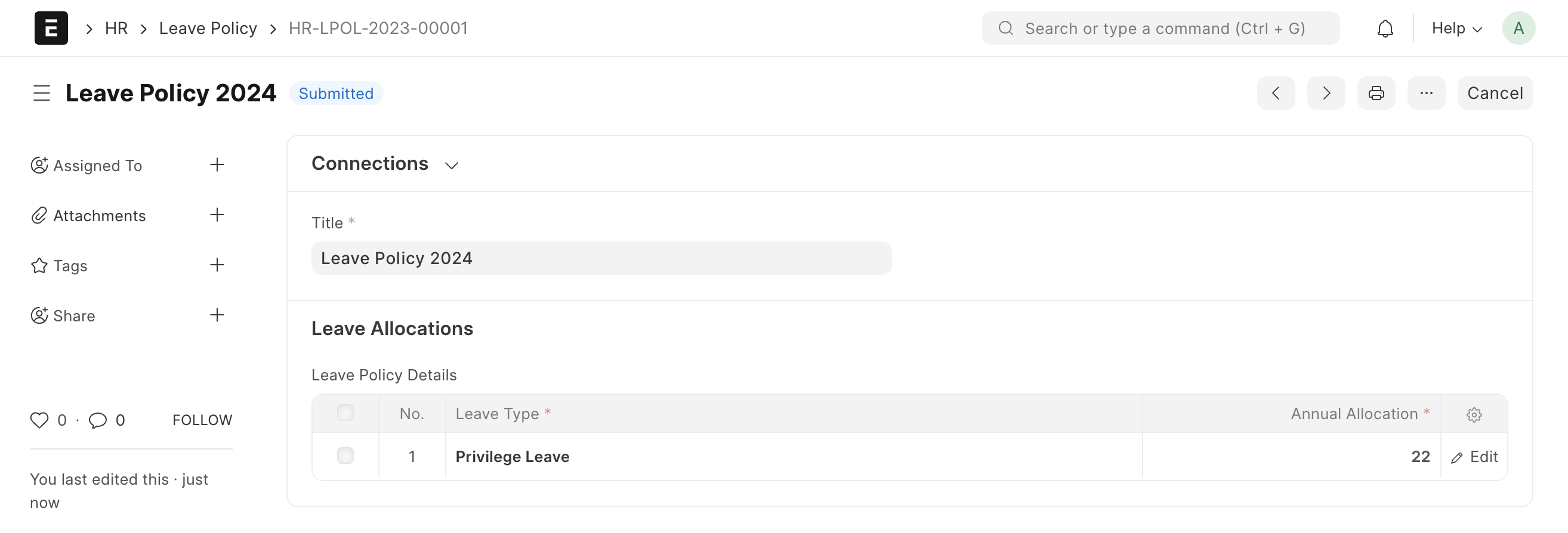
- Leave Policy
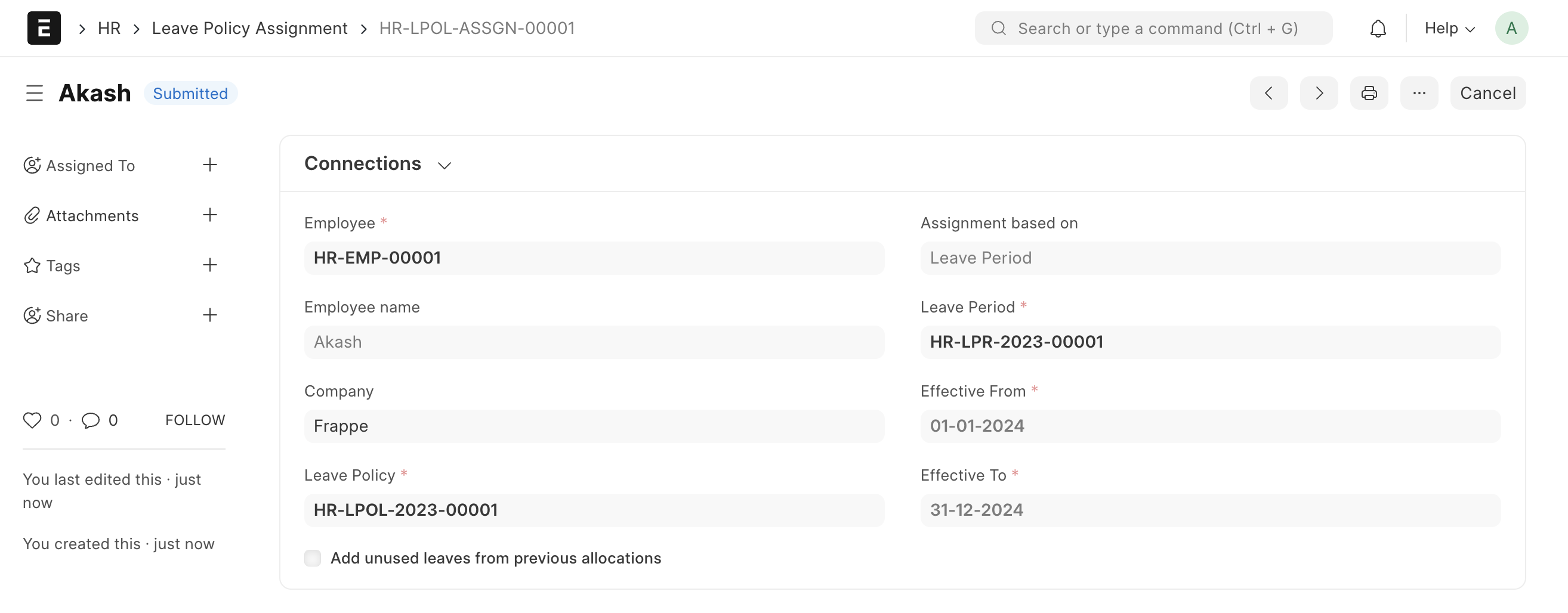
- Leave Policy Assignment
2. How to Configure Earned Leaves
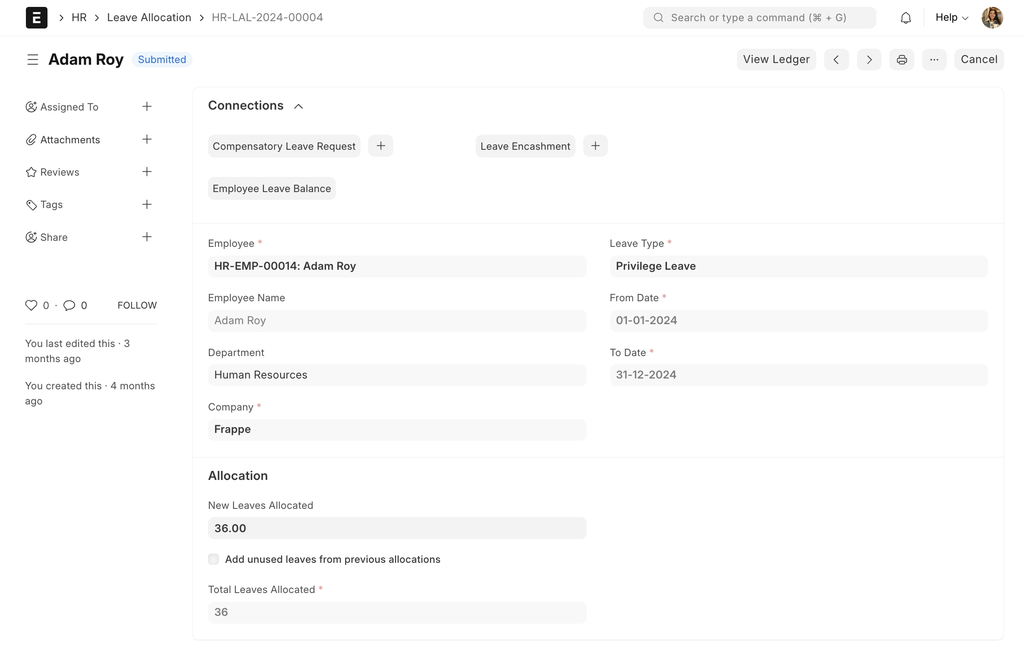
- Creating a Leave Policy Assignment will result in the creation of associated Leave Allocations. These allocations will be automatically updated with leaves at intervals set by 'Earned Leave Frequency'.
Last updated 4 months ago
Was this helpful?