
A Project Type is the classification of projects into different types to group similar kind of projects.
Internal Projects, External Projects could be examples of Project types and are already created in the system. You can choose to add more Project Types. This comes handy when you are reviewing the Projects, and you want to filter the information based on Project Types.
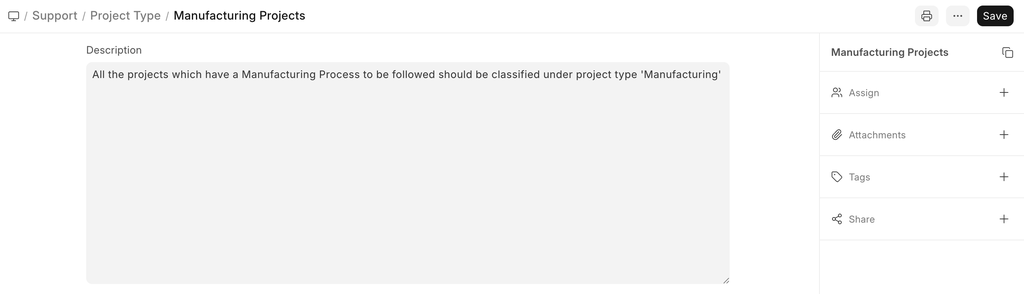
To access Project Type, go to:
Home > Projects > Projects > Project Type
How to Create a Project Type
- Go to the Project Type List and click on New.
- Add the name of the Project Type and description
- Save.
Related Topics
Last updated 3 months ago
Was this helpful?