
Employee Group is grouping of Employees based on some attributes such as Designation, Grade, Branch, etc.
To access Employee Group, go to:
Home > Human Resources > Employee > Employee Group
1. Prerequisites
Before creating an Employee Group, it is advisable you create the following documents:
2. How to create an Employee Group
- Go to Employee Group list, click on New.
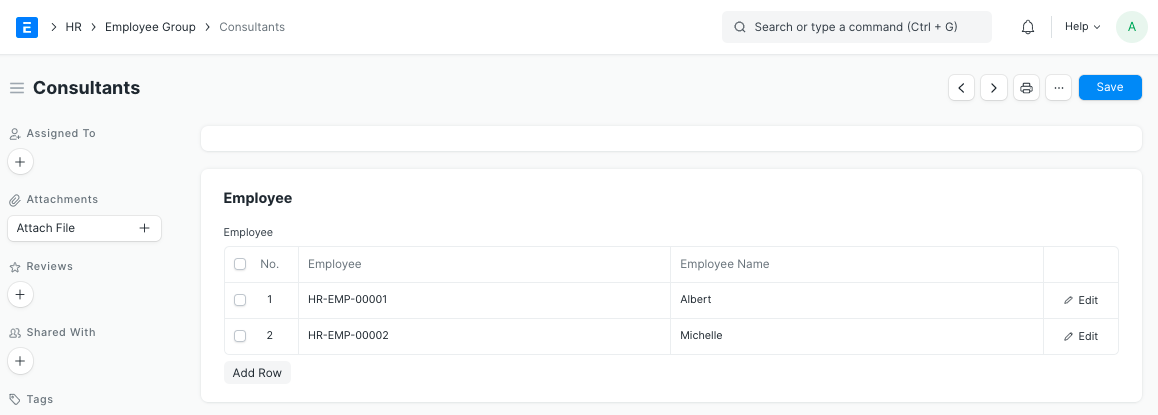
- Enter the Name.
- Select and add Employee ID to the group. The Employee Name will get automatically fetched.
- Save.
3. Features
3.1 Service Level Agreement
An Employee Group can be added to the Service Level Agreement doctype, where the Service Level can be specified for a particular Employee Group.
4. Related Topics
last
Last updated 4 months ago
Was this helpful?