
To access the Job Card Summary, go to:
Home > Manufacturing > Reports > Job Card Summary
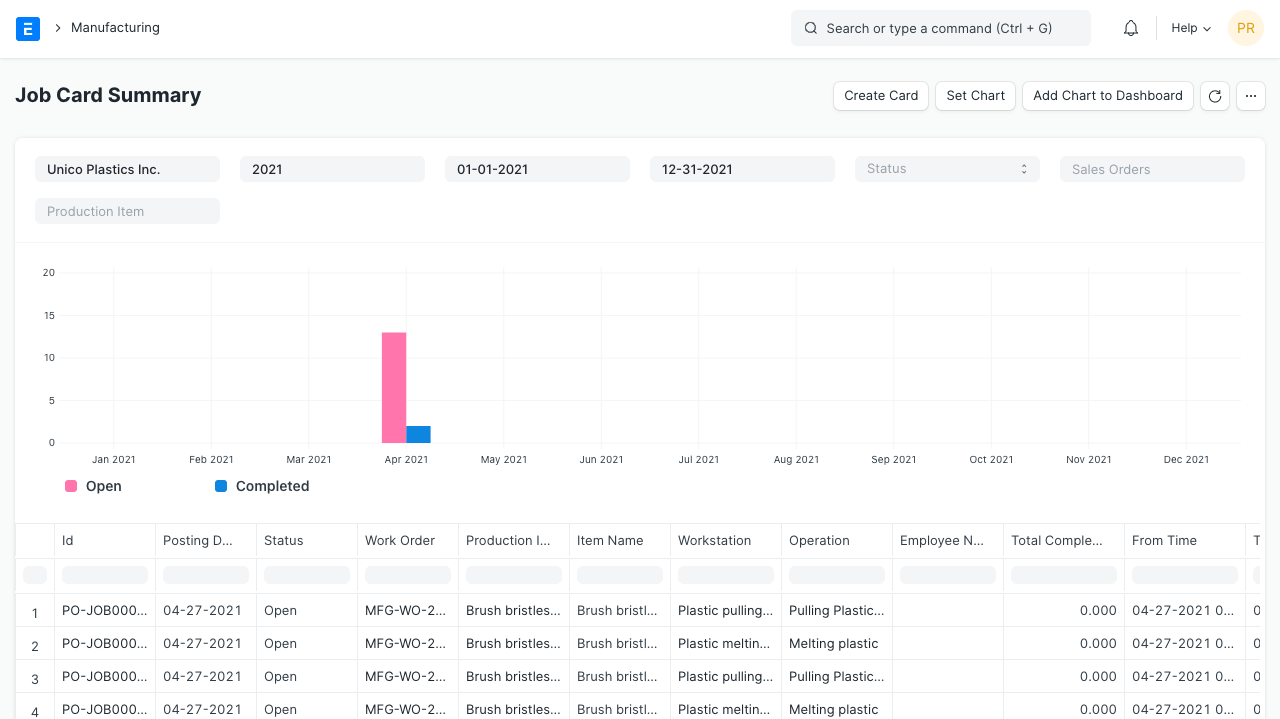
This report will give information about the Job Card as well as their status. Using this report users can check the month's Open and Completed Job Cards for the selected periods.
Last updated 3 months ago
Was this helpful?