To disable an ERPNext user who has left your company from accessing the system, follow the below given steps.
- Type ‘User List’ in the awesome bar or search bar
- Select the user you want to disable
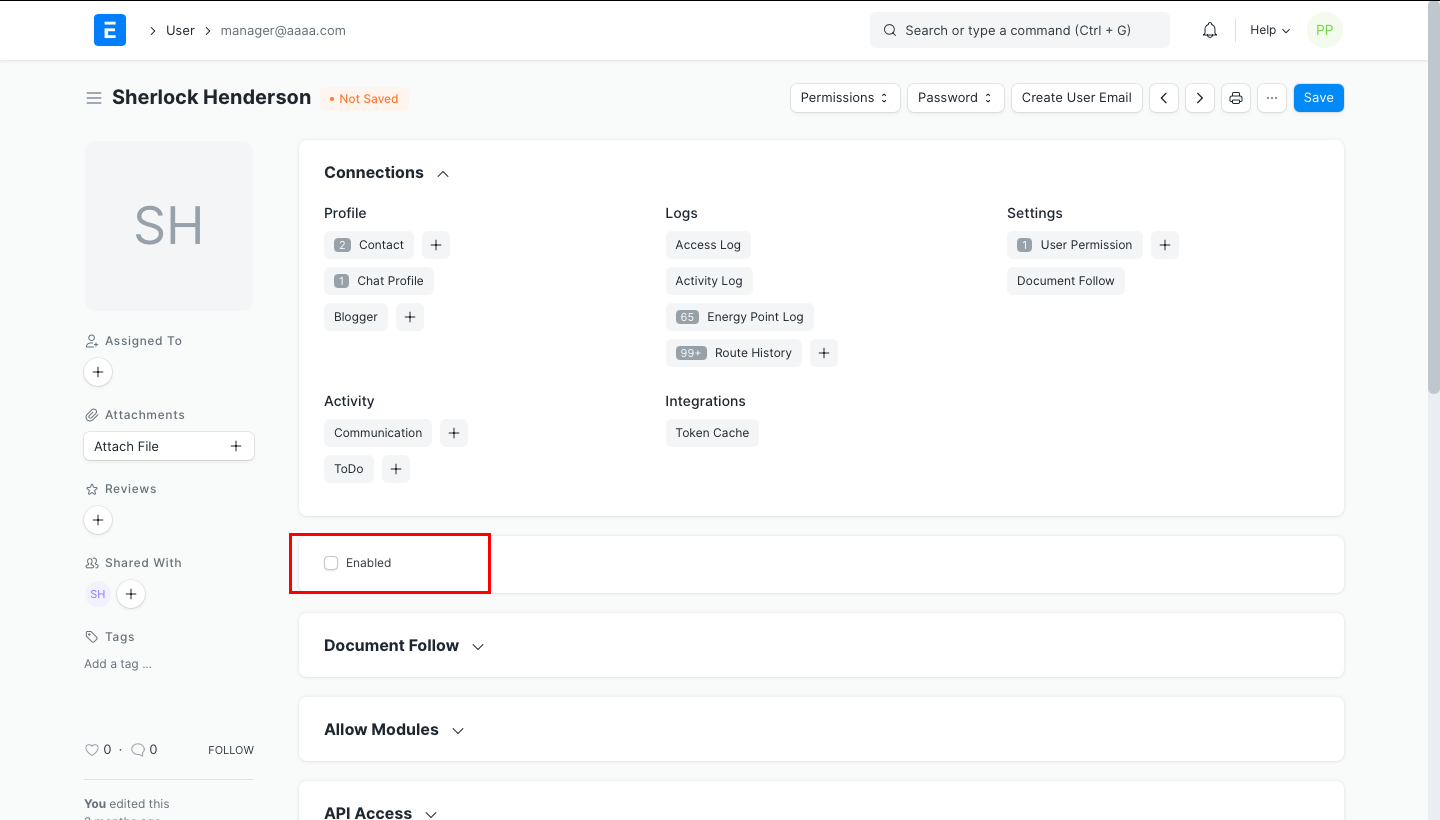
- Uncheck the ‘Enabled’ checkbox for the selected user
- Save your changes
Last updated 4 months ago
Was this helpful?