
Loans can be categorized into different types based on their specific characteristics.
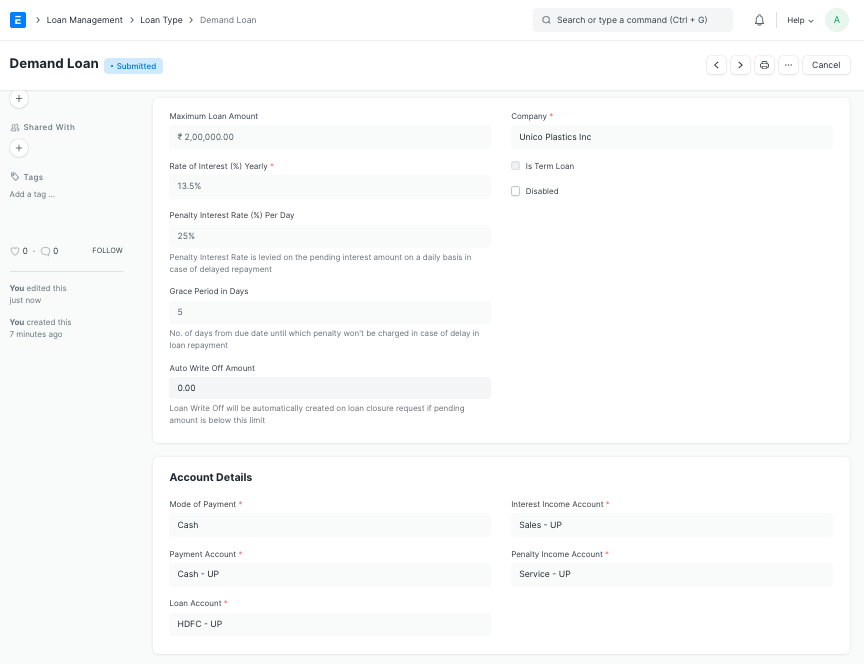
In Frappe HR, you can define different Loan Types, their Rate of Interest and other related information in the Loan Type doctype.
To access Loan Type go to:
Human Resources > Loans > Loan Type
1. How to create a Loan Type
- Go to: Loan Type.
- Enter the Loan Name.
- Enter the Rate of Interest (%) Yearly.
- Optionally, you can also enter the Maximum Loan Amount and Description of the Loan Type.
- Save.
2. Related Topics
Last updated 4 months ago
Was this helpful?