Employee Health Insurance
Employee Health Insurance is a benefit extended by the company to their employees. When a company provides health insurance assistance, they pay full or part premiums for the health insurance policy.
ERPNext allows you to save the Employee Health Insurance detail and link it to that particular Employee's master.
To access Health Insurance Provider document, go to:
Home > Human Resources > Employee > Employee Health Insurance
1. How to create an Employee Health Insurance
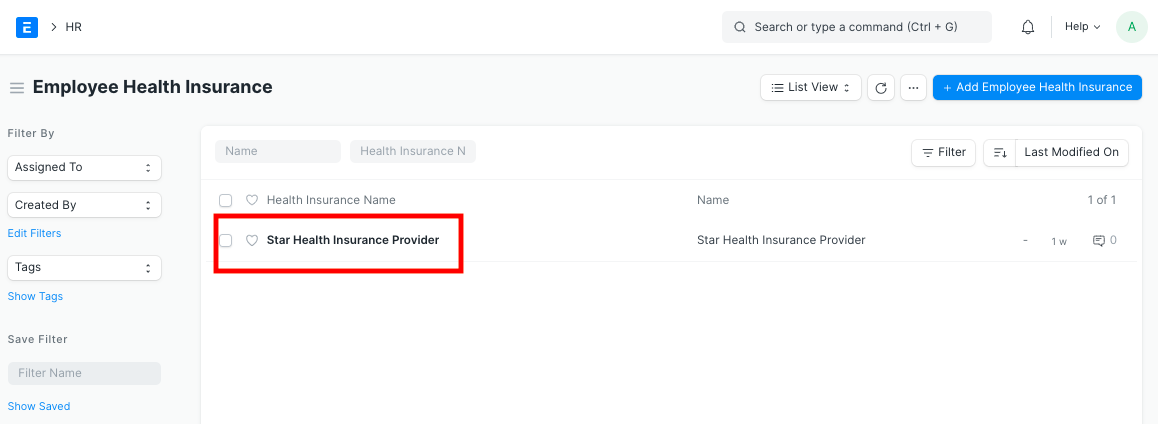
- Go to Employee Health Insurance list, click on New.
- Enter the Health Insurance Name.
- Save.
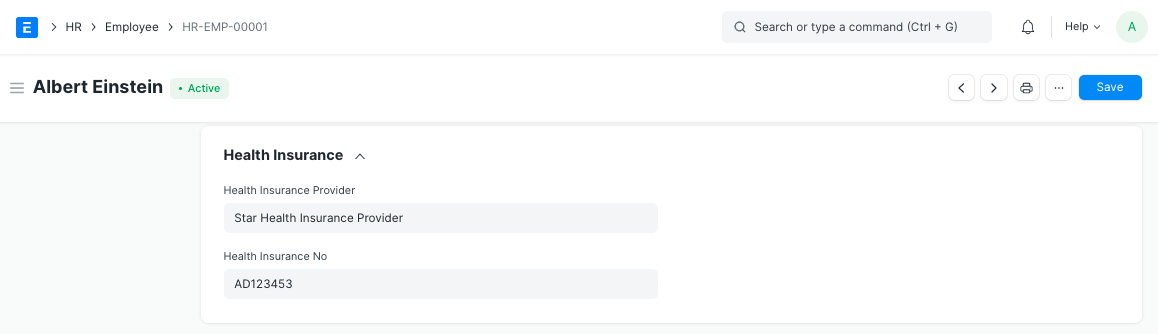
Additionally, in the Employee master, you can attach the Health Insurance Provider Name and fill in the Health Insurance No.
2. Related Topics
Last updated 4 months ago
Was this helpful?