


















Lead
A lead is a person or a company that is interested in your products or services. Record leads before they buy. When a lead becomes a customer, make a customer from the lead.
Turn On Leads
- Click Setup > Settings in the sidebar.
- In the General tab, turn on Enable Lead.
- Click Save and click Yes to reload Frappe Books.
Lead now shows in the Sales group of the sidebar. You cannot turn off leads after you save the setting.
Create a Lead
- Click Sales > Lead in the sidebar.
- Click New.
- Enter the Name of the lead. Each lead must have a different name.
- Optional: Enter the Email, the Mobile, and the Address.
- Click Save.
A Books User can create, edit, and delete leads. For more information, see Roles and Permissions.
Lead Status
A new lead starts as Open. Change the Status as you work with the lead: Replied, Interested, Opportunity, Quotation, Converted, or Do not Contact. Frappe Books also changes the status for some actions:
- When you submit a sales quote to the lead, the status changes to Quotation.
- When you save a customer that you made from the lead, the status changes to Converted.
- When you delete that customer, the status changes back to Interested.
Create a Customer From a Lead
- Open the lead.
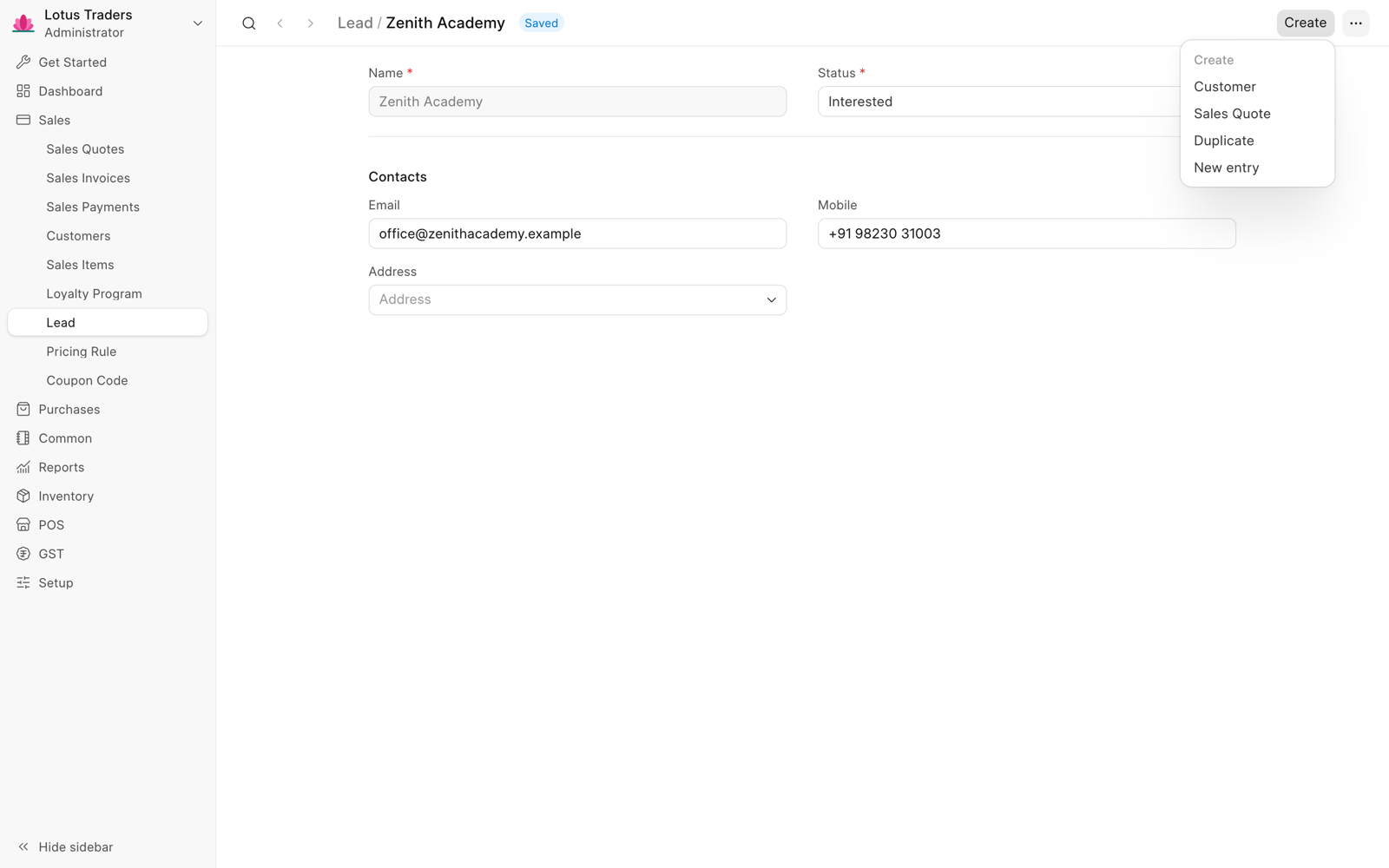
- Click Create > Customer in the page header.
- Check the details of the new customer. If a party with the same name exists, change the Name.
- Click Save.
The new customer gets the name, the email, the address, and the mobile number of the lead. The mobile number goes to the Phone field. The From Lead field shows the lead. For more information, see Party.
Create a Sales Quote for a Lead
- Open the lead.
- Click Create > Sales Quote in the page header.
- Add the items.
- Click Save.
- Click Submit and click Yes.
You cannot make a sales invoice from a quote to a lead. First create a customer from the lead. Then make the sales invoice for the customer. For more information, see Sales Quotes.