


















Printing fails with "'NoneType' object is not callable" or a Jinja error after an update
All of a sudden, every print format (or one specific one) fails as soon as you open the print view or try to download a PDF, right after a Frappe update. The error names a line number but not which format, so it is not obvious what to fix.
The error
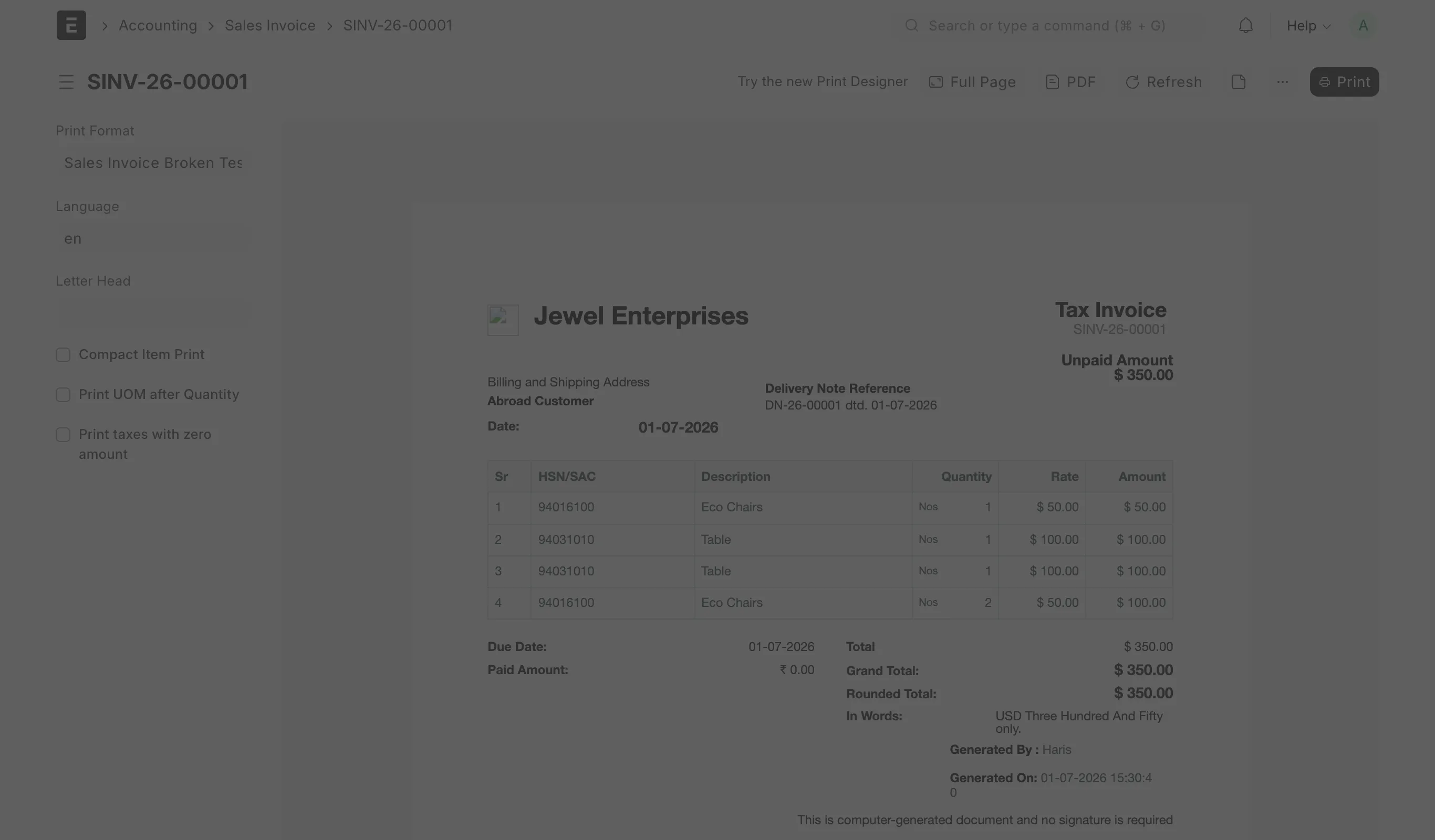
You see one of these, either as a dialog in the print view or in the PDF/download response:
Print Format Error
Error in print format on line 19: 'NoneType' object is not callable
Or the fuller version, in the Server Error page you get from the PDF download link:
File "apps/frappe/frappe/templates/print_formats/standard.html", line 19, in top-level template code
{{ render_field(df, doc, no_of_cols) }}
File "env/lib/python3.x/site-packages/jinja2/sandbox.py", line 401, in call
return __context.call(__obj, *args, **kwargs)
TypeError: 'NoneType' object is not callable
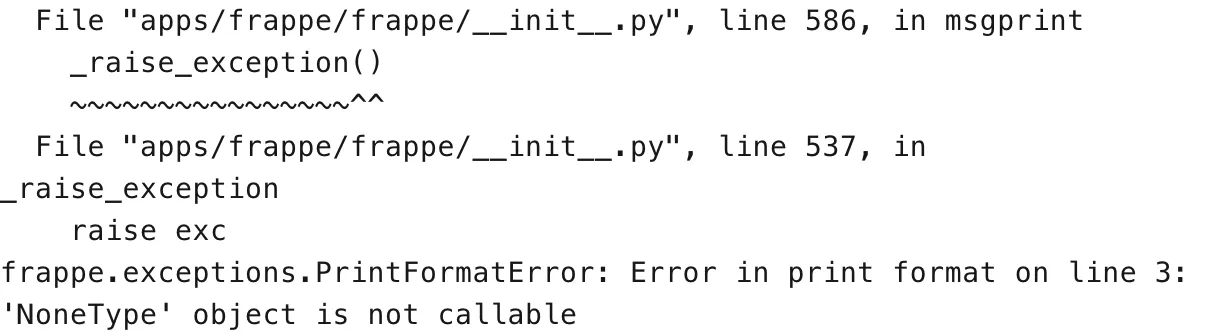
...
frappe.exceptions.PrintFormatError: Error in print format on line 19: 'NoneType' object is not callable
A related version shows a KeyError or a different Jinja exception instead of NoneType, with the same "all print formats are down" pattern. The cause and the fix below are the same.
Why this happens
A print format is rendered through Jinja: the html template calls Python functions and reads document fields through Jinja's sandbox. 'NoneType' object is not callable means Jinja tried to call something as a function, but that something evaluated to None — usually a blank field ({{ doc.remarks() }} when Remarks is empty) or a template macro the sandbox could not resolve.
Most "every print format broke after an update" reports trace back to a short-lived regression in Frappe Framework itself, in the standard.html template that every built-in and Builder-based print format shares — a core change left one of the template macros returning None for a brief window between releases. Frappe fixes these fast (within hours to a couple of days) and ships the fix as a point release, but until your site is on that release, every print and PDF fails the same way. This has happened more than once on the same template, so "update, see if it is fixed" is a reasonable first move, not a one-off.
If only one print format fails and the rest work, the cause is local to that format instead: a custom print format (or a format a partner customized) whose Jinja or Custom HTML calls a field, doctype method, or print-template hook that an app update removed, renamed, or left blank for some documents.
How to fix it
- Open the document, click the print icon, and switch Print Format to a different one (a built-in format, or Standard). If it renders without error, the fault is in the one format you were using — skip to step 4. If every format fails, the fault is in Frappe itself — continue to step 2.
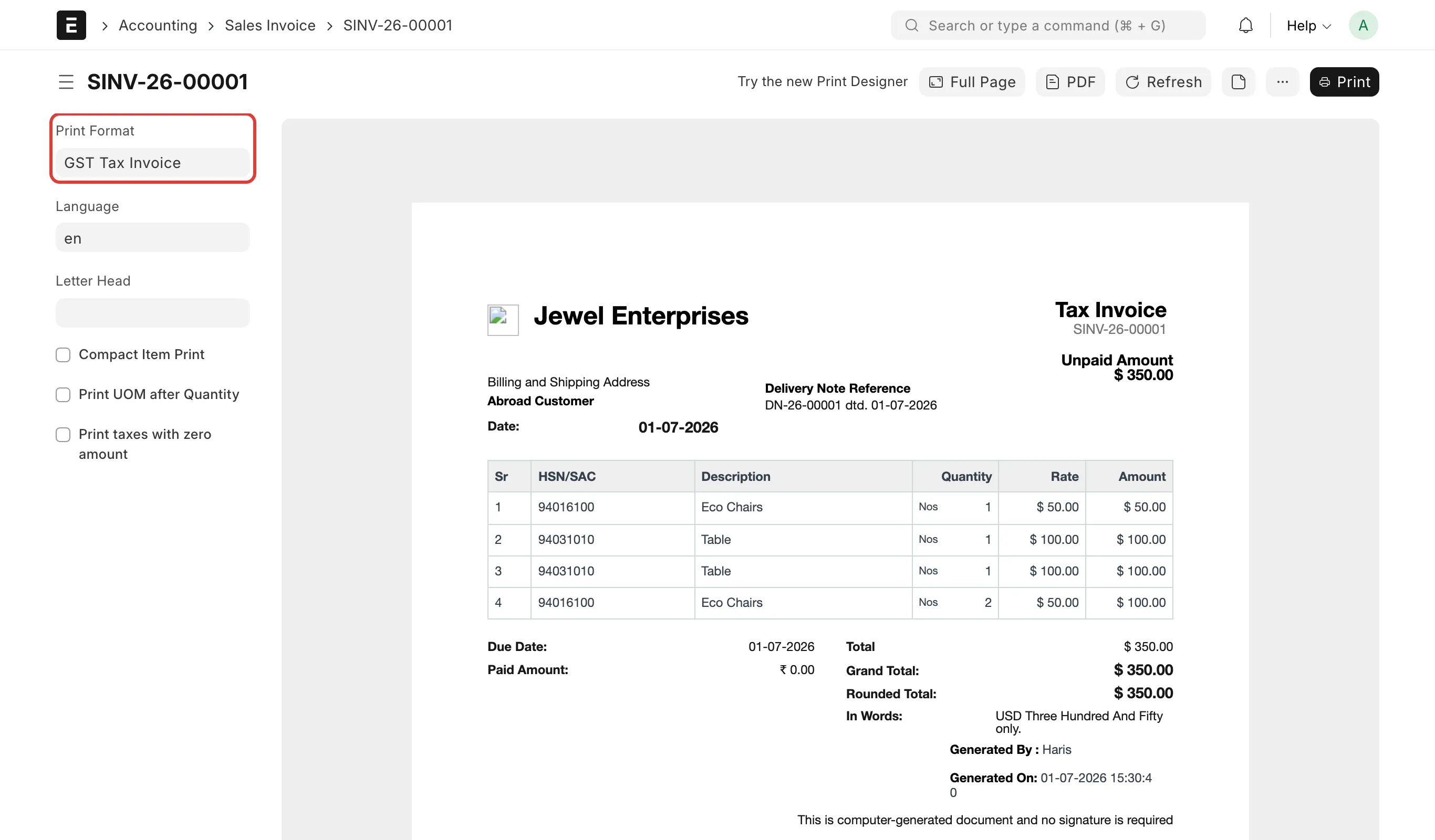
- Read the traceback to confirm it matches this issue and find where it fails. In the print view, select the failing format again to see the dialog; from the PDF download link (or an email/report that attaches a PDF), open the full Server Error page instead — it has the complete traceback.
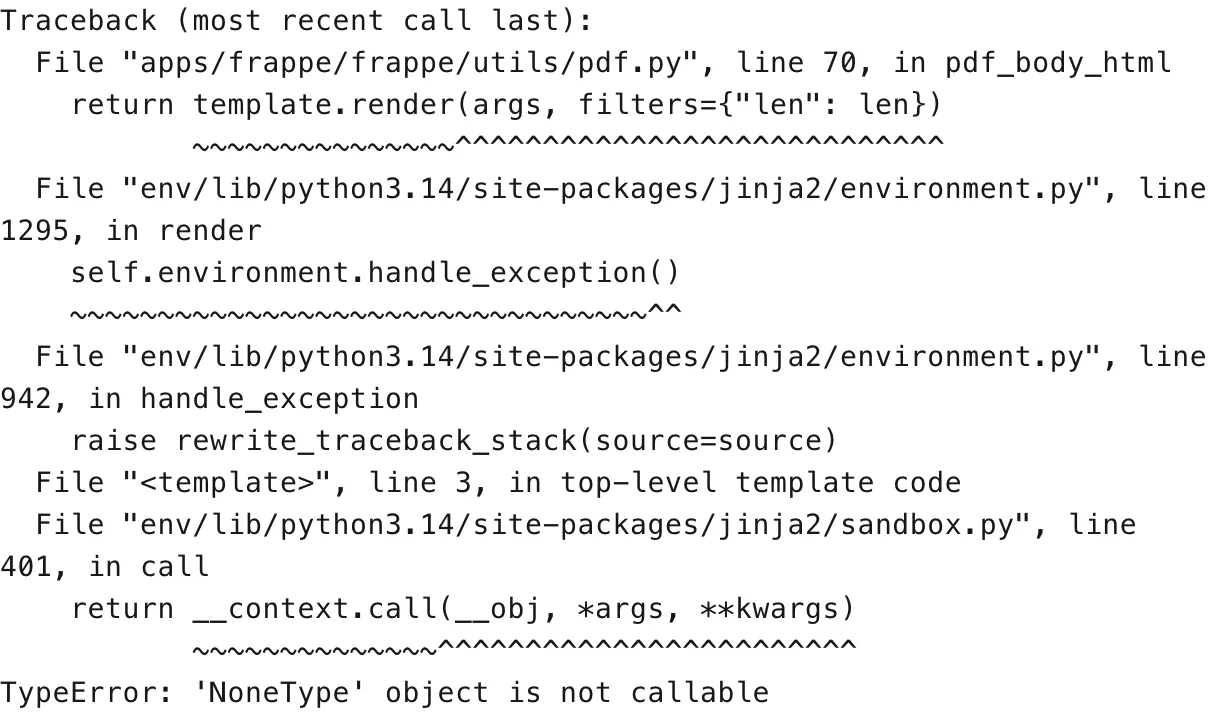
The last line names the exception and, for a print-format-specific error, the line number in your template:
If the failure happened in a background job instead (a scheduled report, an email with a PDF attached) — so there was no one to show a dialog to — open Error Log from the Awesome Bar and look for an entry for the same document around the same time; it carries the same traceback.
3. Check that your apps are on matching, current versions. Open Help → About (or run bench version from the bench directory) and compare the Installed Apps list: Frappe Framework, your main app (ERPNext, etc.) and any custom apps should all be on the same version line (all v15, or all v16 — not a mix), and none should be behind the latest patch release for that line.
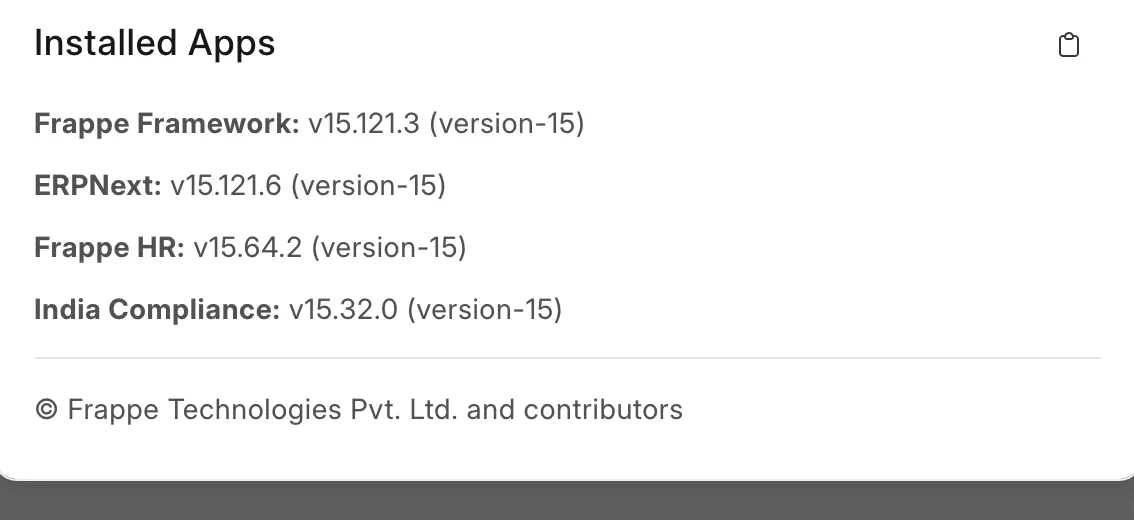
If Frappe Framework is behind, update it:
bench update
bench --site [site-name] migrate
bench build
bench clear-cache
bench clear-website-cache
bench build and the two clear-cache commands matter even after bench update finishes without errors — a stale JS/CSS build or a cached page can keep showing the old, broken behavior. On Frappe Cloud, you do not run these yourself: a public (shared) bench updates automatically on its weekly release day; on a private bench group, open Updates in the site dashboard and apply the pending update.
4. If only your own custom print format fails, open it (Print Format list, or Customize from the print view) and check the line the traceback named. Look for a field reference that can be blank for some documents and is being called as a function ({{ doc.some_field() }} instead of {{ doc.some_field }}), or a macro import from a template path an app update changed. Fix the template, or recreate the format from the current Standard layout if it was built before the update.
How to prevent it
- Keep Frappe Framework and your other apps on the same version line and on the latest patch release for that line — most of these breaks are fixed within a point release, and staying current avoids them.
- After any update, print one document with each custom print format you rely on before your team starts using the site again.
If this does not fix it
Raise a support ticket with: the exact error text, the print format name, the Frappe Framework and app versions from Help → About, and the document you were printing. If you have the full traceback (from the Server Error page or the Error Log), attach it — it is the fastest way for support to confirm whether this is the known Framework regression or a problem in your own print format.