

















Allow on Submit
Allow on Submit is a DocField property that lets a field remain editable after a document has been submitted. Submitted documents are normally locked to protect the audit trail. Use this option only for fields that can safely change without changing the meaning, value, status, or ledger impact of the submitted document.
When to use Allow on Submit
Enable this property for fields that record additional information after submission, but do not affect validations, totals, stock, accounting, workflow decisions, or external commitments.
- Reference numbers received after submission
- Remarks, notes, or internal comments
- Tracking details or dispatch information
- Print-only labels or operational metadata
When not to use it
Do not enable Allow on Submit for fields that affect business logic or the submitted document's financial, stock, or compliance meaning. If changing a field should change the transaction, cancel and amend the document instead.
- Amounts, quantities, rates, taxes, discounts, or totals
- Party, company, posting date, warehouse, item, account, or currency fields
- Status fields used by workflows, integrations, reports, or validations
- Any field used to create ledger entries or stock ledger entries
Enable Allow on Submit using Customize Form
- Go to Customize Form.
- Select the DocType where the field should remain editable after submission.
The form builder opens with the fields for the selected DocType. In this example, the ToDo DocType is selected.
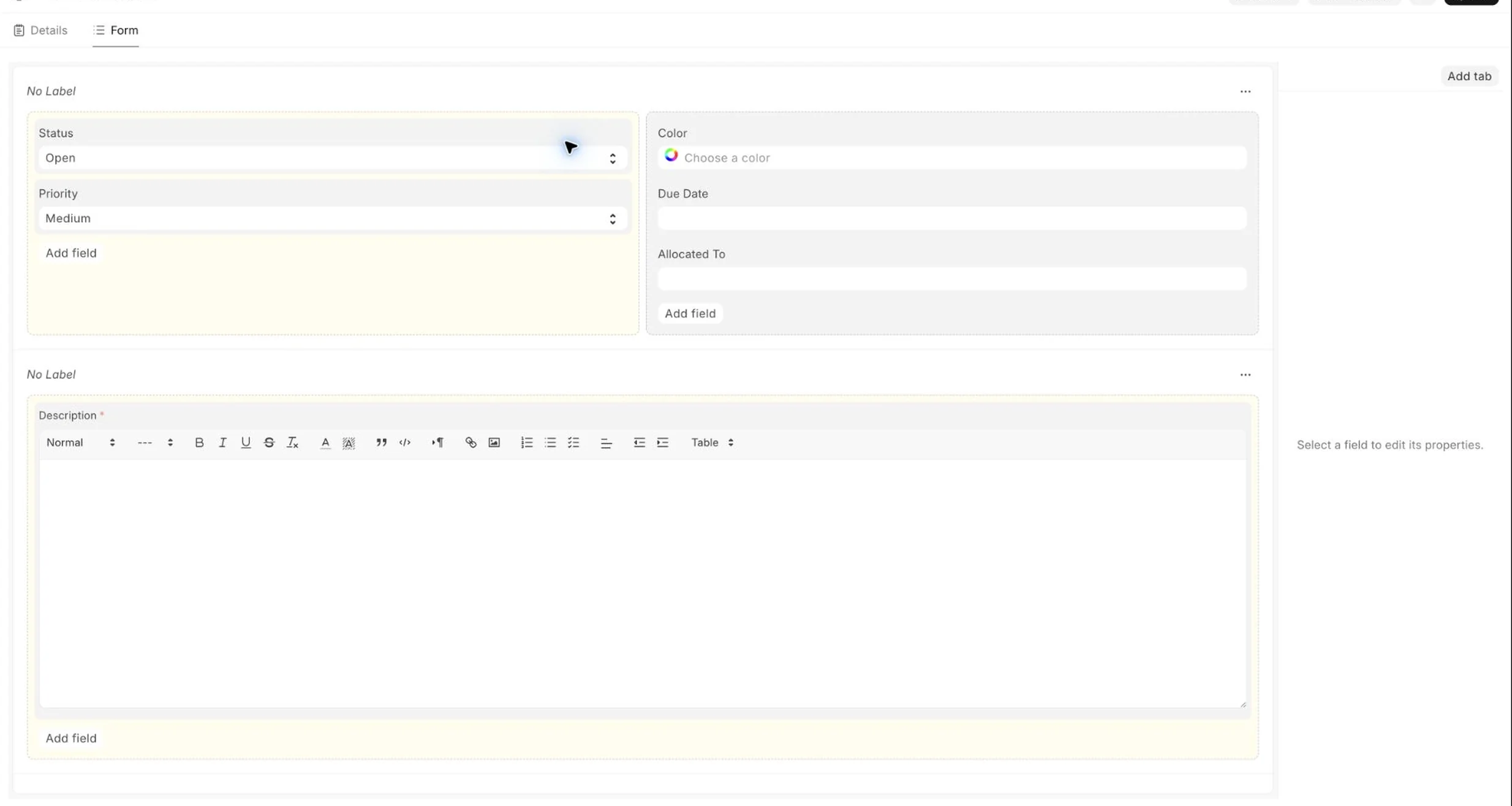
- In the fields table, select the field that should be editable after submission.
- In the field properties, enable Allow on Submit.
- Click Update to save the customization.
Use the property search to find Allow on Submit quickly, especially when a field has many properties.
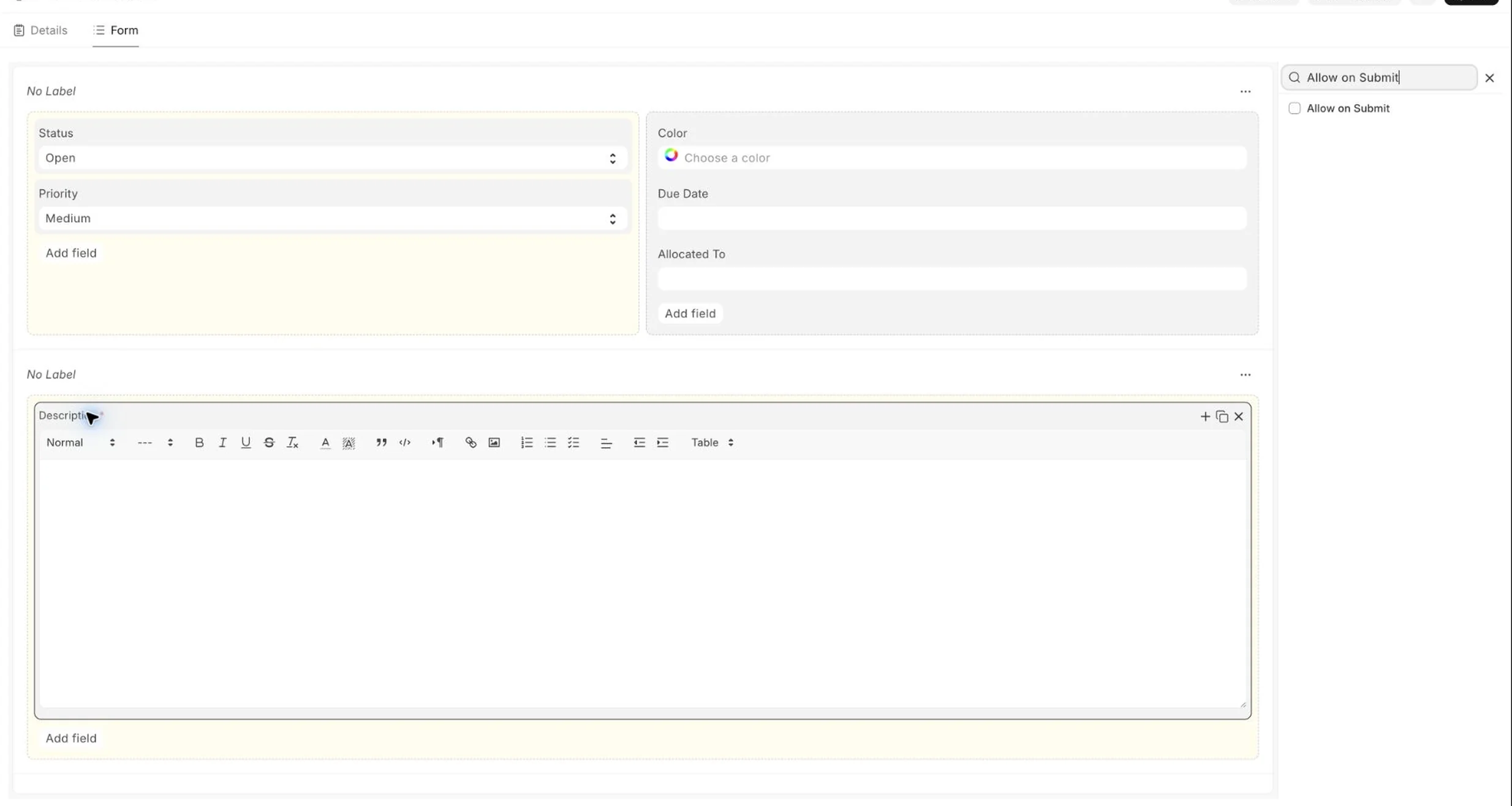
Verify the behavior
- Open a submitted document for the DocType you customized.
- Confirm that only the intended field is editable.
- Change the field value and save the document.
- Check that totals, ledger entries, workflow state, and other submitted values did not change.
Recommended practice
Before enabling Allow on Submit, check whether the field is used in controller methods, custom scripts, reports, print formats, workflows, integrations, or permission logic. If the field is used anywhere to calculate or decide something important, keep it locked after submission.
For custom apps, also review server-side validations. Allowing the field to be edited on a submitted document does not automatically make every related business rule safe. Add validations where needed so only the intended post-submit updates are allowed.
Troubleshooting
The field is still read-only after enabling Allow on Submit
Reload the form and check whether the field is also controlled by read-only dependencies, role permissions, workflow state, custom scripts, or server-side logic.
The value changes on the form but does not save
Check custom validations and controller hooks for the DocType. A server-side validation may still be blocking updates on submitted documents.
The field should affect the transaction
Do not use Allow on Submit. Cancel and amend the submitted document so the corrected transaction has a clear audit trail.