


















Chat with Flow
You can open Flow in two places:
- On its own page, at
/flowon your site. - In a side panel on any Desk page. Press
Ctrl+I(Cmd+Ion a Mac).
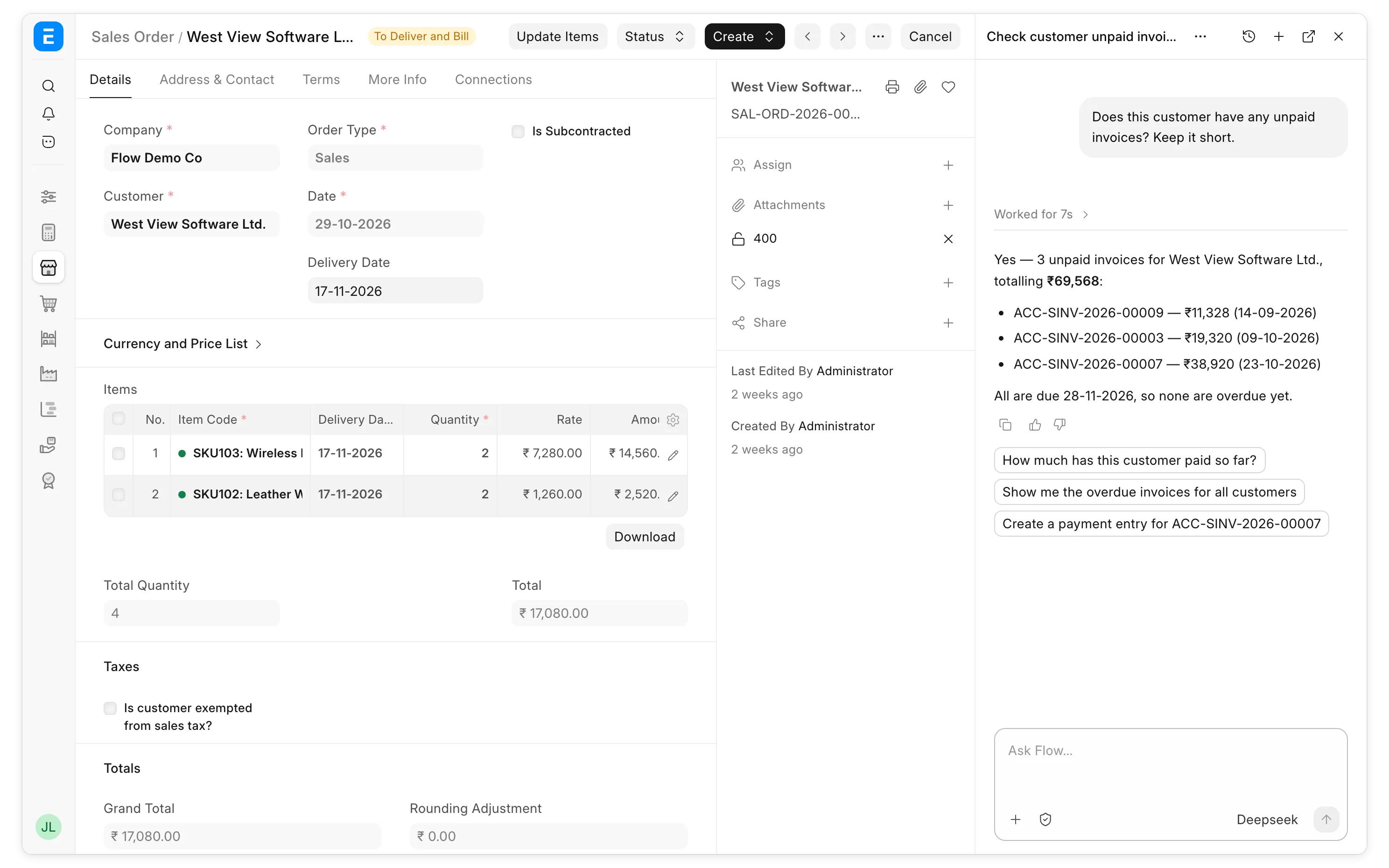
In the side panel, Flow can read the page you are on, so you can ask about it directly.
Approvals
Flow reads data without asking. For changes, each chat has an approval mode, which you can switch below the message box:
| Mode | What Flow does |
|---|---|
| Auto (default) | A reviewer agent approves changes on your behalf. |
| Ask for approval | Asks before every change. |
| Auto-approve | Makes every change without asking. |
When Flow asks, it shows you the change and waits for you to click Approve or Deny.
Other things you can do
- Attach files. Flow reads PDF, Word, Excel, text and image files.
- Pick a different agent or model below the message box.
- Start a skill by typing
/skill:followed by its name. - Share a chat with Share. People you share with can read it, but only you can send messages.
Last updated 4 hours ago
Was this helpful?