


















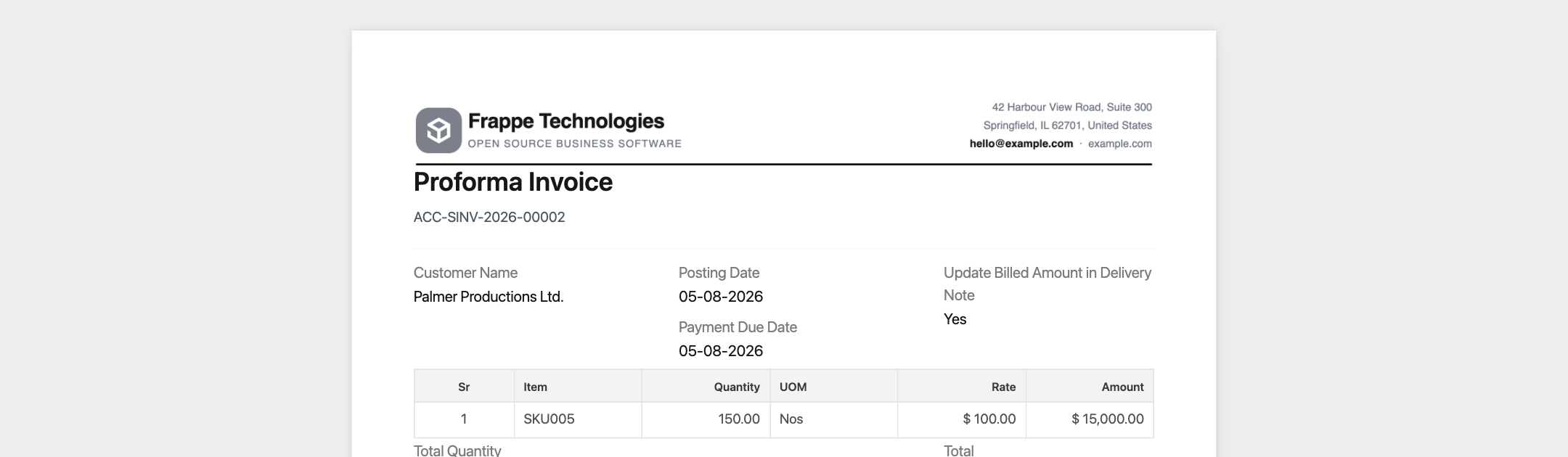
A Print Heading changes the title printed on a document. For example, a Quotation can print as "Proposal", or a Sales Invoice as "Proforma Invoice".
Applies to Frappe v16 and later.
Create a print heading
- Open the Print Heading list and click Add Print Heading.
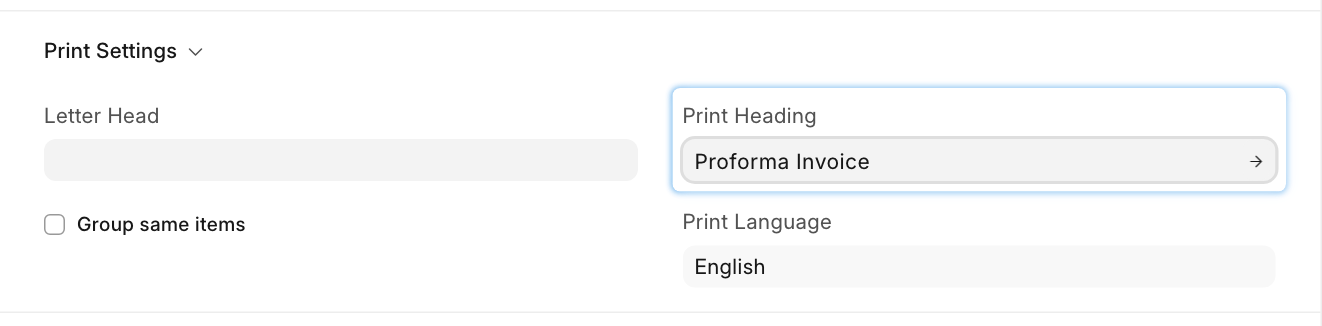
- Enter the title in Print Heading, for example "Proforma Invoice".
- Save.
Use it
Documents that support it have a Print Heading field, usually in a Print Settings section of the form. Pick the heading there and save. The printout shows that title instead of the document type's name.
The field lists every Print Heading on the site, for all document types. Give headings clear names, and delete the ones nobody uses so the list stays short.
To print a heading only for one print, without changing the document, use an HTML print format or a format made in the editor with a Text block instead.
Last updated 3 weeks ago
Was this helpful?