


















If you're setting up Frappe CRM for your company or a client, you can replace the default Frappe branding with your own. Change the name, logo, and favicon and it'll feel like your own CRM.
To get here, go to Settings > Brand.
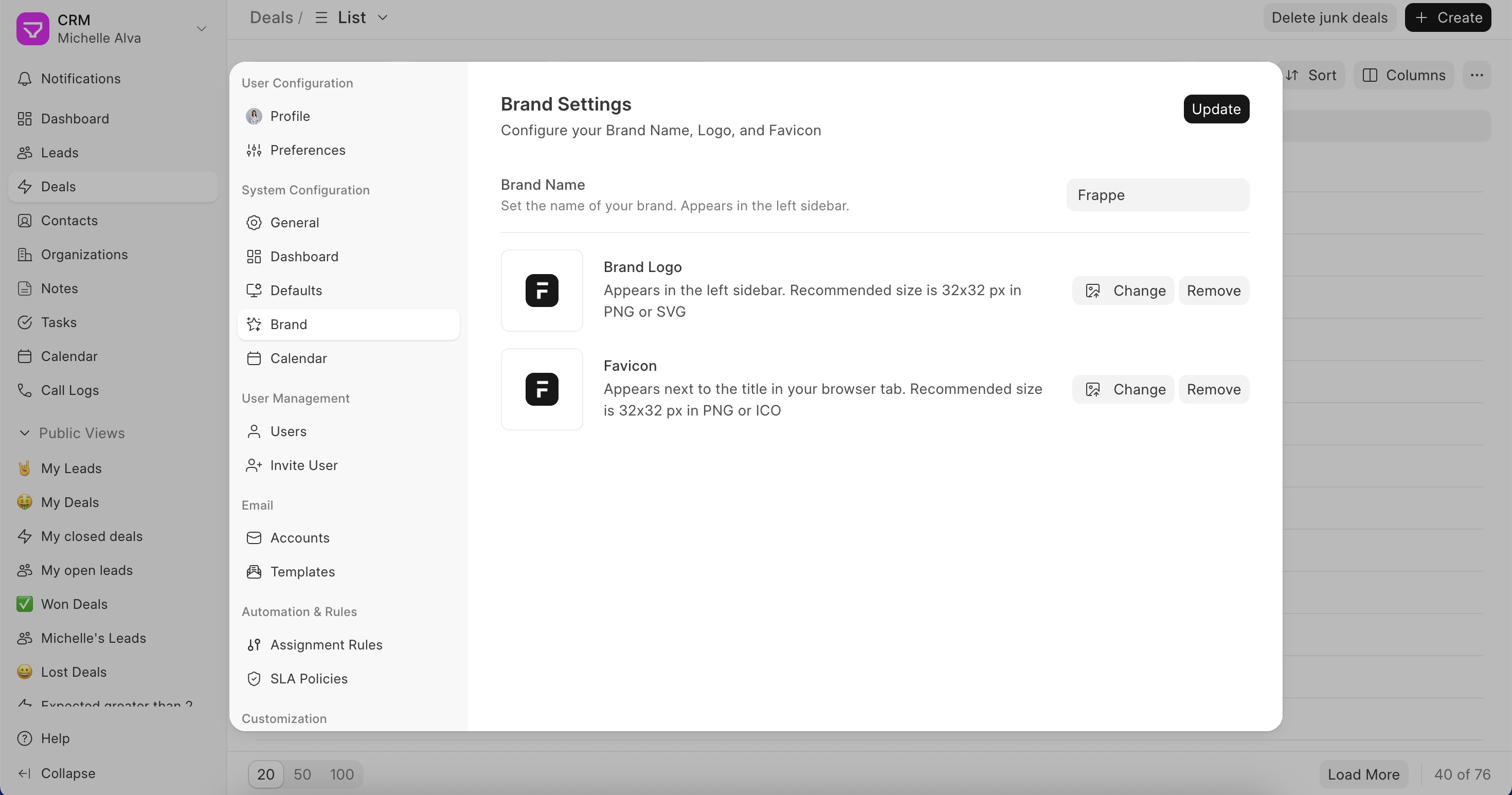
Here's what you can configure:
- Brand Name – Shows up in the top left of the sidebar. Set it to your company name
- Brand Logo – Your company logo, also shown in the sidebar. Recommended size is 32x32px in PNG or SVG
- Favicon – The small icon that appears on your browser tab. Recommended size is 32x32px in PNG or ICO
Hit Update when you're done, and the changes will reflect immediately across the CRM.
Last updated 6 months ago
Was this helpful?