


















General and Defaults
These are system-wide settings that apply across your entire CRM. You'll probably set these once and rarely touch them again. To get here, go to Settings > General and Settings > Defaults.
General
These settings control how your CRM behaves when emails and comments come in.
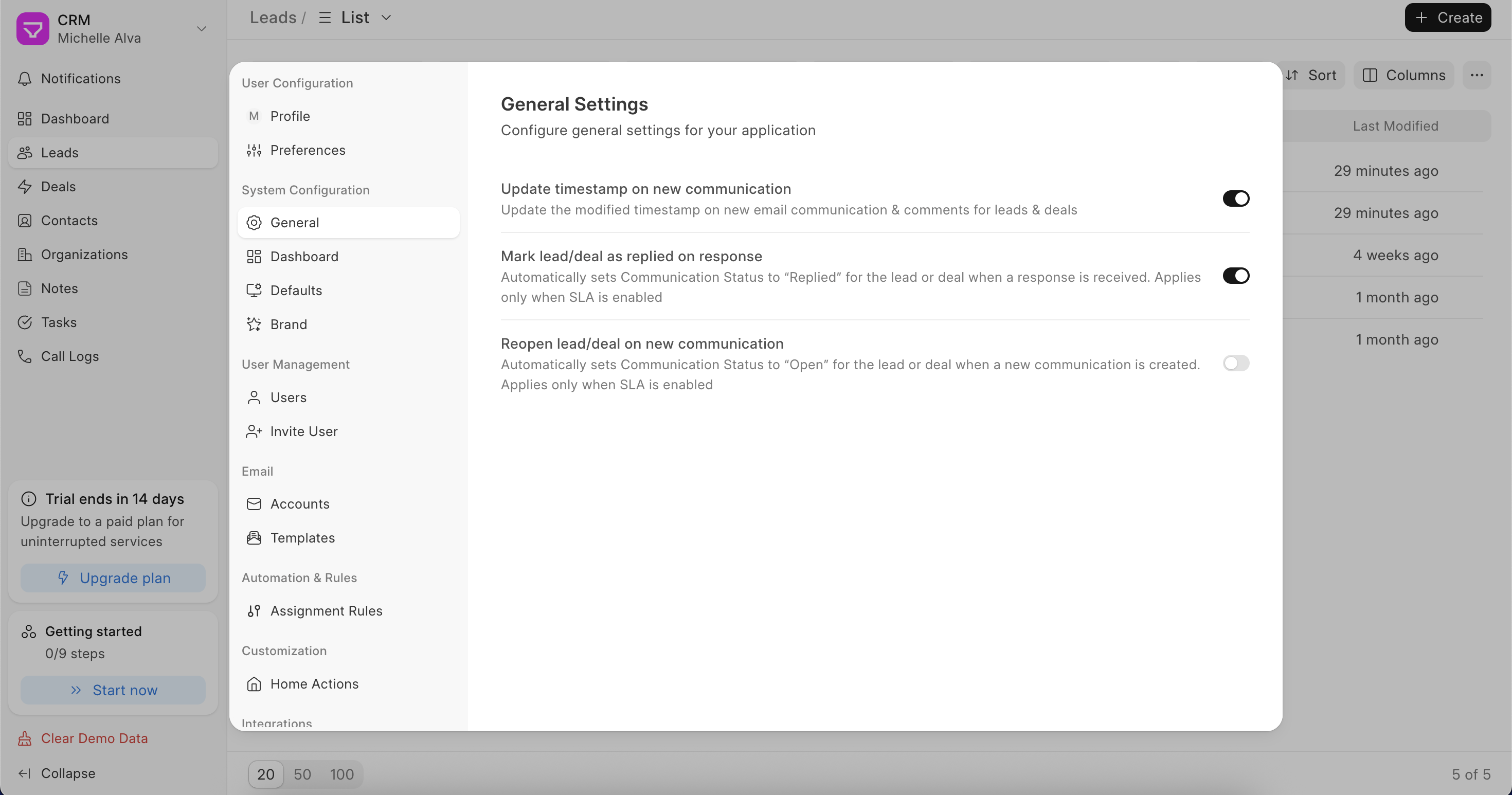
- Update timestamp on new communication – When someone sends an email or leaves a comment on a lead or deal, this updates the "Last Modified" timestamp on that record. Useful for tracking recent activity across your pipeline. If you don't enable this, then new email activity won't affect the last modified timestamp
- Mark lead/deal as replied on response – When a customer replies to your email, the lead or deal is automatically marked as "Replied". Only works if SLA is enabled
- Reopen lead/deal on new communication – If a new email comes in on a lead or deal, it automatically sets the status back to "Open". Only works if SLA is enabled
Defaults
These settings control how numbers, currencies, and dates are displayed across the CRM. Set these to match how your team works.
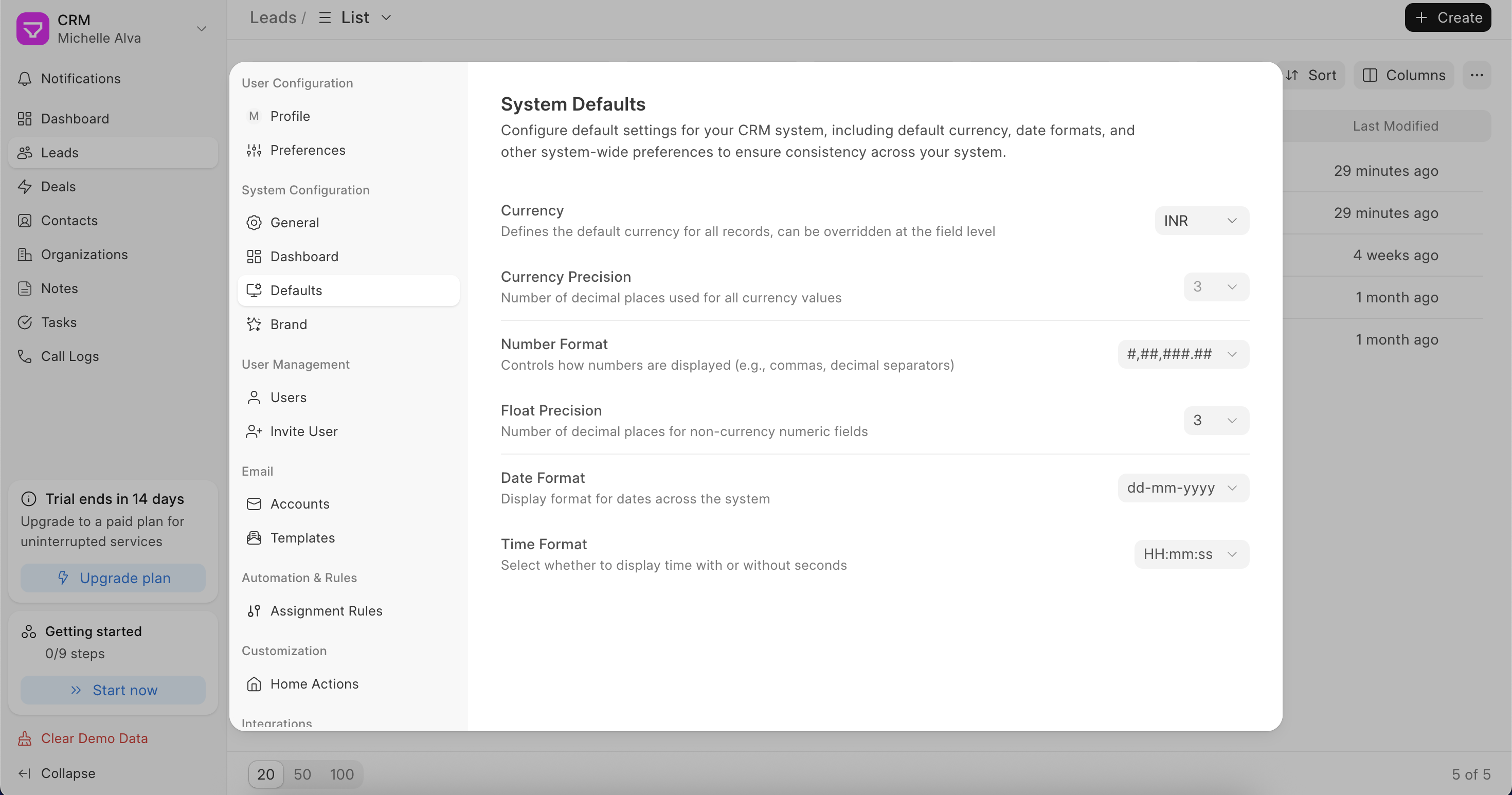
- Currency – The default currency for all records. Can be changed on individual records if needed
- Currency Precision – How many decimal places to show for currency values
- Number Format – How numbers are displayed, for example, with commas and decimal separators
- Float Precision – Decimal places for non-currency number fields
- Date Format – How dates appear across the CRM, for example, dd-mm-yyyy
- Time Format – Whether to show time with or without seconds
Last updated 6 months ago
Was this helpful?