
Settings
There are certain settings that are available for the Project module, which allow for handling overlap time scenarios, and the billing settings control whether logged time can be invoiced. These are all disabled by default.
The settings available are:
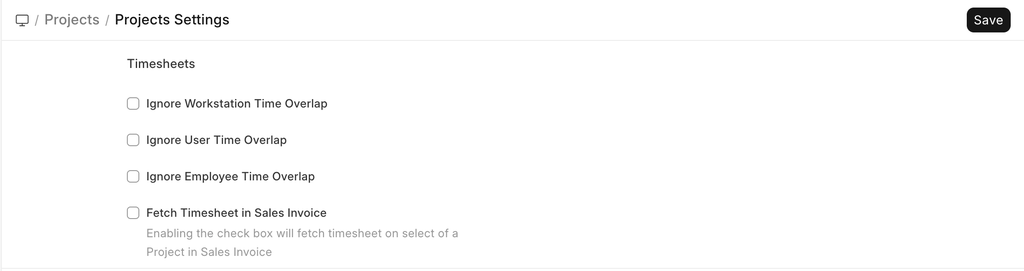 Project Settings
Ignore Workstation Time Overlap
When enabled, ERPNext allows multiple overlapping time logs against the same workstation. It would be useful in places where workstations are shared
Ignore User Time Overlap
When enabled, ERPNext allows overlapping time entries for the same user. It would be useful for users who log time on behalf of multiple employees or teams.
Ignore Employee Time Overlap
When enabled, ERPNext allows overlapping time entries for the same employee. This can be useful at times activity tracking is done and no strict hour validation is required like the HR use cases
Fetch Timesheet in Sales Invoice
When enabled, billable Timesheet entries can be fetched directly into a Sales Invoice.
This allows:
- Billing customers based on logged hours
- Automatic population of invoice items from Timesheet Details linked to a Project