
Single Payment Again Multiple Invoices
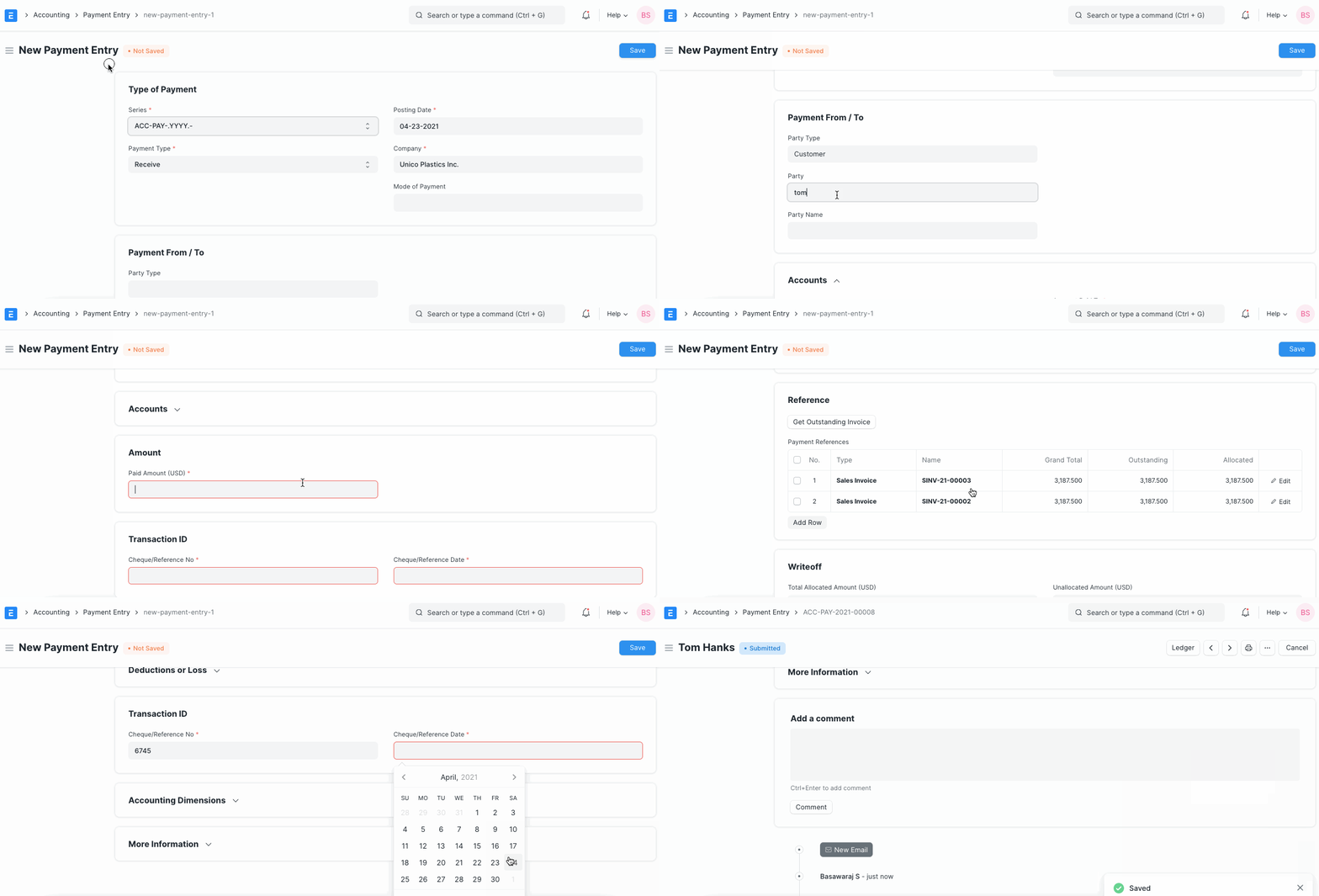
If you want to create a single payment entry adjusting against multiple invoices, follow the steps given below.
- Make a "New Payment Entry".
- Select a Party Type and Party.
- After selecting a Party, all the outstanding invoices will be fetched for that Customer/Supplier.
- Enter the Payment Amount.
- Allocate the amount against invoices/orders as needed.
- Save and Submit Payment Entry.
Demo of Bulk Payment Entry
Last updated 1 month ago
Was this helpful?